unix


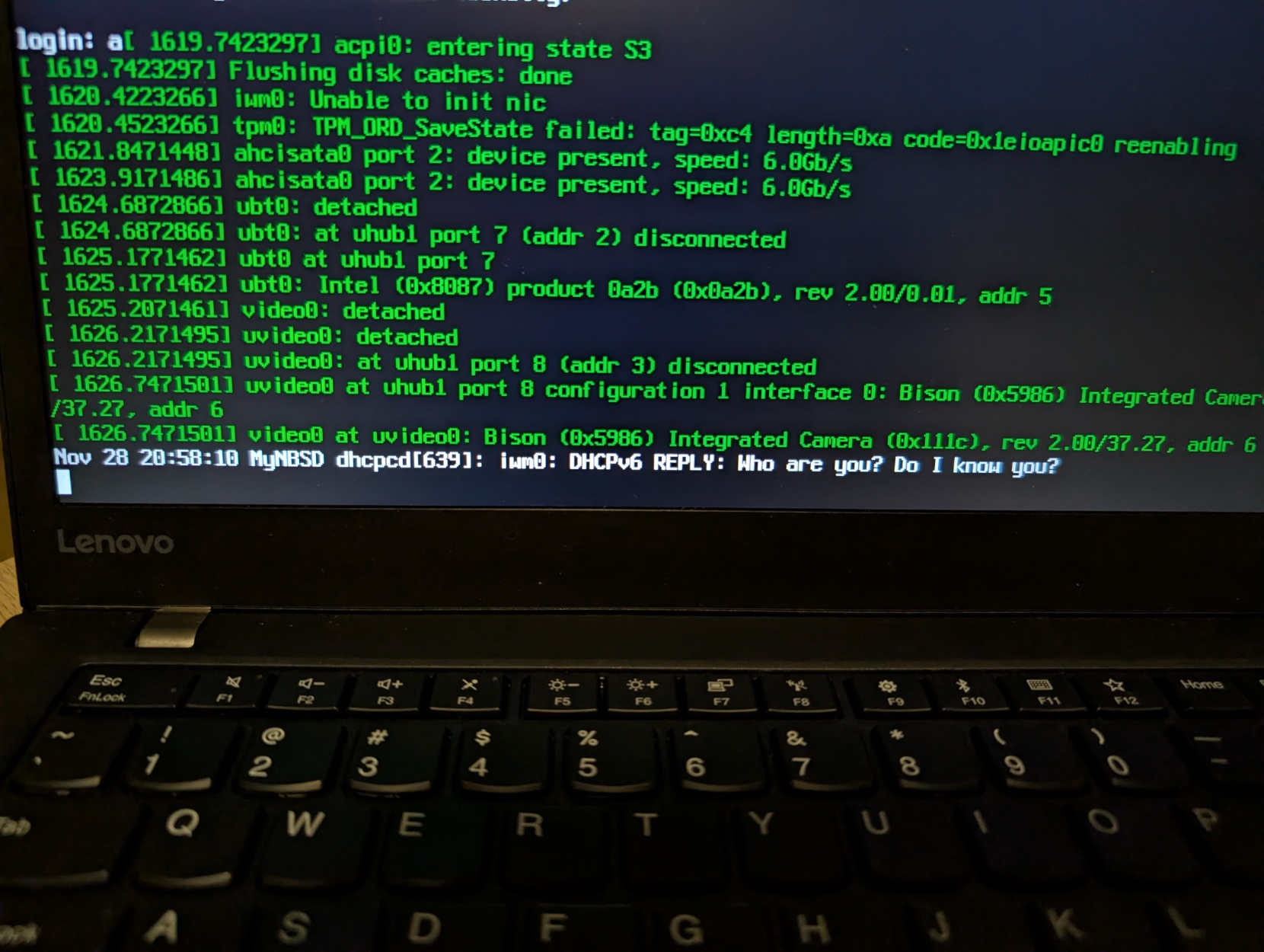
FYI, S3 suspend/wakeup works flawlessly with #FreeBSD and #OpenBSD on this laptop without any hack.
#BSD #RunBSD #Unix #FOSS

all the ways in which terminals' text rendering is bad (2024) via @RunxiYu https://lobste.rs/s/k7kojd #graphics #unix
https://ecs.d2evs.net/posts/2024-05-27-terminals-bad.gmi

So I’m designing a new #GUI toolkit with #REPL built-in, heavy on #UNIX philosophy and shell integration. Inspired by ed(1), of course. But I need to stress-test this design against possible use-cases for such a GUI. What are the small GUI apps you use daily or want to have that’d benefit from a really simple custom GUI you can hack up in an hour?
So far I have:
• Disk flashing utility (I keep forgetting the commands)
• Shell
• Music player
Any other ideas?

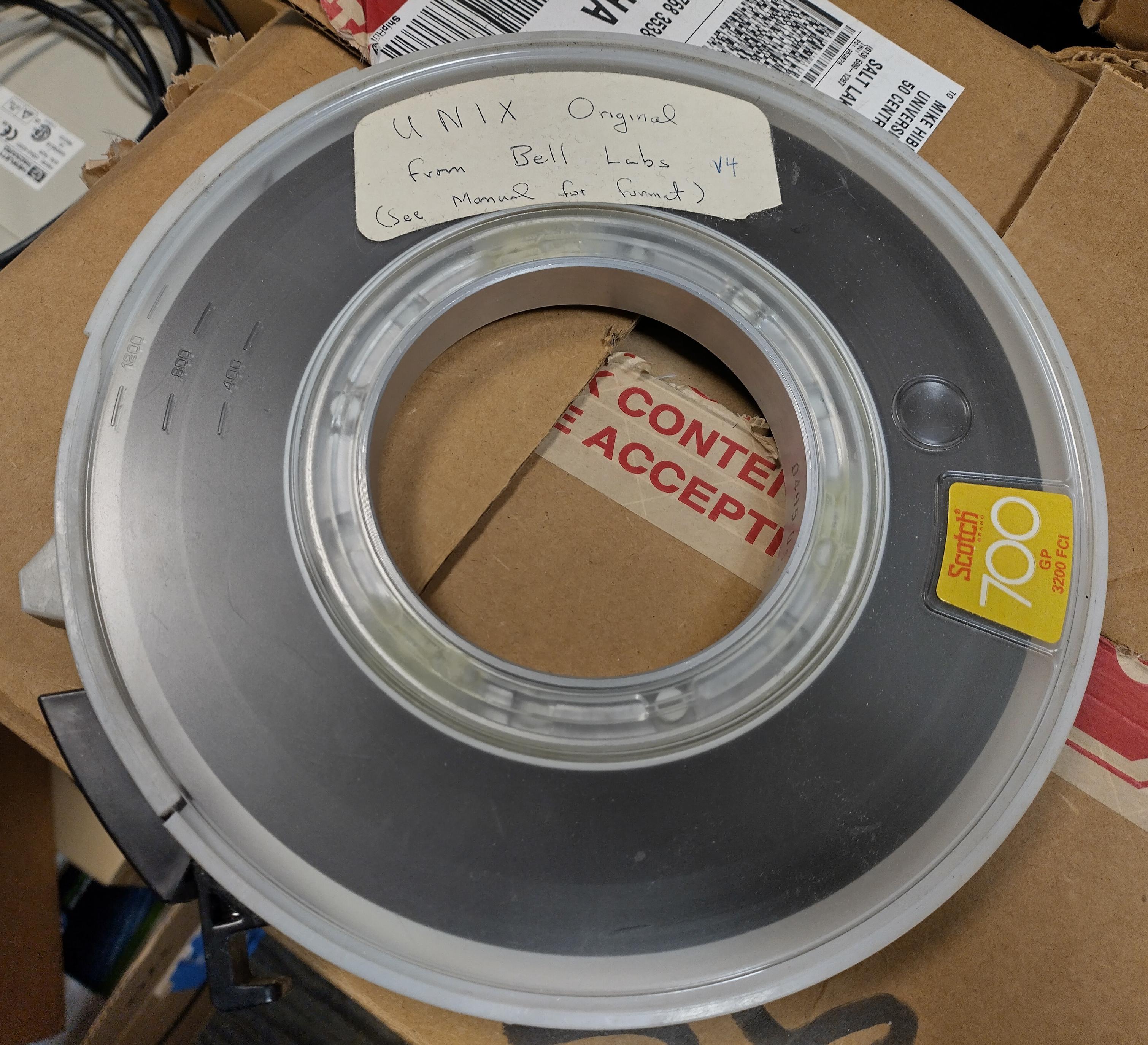
While cleaning a storage room, our staff found this tape containing #UNIX v4 from Bell Labs, circa 1973
Apparently no other complete copies are known to exist: https://gunkies.org/wiki/UNIX_Fourth_Edition
We have arranged to deliver it to the Computer History Museum

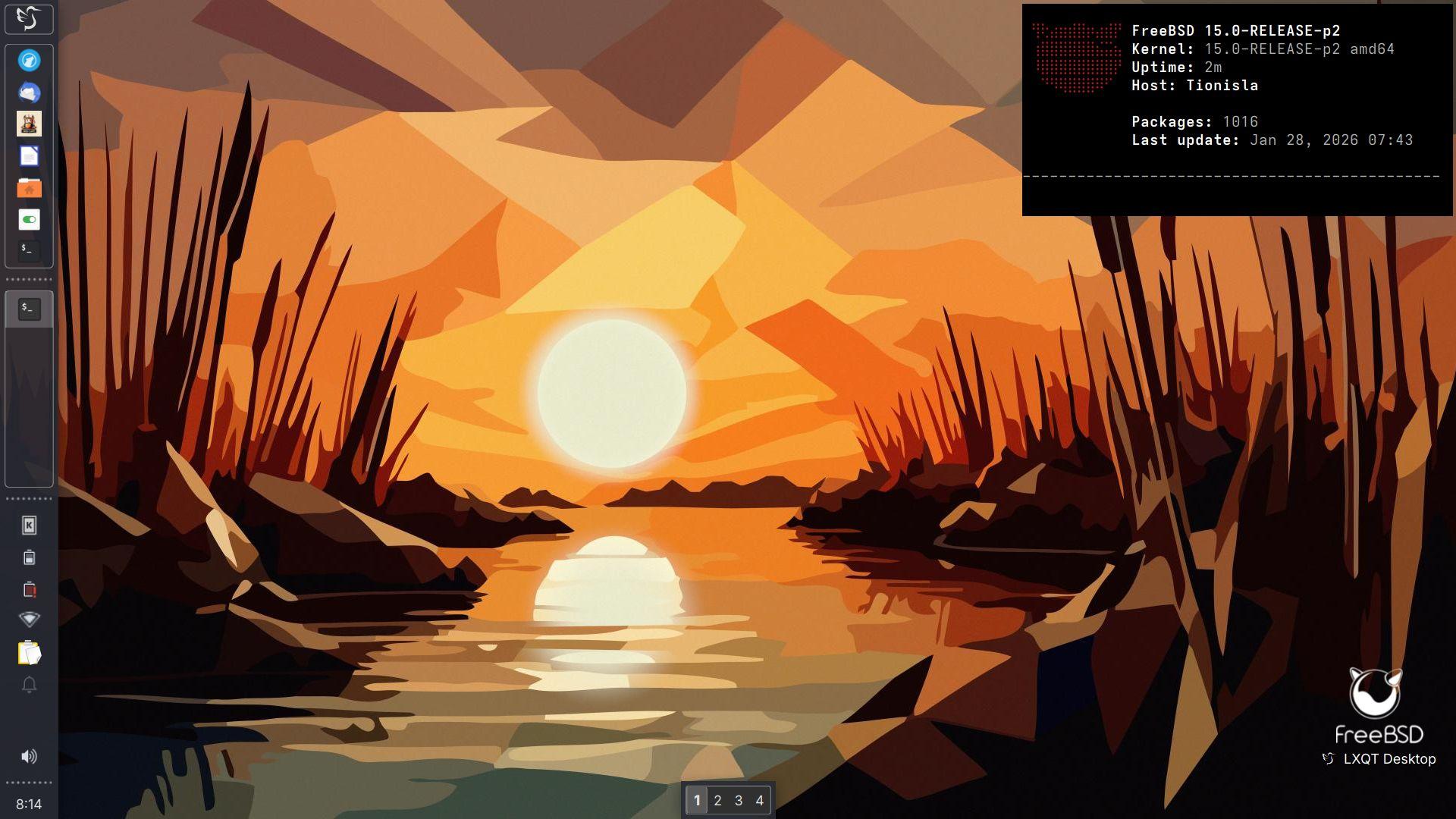
Main: "Tionisla - Dell Latitude e6540
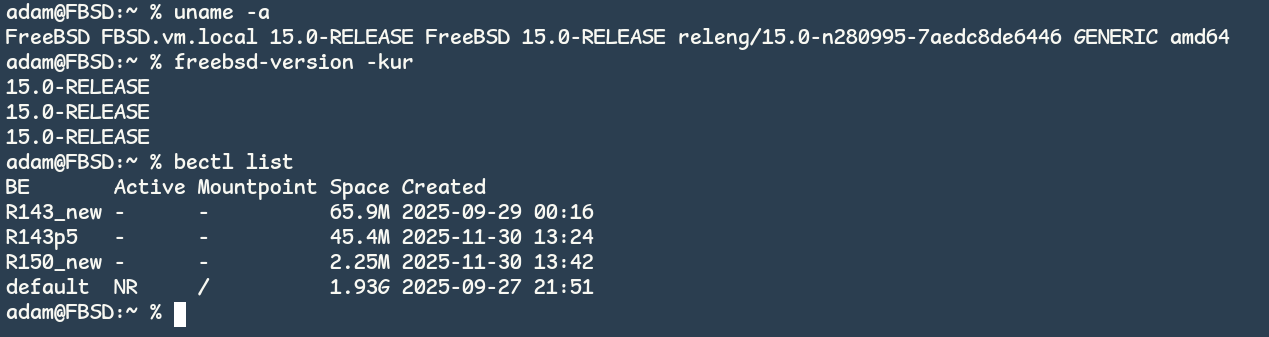
Kernel: 15.0-RELEASE-p2 amd64
Operating System: FreeBSD 15.0-RELEASE-p2
Desktop: LXQT 2.3.0
Windowmanager: XFWM4
Qt Version: 6.10.1
Graphics Platform: X11
qemu-system-x86_64 \
-machine q35 -enable-kvm \
-m 2g -cpu host \
-vga std \
-drive "media=disk,if=virtio,file=$HOME/Downloads/9front-11952.amd64.qcow2" \
-netdev user,id=vioif0,hostfwd=tcp::5699-:22 \
-device virtio-net-pci,netdev=vioif0 \
-no-reboot \
-daemonize
hjfs: fs is /dev/sd00/fs
init: starting /bin/rc
bind: #i: no frame buffer
rio: cannot open display: initdisplay: /dev/draw/new: file does not exist: '/dev/draw'
init: rc exit status: rc 217: rio 326: display open
init: starting /bin/rc

Back then, the articles tested st 0.6/0.7 (Debian/Fedora) and 0.8.1 upstream, a fair snapshot of the time.
I went through the upstream st git history from 2018 → 2025 and mapped many of the issues discussed (Unicode/wide glyphs, input crashes, paste & tmux integration, redraw/latency, escape sequences) to the actual fixes that landed over the years.
No single “big patch”, just steady maintenance:
wide-glyph correctness, crash-class input fixes, bracketed paste terminfo, latency tuning, and modern escape/color handling.
I wrote a short technical note with links to the relevant commits:
https://4c6e.xyz/code_notes.html
(post: Revisiting ST after the 2018 LWN analysis)
I’ve been using st + tmux daily on Slackware and it’s been solid: minimal, fast, predictable — exactly what I want on X11.
#st #suckless #unix #tmux #x11 #slackware
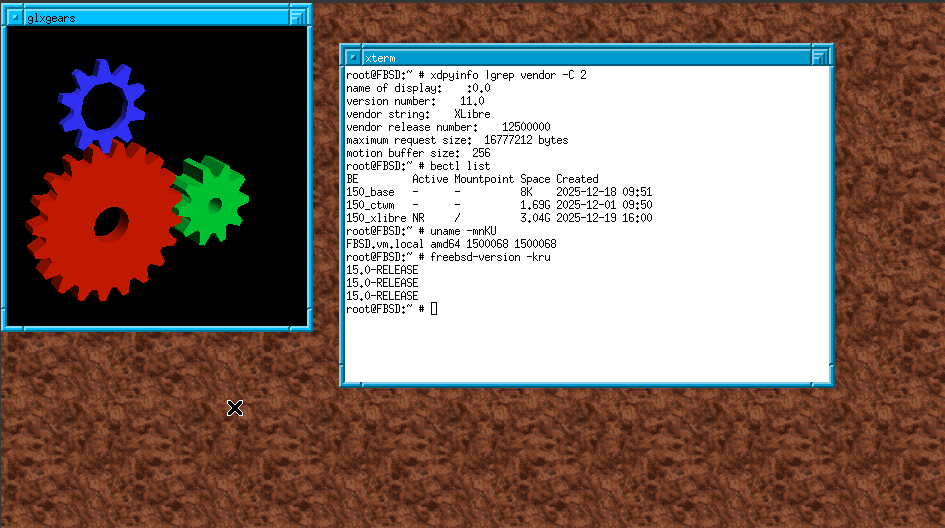
https://www.youtube.com/watch?v=j5UeSj2F-yc
https://github.com/slovjinika/jwm-themes
#FOSS #Unix #WM #WindowManager
$ alias screenhelp='cat ~/.screen-cheatsheet.txt'
$ screenhelp
No apps, no TUIs, no search.
Just cat and muscle memory.
Example:
https://git.sr.ht/~r1w1s1/code-notes/blob/main/notes/My_GNU_Screen_Setup.txt
#unix #commandline #gnu #screen
A shell exclamation mark is not for yelling. Be lazy https://lobste.rs/s/0mjyep #unix
https://refp.se/articles/your-shell-and-the-lazy-exclamation-mark
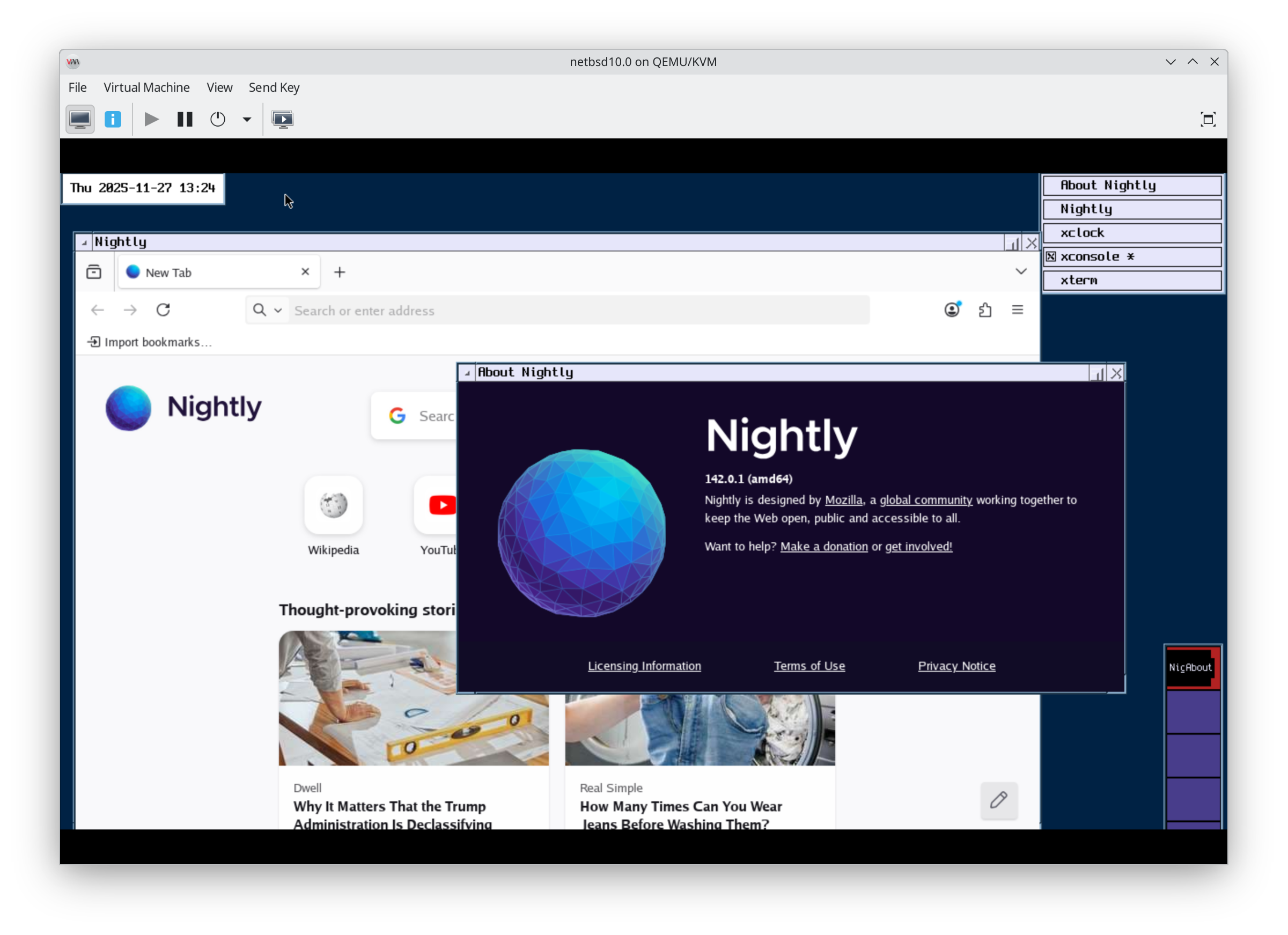
I think I will probably end my NetBSD journey at this point.
#FOSS #Unix #BSD #RunBSD
A history of teapots and UNIX https://lobste.rs/s/ql5jpq #graphics #unix
https://discuss.systems/@thalia/116417242648384997
git-kv: Key-value store attached to git commits using Git notes https://lobste.rs/s/ygjm5d #devops #unix #vcs
https://github.com/sebastien/git-kv
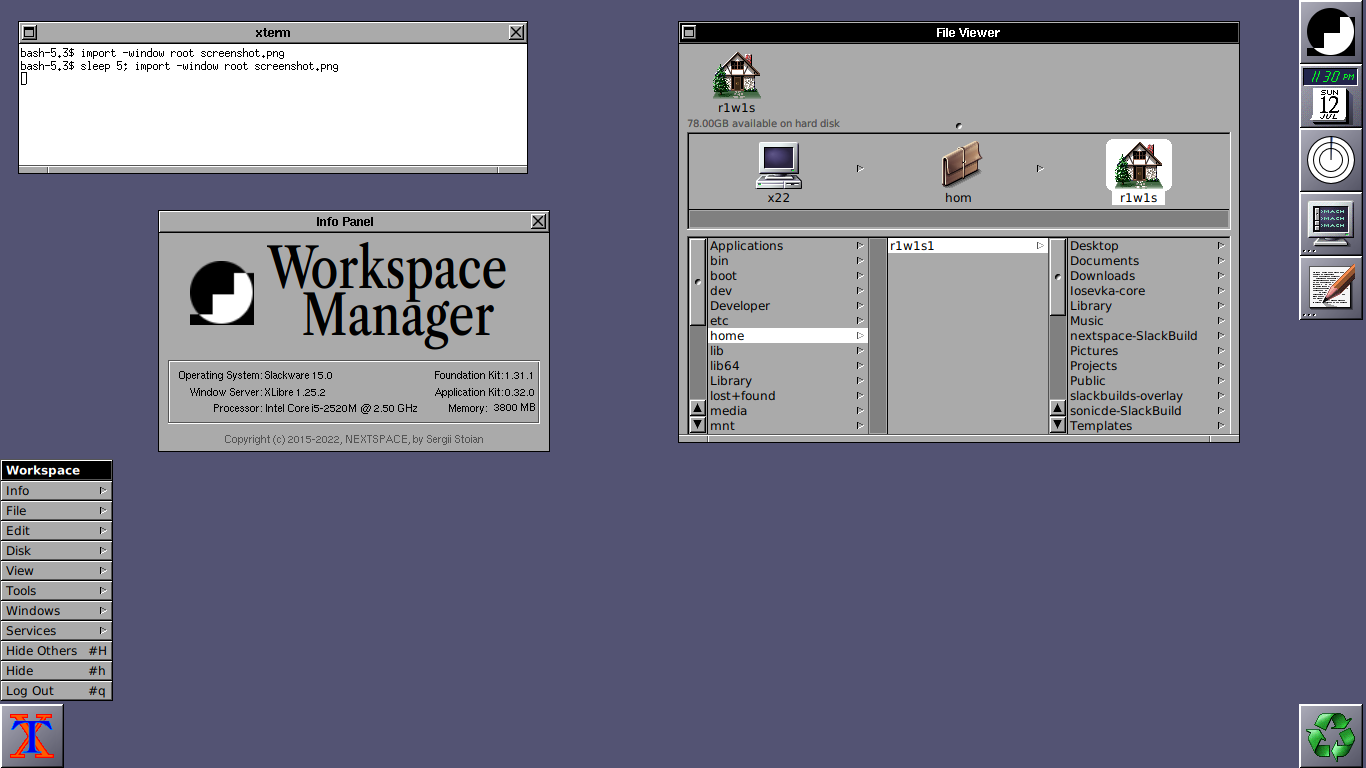
A modern implementation inspired by the classic NeXTSTEP desktop. It's interesting to see how its design and workflow still feel relevant decades later.
Definitely a fun project to explore.
#Slackware #NextSpace #XLibre #Unix #X11
#AskFedi #BSD #RunBSD #unix #WM
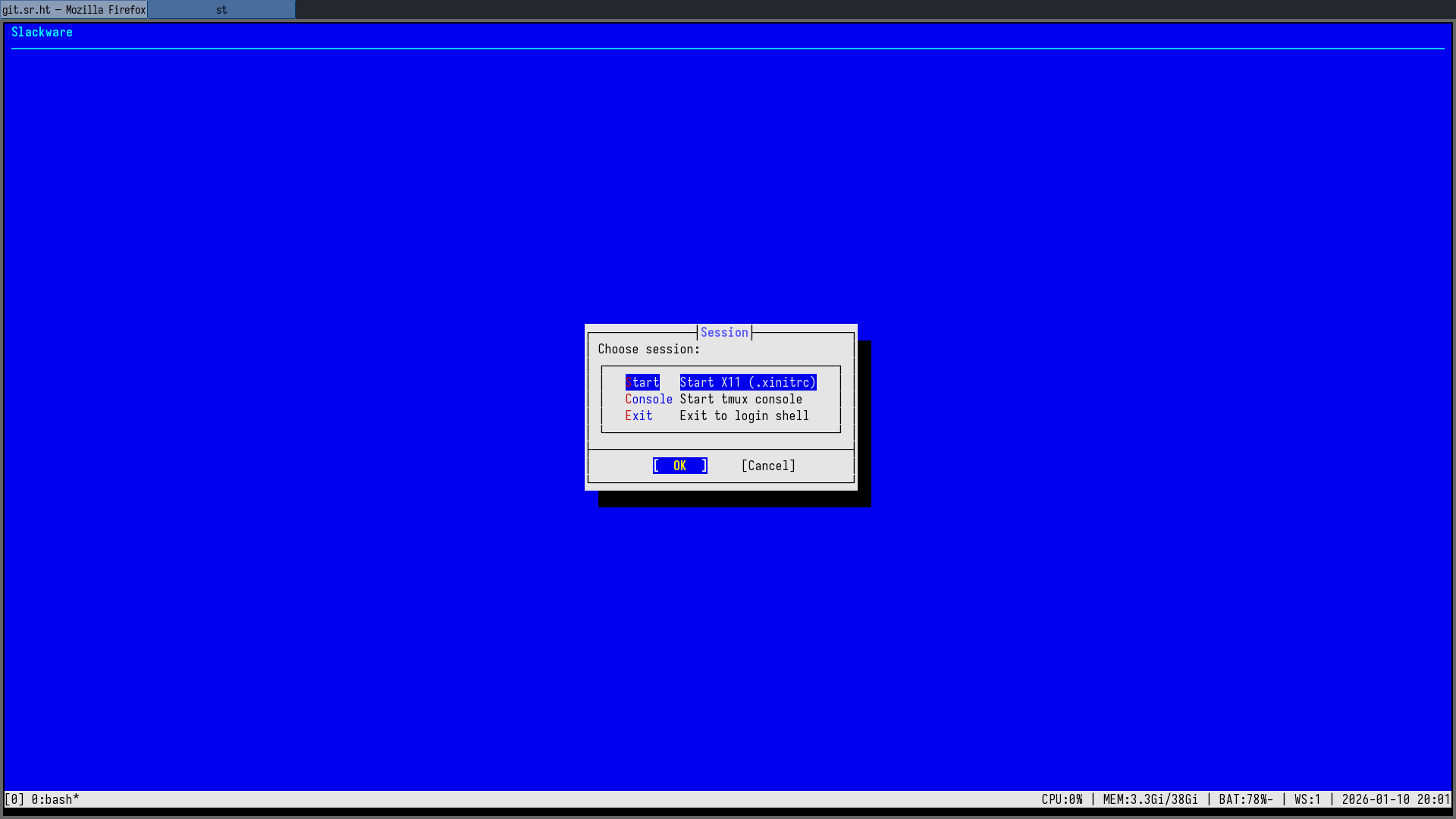
Built bsddialog from git (thanks to @alfonsosiciliano for the project) and wired it into my tty1 session menu — this is what my login screen looks like now.
Clean fonts, proper spacing, no GUI toolkit… it really feels like a real BSD-style installer, not just “dialog in a box”.
#BSD #Slackware #TUI #Unix
The lost thesis of Dennis Ritchie https://lobste.rs/s/my3lu9 #pdf #unix
https://archive.computerhistory.org/resources/access/text/2020/05/102790971/Ritchie_dissertation.pdf

Dolphin File Manager: Enable Administrator or Root Access
Attain the necessary steps on how to activate the administrator or root mode access using KDE Plasma’s default file manager application Dolphin.
https://www.adamsdesk.com/posts/dolphin-enable-administrator-root-access/
Resolve GNOME Shell v49 Failed to Start Gnome-Session-X11
Resolve the frustrating circumstance to the problem where GNOME Shell Display Manager version 49 fails to start unit gnome-session-x11.
https://www.adamsdesk.com/posts/gnome-shell-49-failed-start-session-x11/