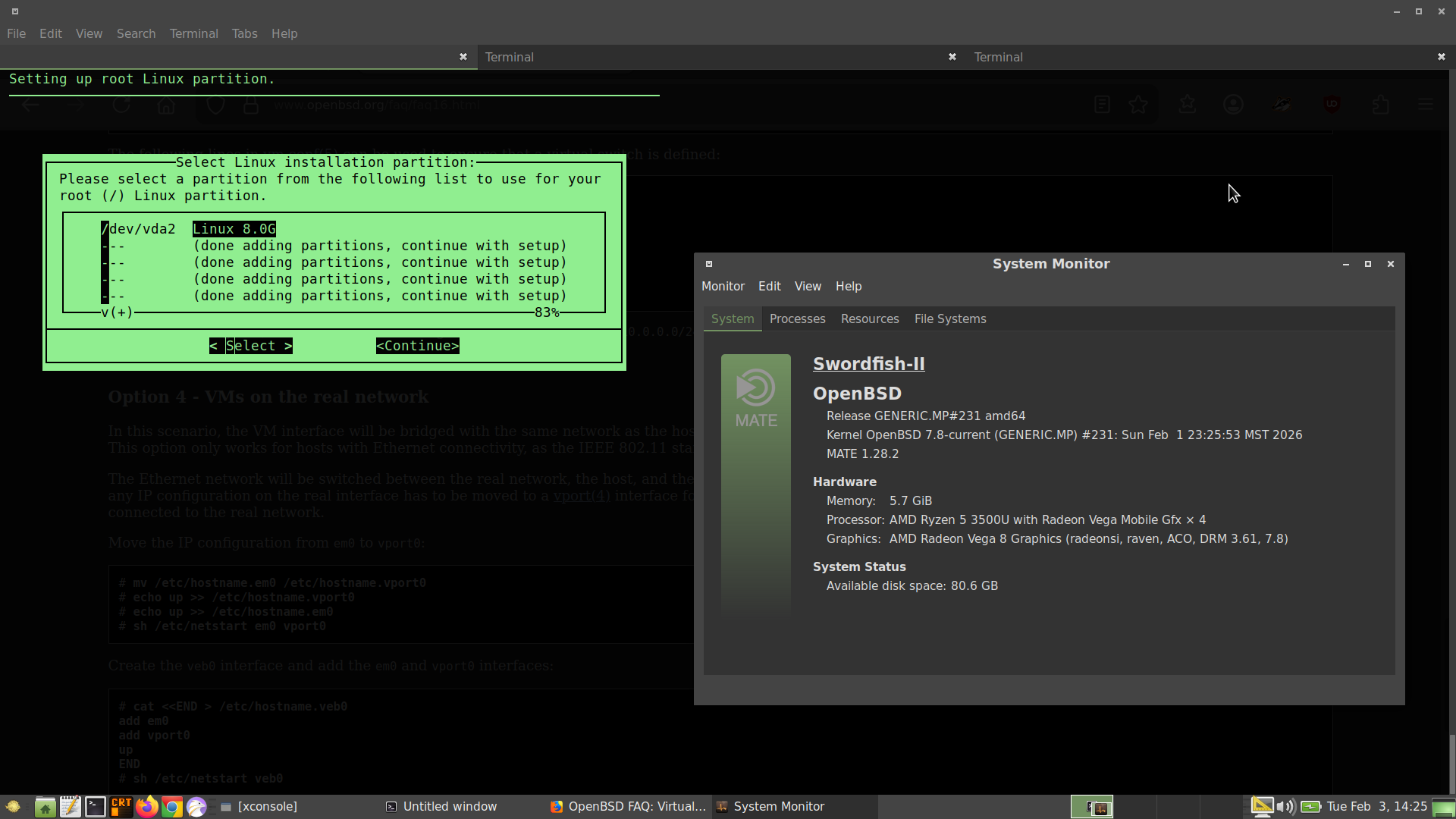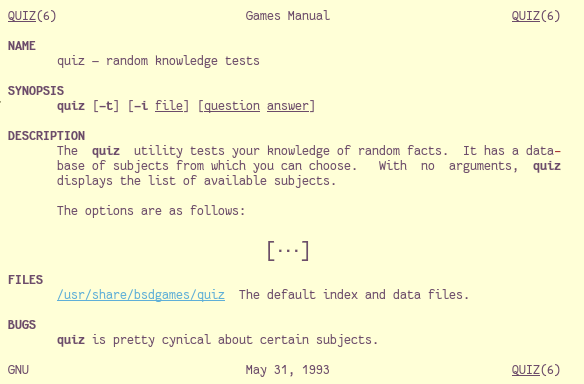
I think I will probably end my NetBSD journey at this point.
#FOSS #Unix #BSD #RunBSD
Exquisite.social is a general Glitch Mastodon server with a slight focus on technology, privacy and *BSD. We are here to play and make friends in a supportive atmosphere.
This server has a post size of up to 2500 characters.
You can find out more at https://exquisite.social/about or contact the admin account @exquisite
#FeaturedServer #Technology #Privacy #BSD #GlitchMastodon #Mastodon #Fediverse #FreeFediverse
I've been running one Linux distro or another (mostly Debian) for 30 years, so how hard can it be to get a FreeBSD 15.0 ISO or memstick.img on a USB thumb drive for installation? Apparently, for me, very hard. 🤣
I'll figure this out. This is quite the humbling experience. 👍️
UPDATE: Using the dd command worked. I now have the FreeBSD ISO on the thumb drive. Should have tried this earlier.

Yet another UPDATE. ISO is on the thumb drive but still won't boot on the X1 Carbon. I have an older laptop I can try this on. The Boot Menu recognizes the thumb drive but won't boot.
#FreeBSD #BSD
Advertisement: We are happy to welcome our new sponsor at #BoxyBSD: ST-Hosting.com
ST-Hosting.com stands for performance, stability, and pragmatic solutions and hosting like:
- LXC & KVM servers on AMD EPYC, Ryzen, Intel Xeon systems
- Fair pricing and direct support from Germany
- Hosting made in Germany
We’re excited to have https://st-hosting.com on board! You can immediately start to provision your BSD based boxes (like #FreeBSD, #OpenBSD, #NetBSD,...) at BoxyBSD in our new location in Germany, Nuremberg. Also, stay tuned for #Fosdem ;) Thanks a lot!
Thanks to the #FreeBSD Handbook on Ports and the following page, I finally got around to building the drm-kmod port and dependencies so that amdgpu runs properly on 14.2.
https://forums.freebsd.org/threads/freebsd-14-2-graphics-fix.96365/
Installing #Slackware #Linux using #vmm on #OpenBSD. Got some help from this video on getting the console to display correctly in the terminal.
#RunBSD #BSD #virtualization
https://www.youtube.com/watch?v=sZnM-T6Os-s
Planning on using this as a practice Linux system for my Linux+ studies.
# FreeBSD
pkg ins vim # same as pkg install vim
pkg sea vim # same as pkg search vim
# NetBSD
pkgin in vim # same as pkgin install vim
pkgin se vim # same as pkgin search vim
# while in Debian
apt search vim # no apt se/sea
apt install vim # no apt in/ins
GhostBSD is going to abandon Xorg after 15 years. Eric Turgeon explains why GhostBSD switched from Xorg to XLibre instead of Wayland.
Full details here: https://ostechnix.com/ghostbsd-switches-to-xlibre-over-wayland/
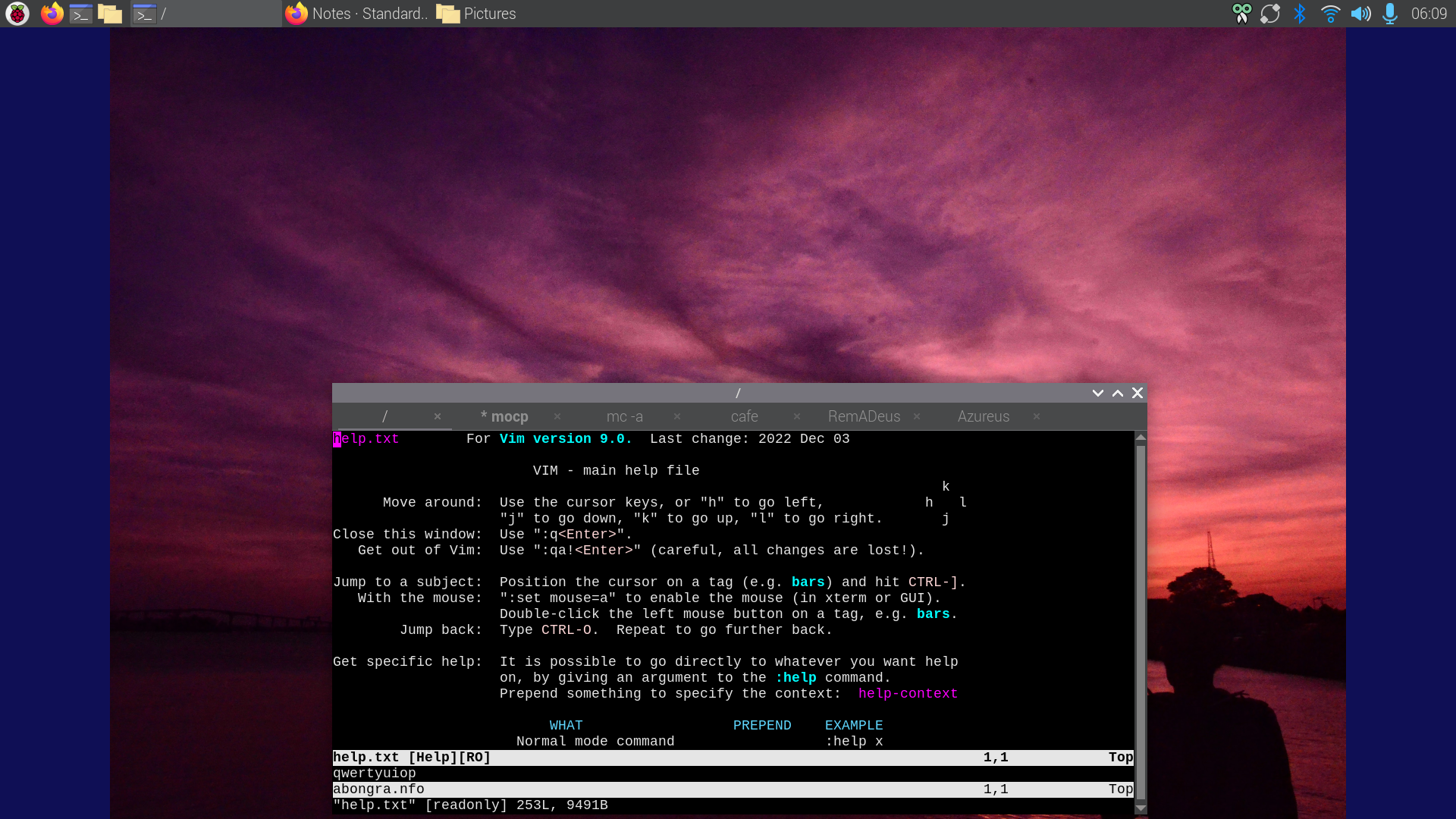
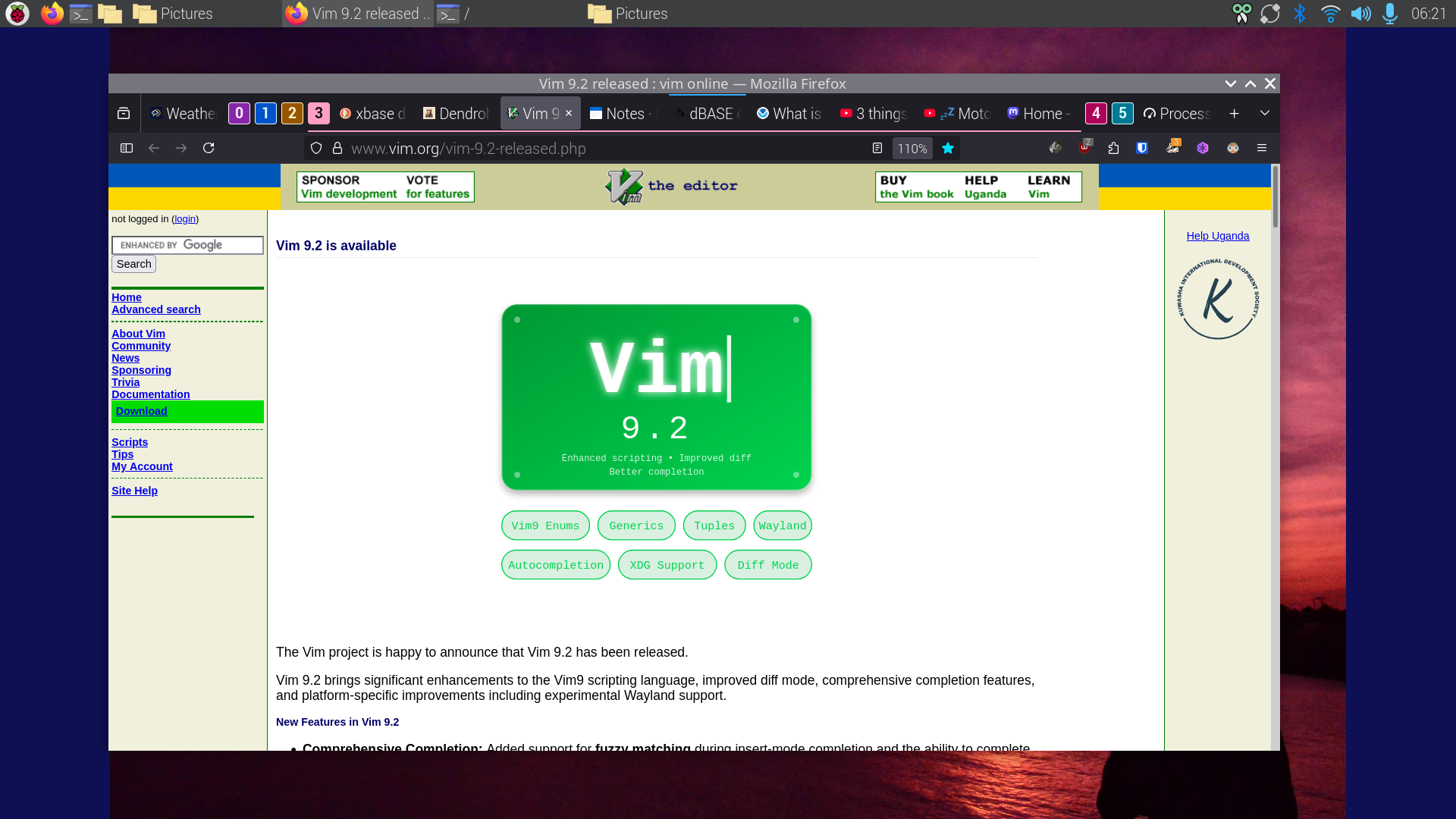
Vim v9.2 is released. There are many magnífico features I look forward to use. VIM is a Swiss Army Knife for editing Source Code & text.
The features are too many to mention, no really I don't know them all; NOBODY DOES!
Just like with the GiMP I know the functions I need and learn more when the requirement arizes. VIM has an extensive help system which Bram Molenaar et all developed over the decades that VIM exists.
History
VIM was initially coded on the Amiga computer systems of which I own an A4000T with a Cyberstorm 060 and Max Ram, with RTG card (Picasso 96), a A1200 vanilla with a stock HDD & an A500 with stock RAM (chip and fast) and 3 FDD 2x 3.5" 1x 5 1/4"
Bram wrote VIM in such a way that it runs on the A500 with just 512kB RAM!
There are people who love EMACS. To them I say
<flame bait>
EMACS can't hold a candle to VIM
</flame bait>
Of course that is just humour. In the Open Source world choice is what makes us all work and play well on whatever hardware we have with whatever tools we love
>> Quote
New Features in Vim 9.2
Comprehensive Completion: Added support for fuzzy matching during insert-mode completion and the ability to complete words directly from registers (CTRL-X CTRL-R). New 'completeopt' flags like nosort and nearest offer finer control over how matches are displayed and ordered.

Modern Platform Support: Full support for the Wayland UI and clipboard has been added. On Linux and Unix-like systems, Vim now adheres to the XDG Base Directory Specification, using $HOME/.config/vim for user configuration.
UI Enhancements: A new vertical tabpanel provides an alternative to the horizontal tabline. The MS-Windows GUI now supports native dark mode for the menu and title bars, along with improved fullscreen support and higher-quality toolbar icons.
Interactive Learning: A new built-in interactive tutor plugin (started via :Tutor) provides a modernized learning experience beyond the traditional vimtutor.
^Z
>> Quote II
Vim9 Script Ecosystem & AI Integration
The maturity of Vim9 script's modern constructs is now being leveraged by advanced AI development tools. Contributor Yegappan Lakshmanan recently demonstrated the efficacy of these new features through two projects generated using GitHub Copilot:
Battleship in Vim9: A complete implementation of the classic game, showcasing classes and type aliases. [GitHub]
Number Puzzle: A logic game demonstrating the efficiency of modern Vim9 for interactive plugins. [GitHub]
^Z
I wonder why they have LLM support?
Note
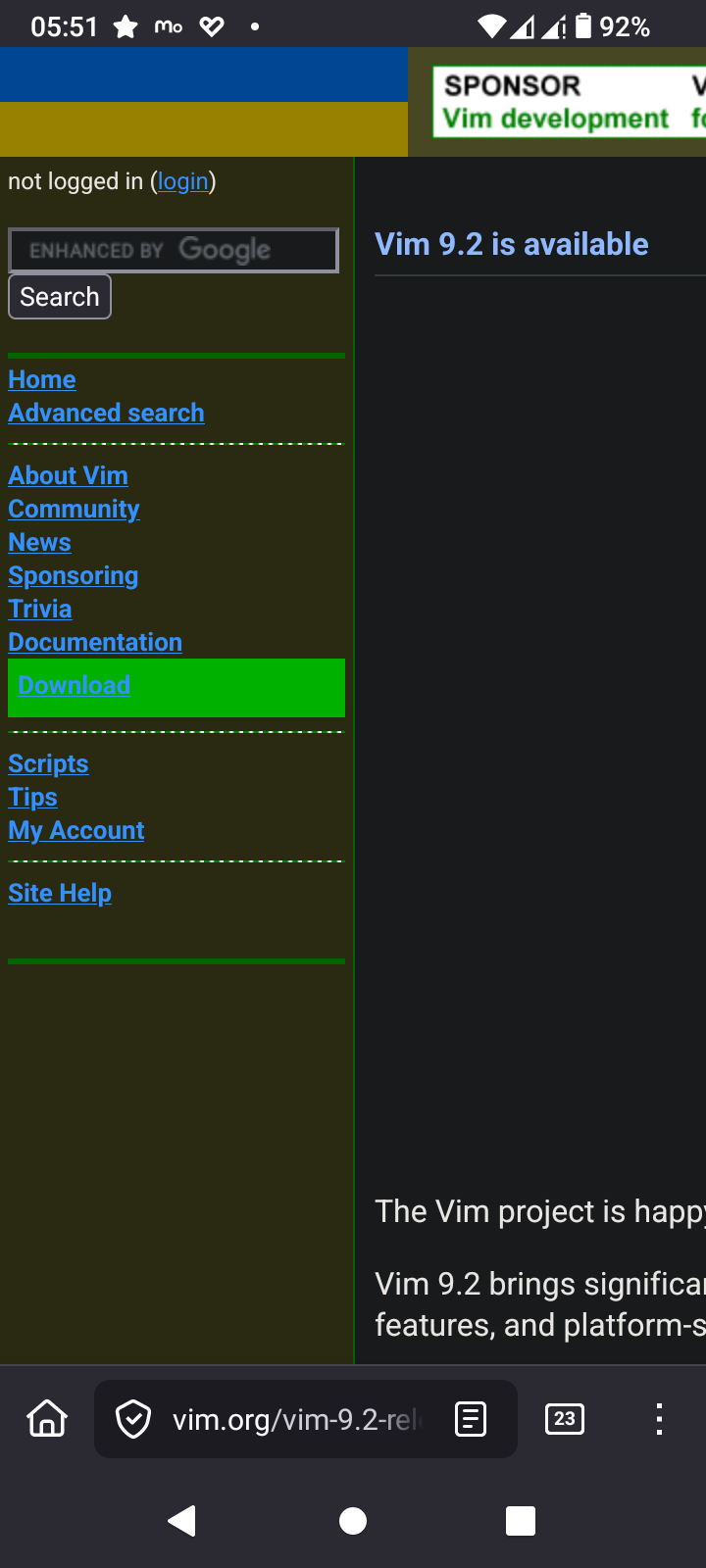
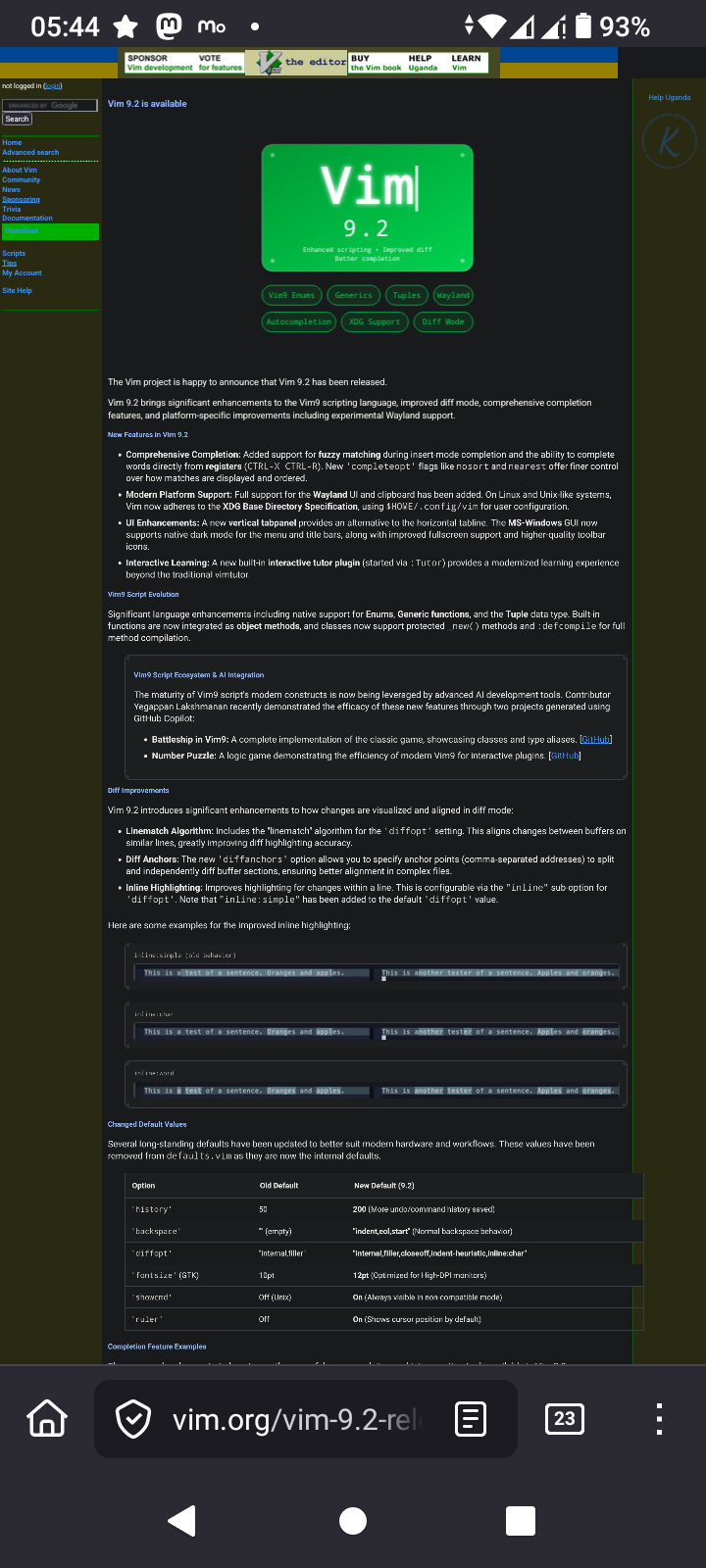
The download page looks horrible on mobile so you'd be wise to view it on desktop
If this is your first time using VIM and you didn't bother to read the help file with `:h`
Just exit VIM type `:wq` to write & exit or type `:q!` to exit without saving the file
#Vim #VimMasterRace #tips #tricks #handy #features #Vi #EMACS #editor #text #freeBSD #ghostBSD #BSD #Linux #OpenSource #POSIX
curl libcurl
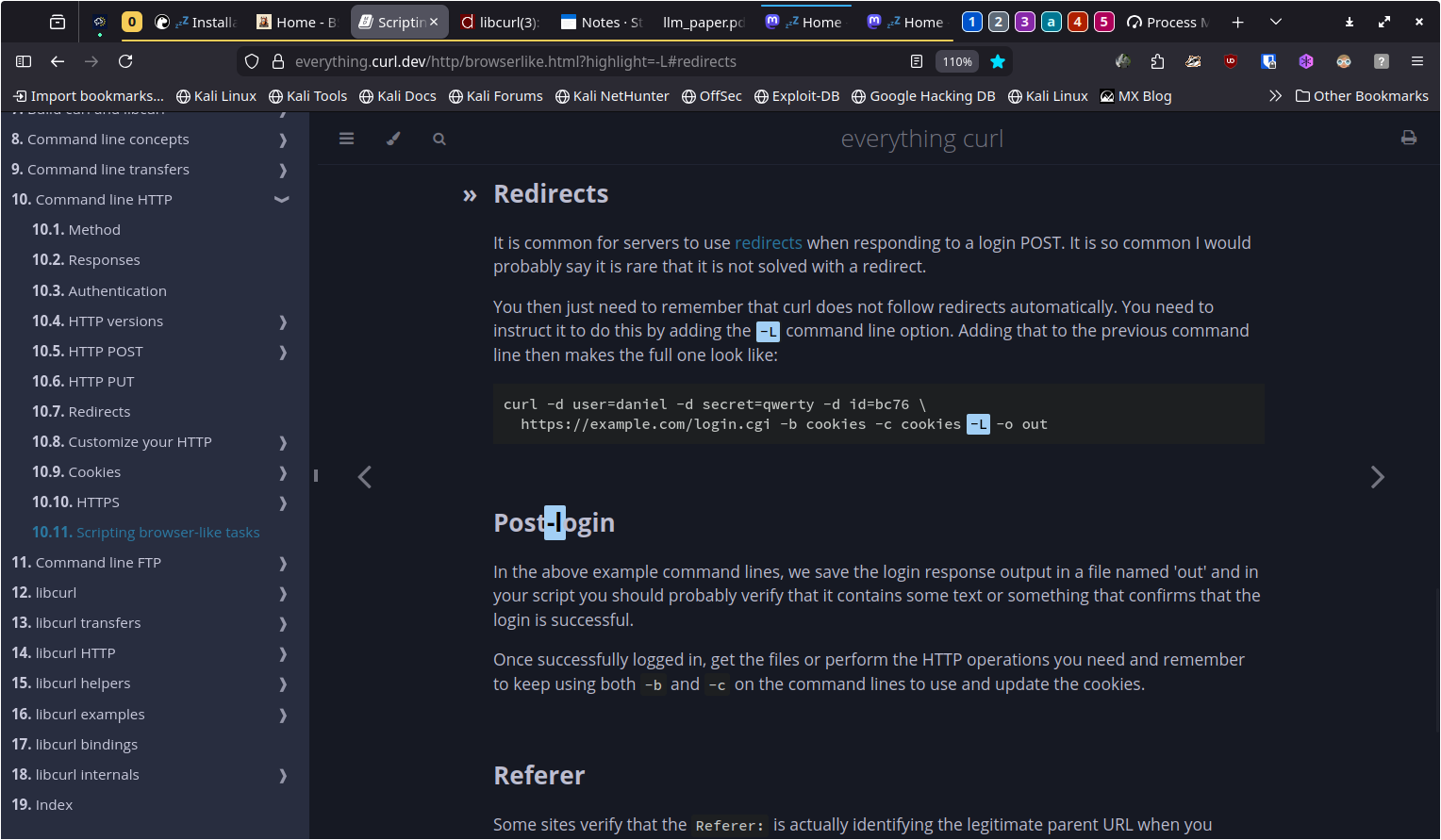
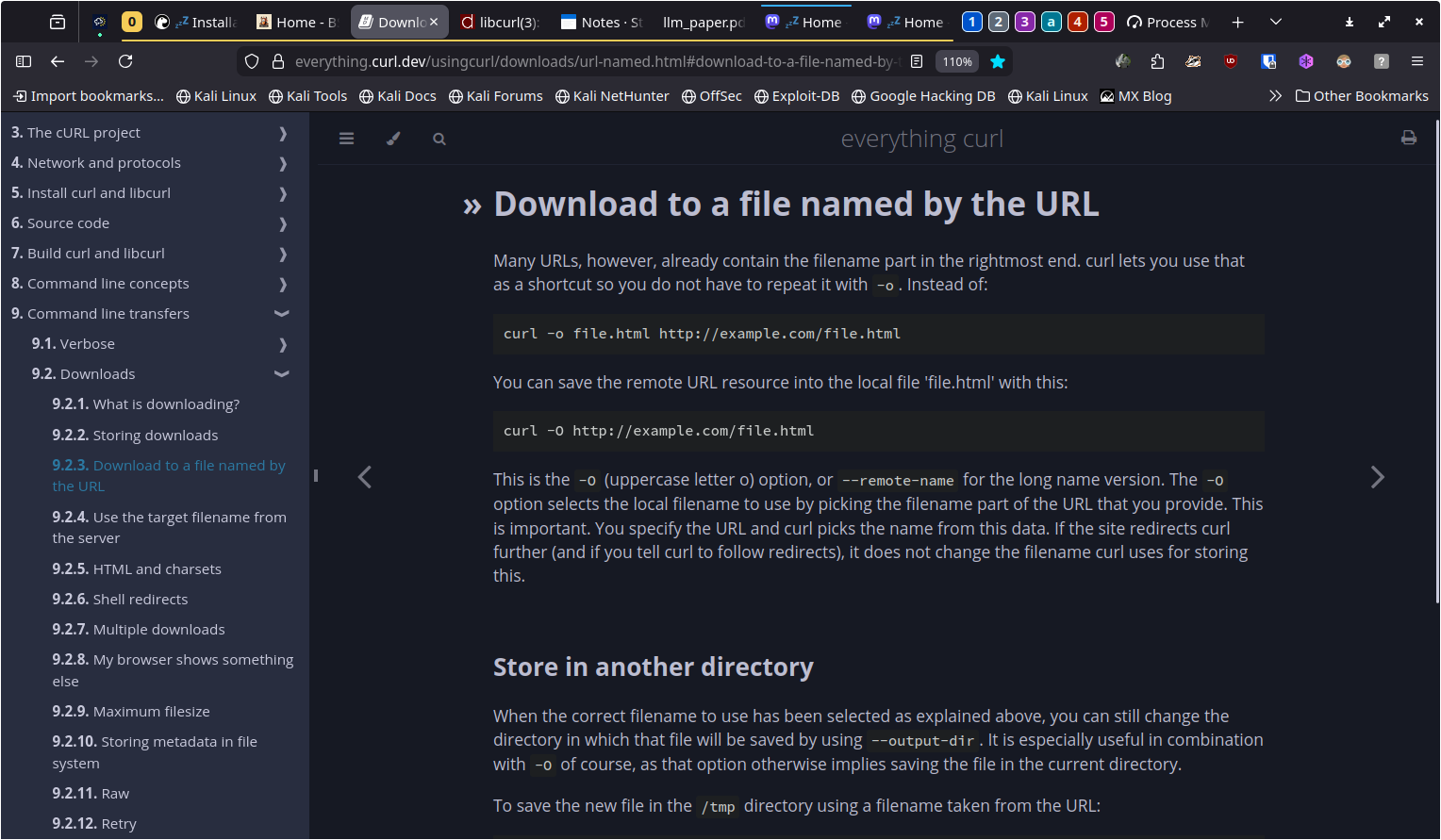
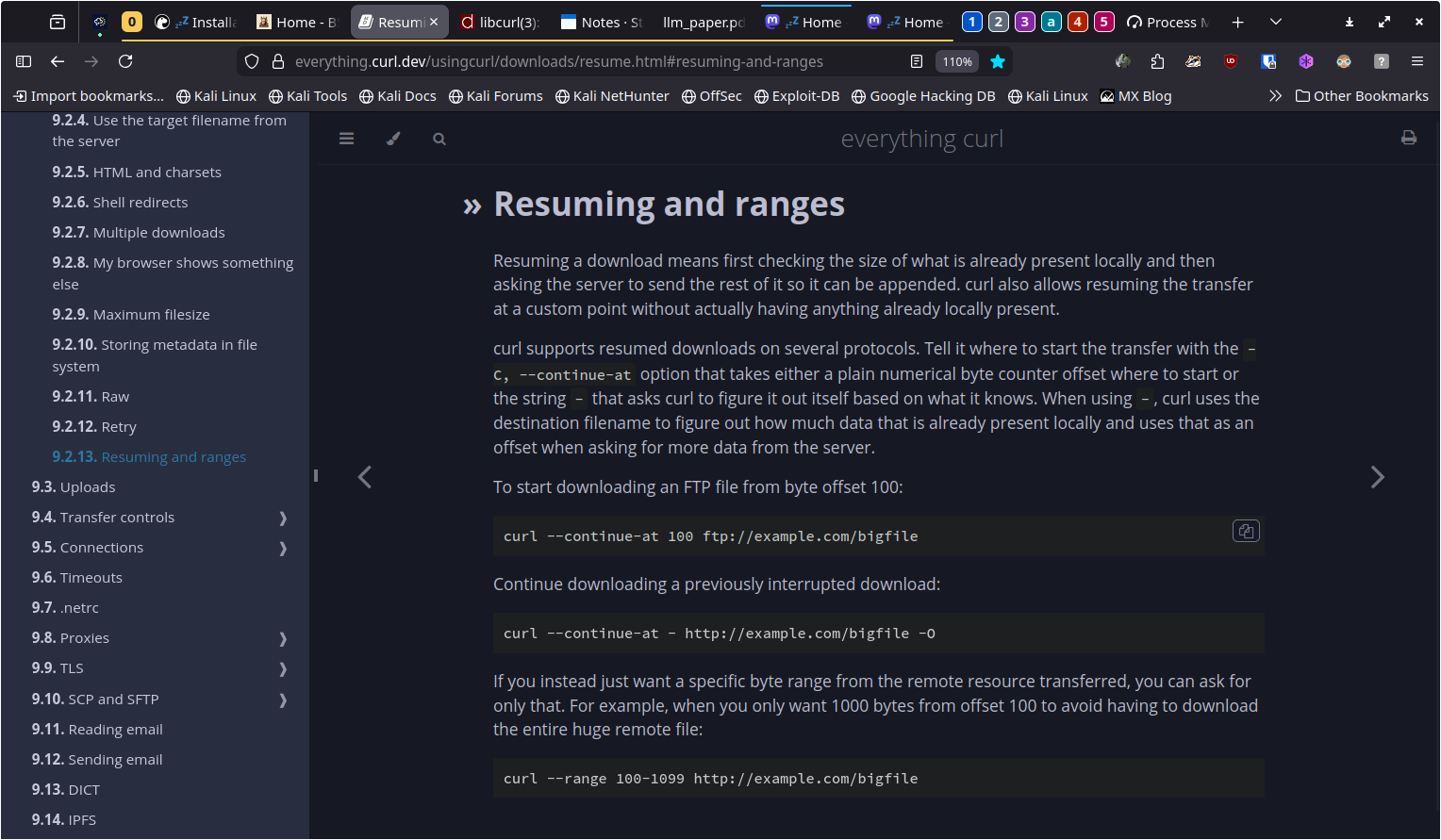
Just in case you have forgotten how to curl a file from a server here's a extensive howto with screenshots
`-L` redirect
https://everything.curl.dev/http/browserlike.html?highlight=-L#redirects
`-o` filename
https://everything.curl.dev/usingcurl/downloads/url-named.html#download-to-a-file-named-by-the-url
`-C -` resume
https://everything.curl.dev/usingcurl/downloads/resume.html#resuming-and-ranges
`curl --verbose -C - -L -o lp_someband_some_name_disc1side2.flac archive.org/download/lp_someband_somename-v/disc1/lp_someband_somename_disc1side2.flac`
#curl #get #programming #technology #fetch #networking #https #http #ftp #OpenSource #POSIX #BSD #freeBSD #ghostBSD #openBSD #Linux #win64 #mac
#FOSS is all about options:
- I chose not to use #RedHat systems 28 years ago.
- I chose not te use #GNOME 15 years ago
- I chose not to use #SystemD 6 years ago.
- I choose to accelerate the migration of all the #Linux based systems I can to #BSD systems because:
- I choose to keep up with the #UNIX way
- I choose to use stable systems which don't change for the sake of change
- I choose to be part of healthier communities, that don't promote monoculture or fall so easily into arrogance
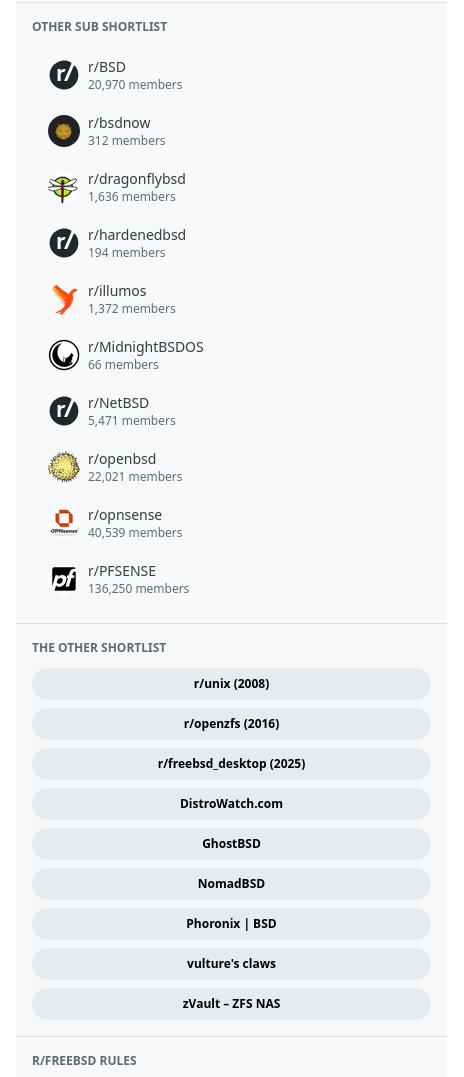
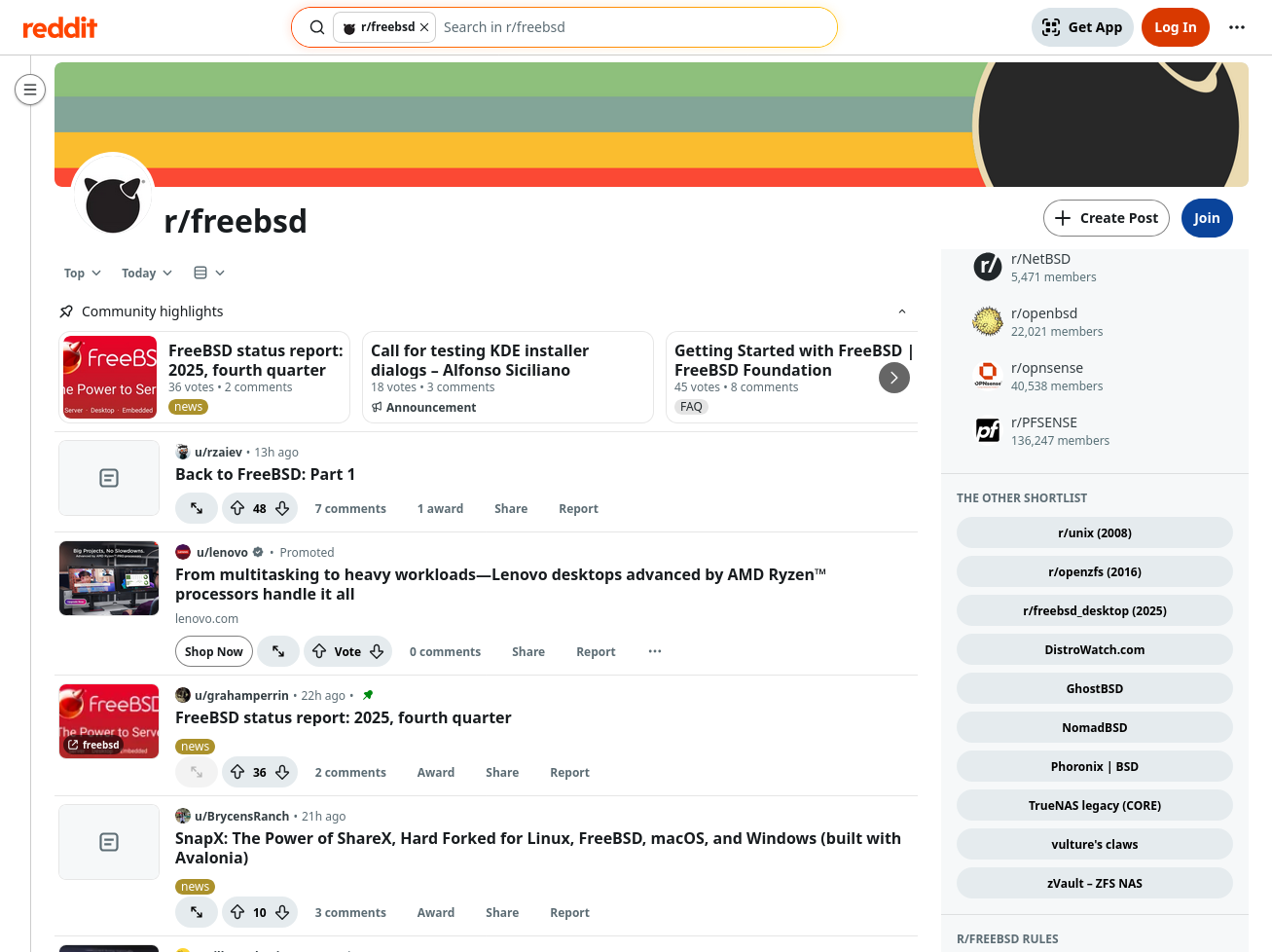
The removal of TrueNAS legacy (CORE) leaves space for a tenth button.
What would you like?
The button need not be FreeBSD-specific. Discussions frequently attract users of other systems.
The sidebar of r/freebsd is crowded (very tall), and this cluster of buttons is relatively far down, so I doubt that it will gain much attention. Still, cafe community thoughts are welcome.
Three screenshots:
1. an overview of <https://www.reddit.com/r/freebsd/top/?sort=top&t=day> before removal of the TrueNAS button
2. the entire sidebar as represented at <https://sh.reddit.com/r/freebsd/about/>
3. focus on the other sub shortlist, and the other shortlist, within the sidebar.
Thanks.