some new fresh stickers logos are dropped for popular apps and services https://github.com/SAWARATSUKI/ServiceLogos #vim #linux #logos


Edited 1y ago
some new fresh stickers logos are dropped for popular apps and services https://github.com/SAWARATSUKI/ServiceLogos #vim #linux #logos
TIL again, about low ram footprint editors in OpenSource environments.
In the period where the following commands were valid
ATX3DT
ATA
Such editors were standard. I'm talking about vi. Over extremely noisy POTS lines without error correction, vi was the only editor you could use safely. I remember switching from editing mode to reading mode as frequently as possible, because the 2400 BPS modem from the SR University, had difficulty to keep the line as noise free as possible due to the archaic hardware infrastructure of the phone company.
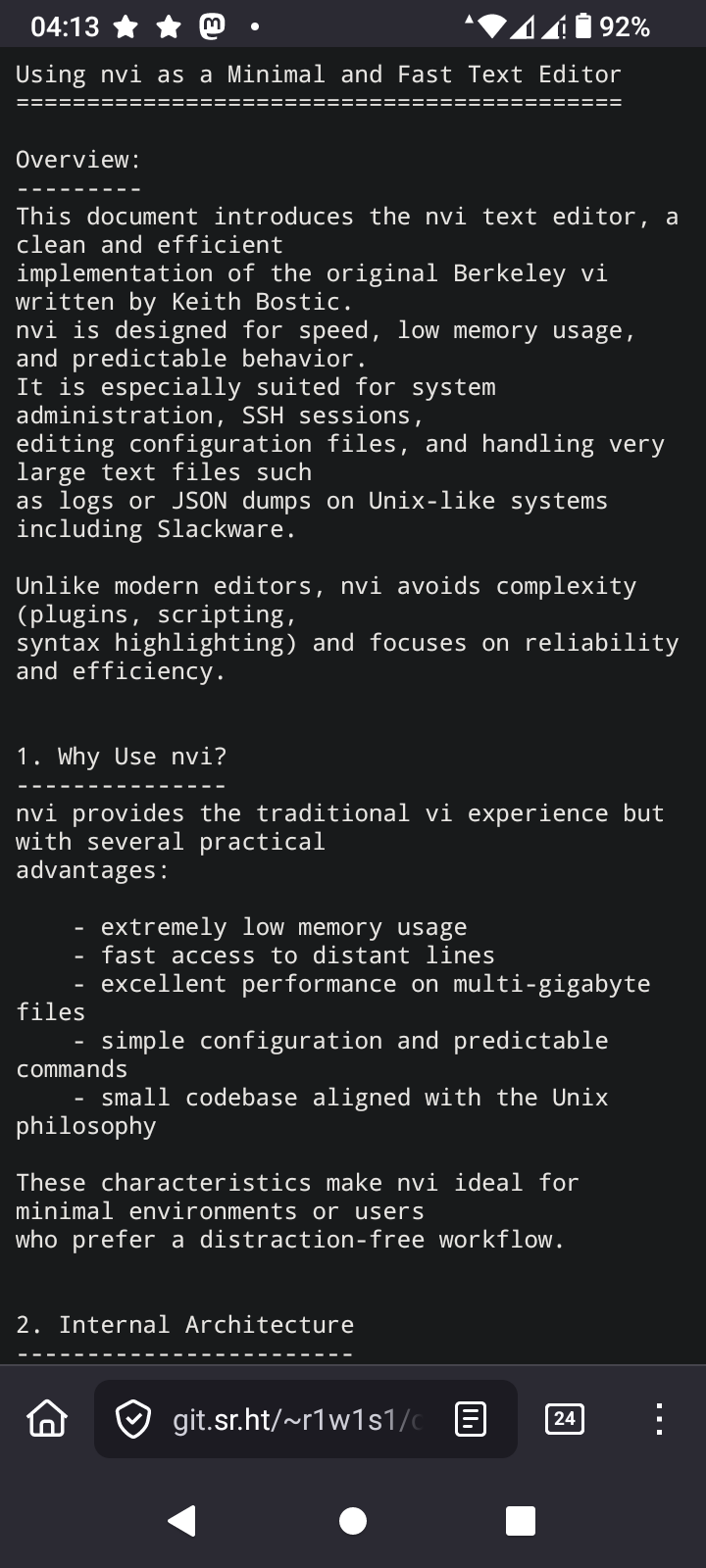
The editor I'm learning again about is nvi
I'm going to take a deep dive into this, because one thing I love is using the least memory as possible while computing
#vi #nvi #vim #VimMasterRace #editor #SSH #AT #Hayes #OpenSource #programming #Linux #technology
https://4c6e.xyz/code_notes.html
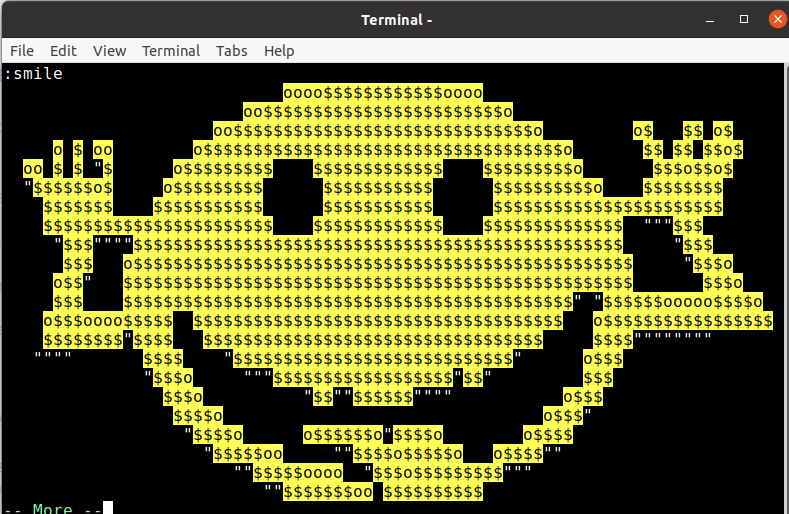
On November 2nd, 1991, Vim was released. Happy cake day, #VIM! Let the celebration start with Vim Easter egg:
Open VIM
Type
:smile
Inspect: head, tail, grep
Understand structure: awk, sed -n (stream, don’t load)
Surgical changes: ed or sed
Inspect: head, tail, grep
Understand structure: awk, sed -n (stream, don’t load)
Surgical changes: ed or sed
nvi -> 20.1s (eager line indexing ~25M lines)
vim -> 7.7s (lazy loading, deferred UI cost)
ed -> 4.0s (I/O-bound buffering, no TUI overhead)
shell tools for inspection
ed for known, surgical changes
screen editors when interactive rewriting is actually needed
Looks like #obsidian shot itself in the foot with that webviewer... It looks like many users aren't happy with it. Is it based on #chrome ? What about data and #privacy ?
I love the KISS¹ and *nix approach, one tool for one purpose. Never been a fan of products trying to do everything for you.
Maybe that's why I prefer #vim to #emacs 🤷🏽♂️
¹ Keep It Simple, Stupid. !
Normal people: Lol, she types gibberish.. that's funny.
Vim users: You know, with a macro you could have saved 0.3 seconds on editing that line.
#linux #developers #vim
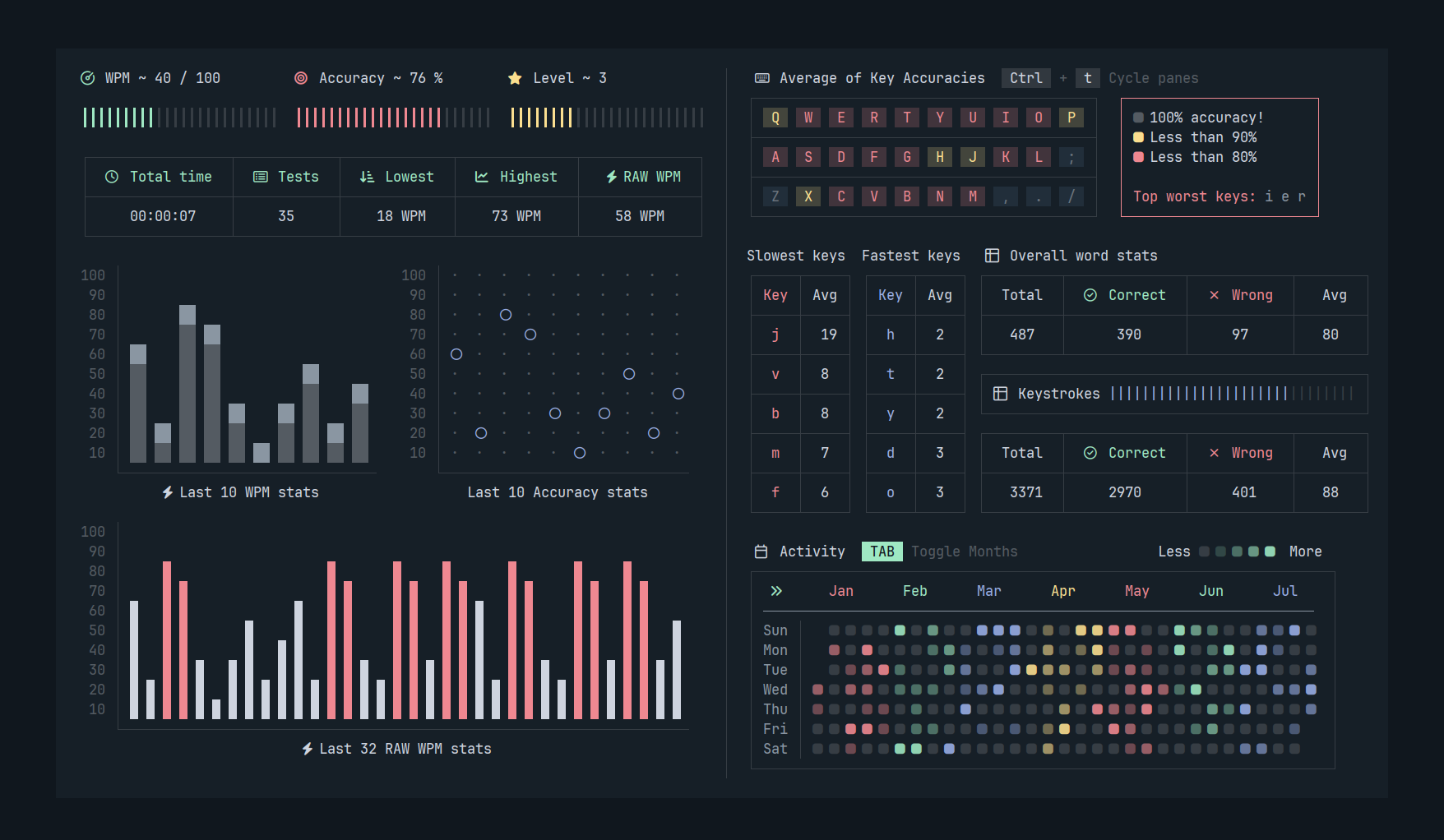
People ask why I use Neovim.
It's because of amazing plugins like this ⚡
⌨️ **typr**: Typing practice plugin for Neovim with dashboard.
💯 Supports showing detailed stats & configuration!
⭐ GitHub: https://github.com/nvzone/typr
#neovim #vim #plugin #typing #practice #speed #dashboard #terminal #editor #keyboard #commandline
J'ai senti comme un grand bouleversement dans la force... comme si des millions de voix avaient hurlé en même temps...
VIM forké cause injection de morceaux d'IA dans le code... j'ai bien compris ?
Wait et côté EMACS ?
La vache le séisme ! 😜
u
Undo the last change made to the file. If repeated, the u command alternates between these two states. The . command, when used immediately after u, causes the change log to be rolled forward or backward, depending on the action of the u command.
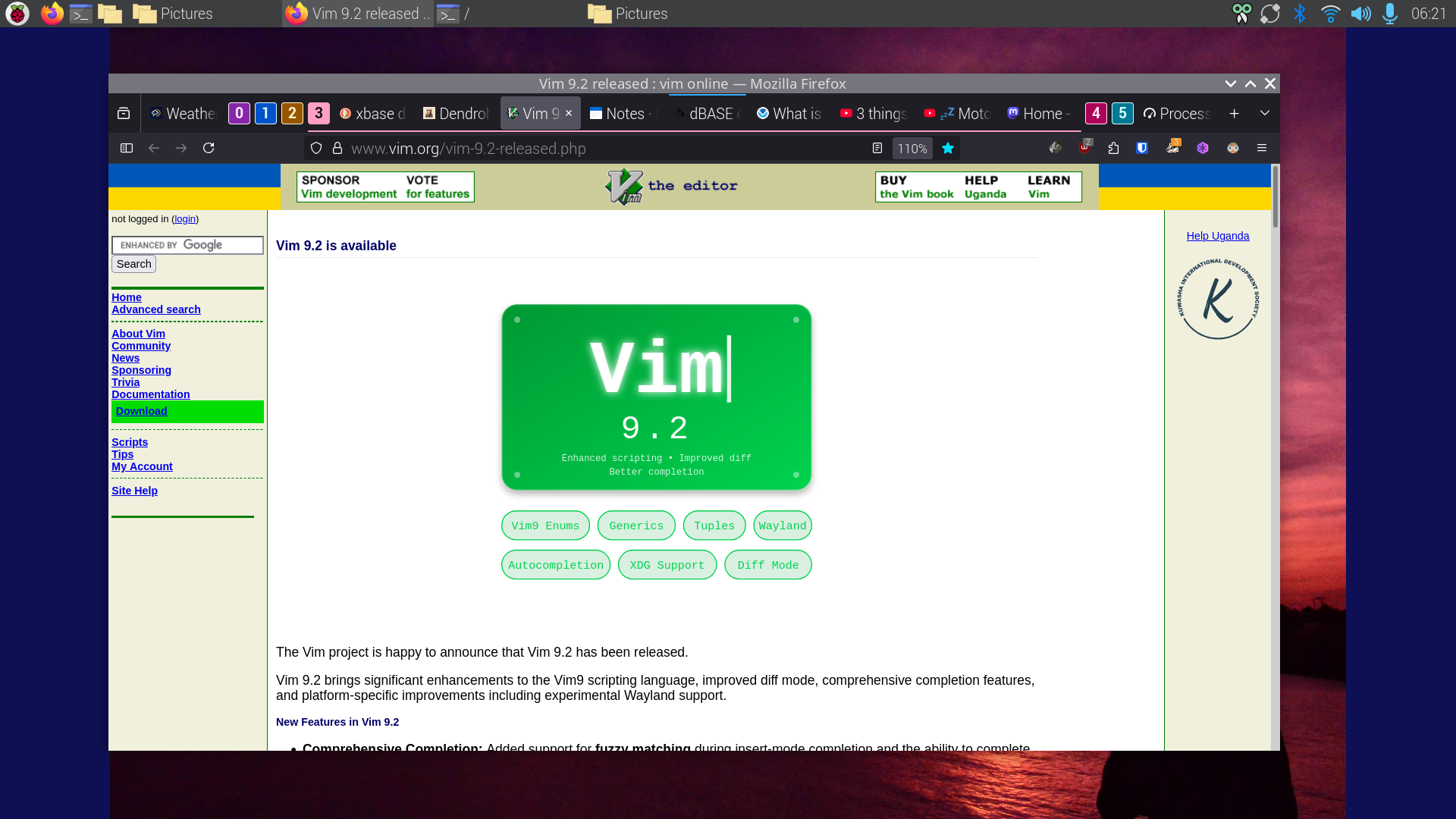
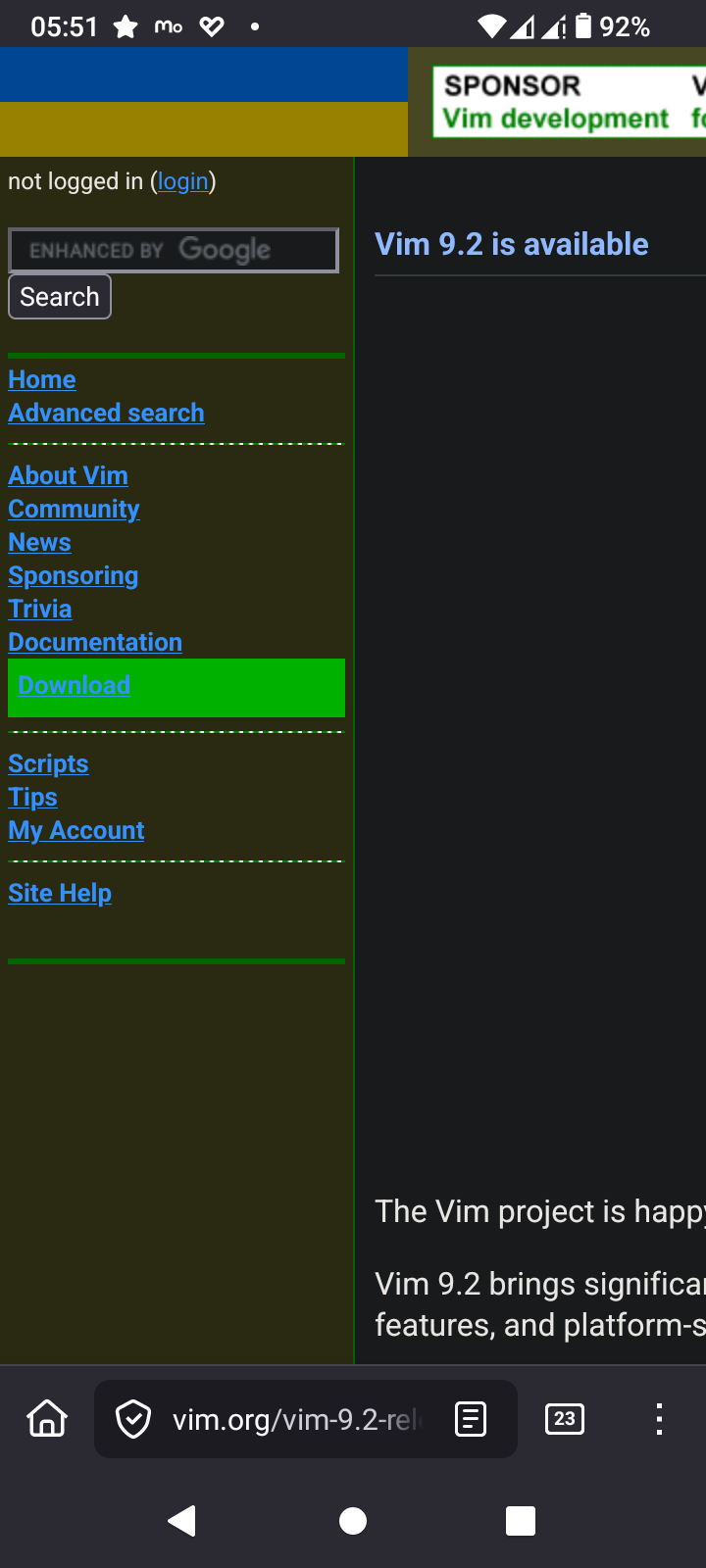
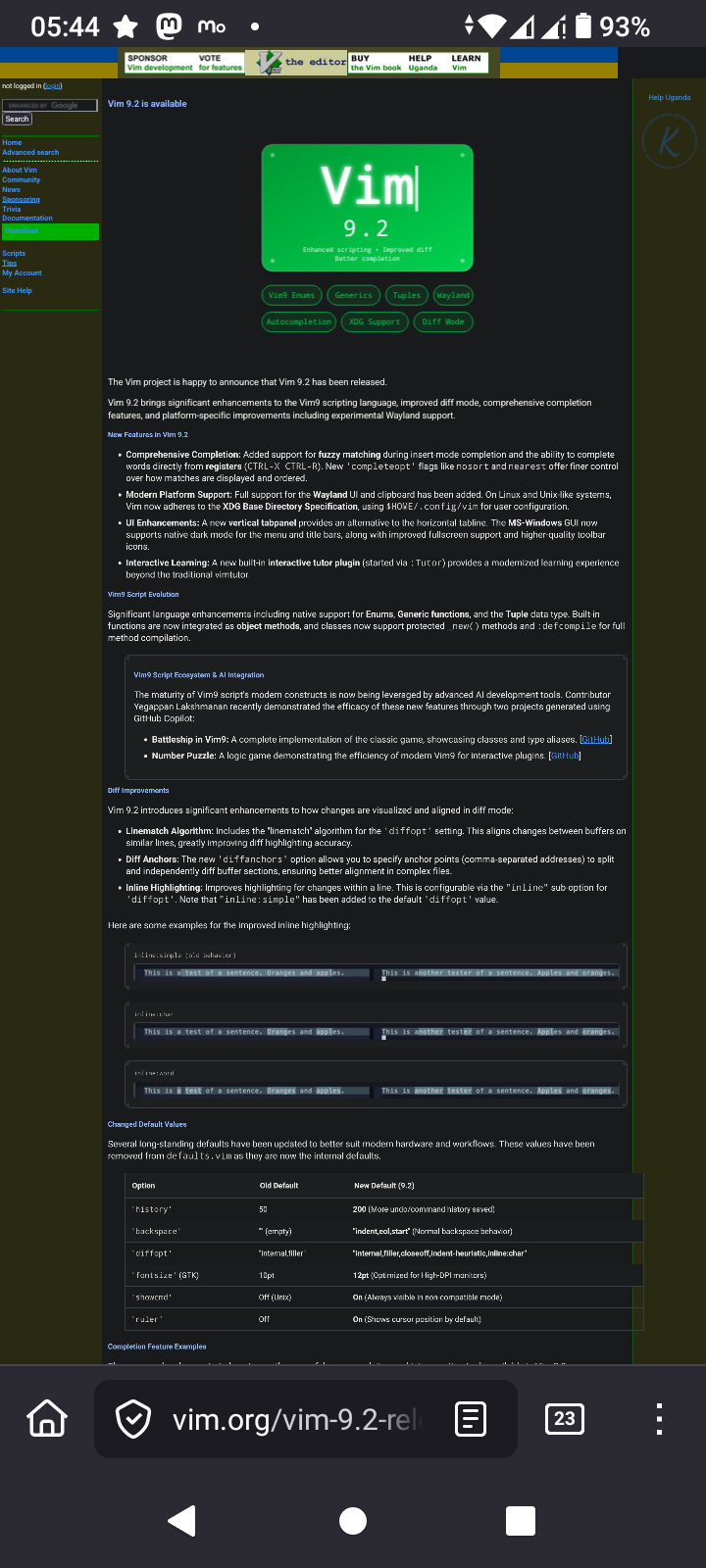
Vim v9.2 is released. There are many magnífico features I look forward to use. VIM is a Swiss Army Knife for editing Source Code & text.
The features are too many to mention, no really I don't know them all; NOBODY DOES!
Just like with the GiMP I know the functions I need and learn more when the requirement arizes. VIM has an extensive help system which Bram Molenaar et all developed over the decades that VIM exists.
History
VIM was initially coded on the Amiga computer systems of which I own an A4000T with a Cyberstorm 060 and Max Ram, with RTG card (Picasso 96), a A1200 vanilla with a stock HDD & an A500 with stock RAM (chip and fast) and 3 FDD 2x 3.5" 1x 5 1/4"
Bram wrote VIM in such a way that it runs on the A500 with just 512kB RAM!
There are people who love EMACS. To them I say
<flame bait>
EMACS can't hold a candle to VIM
</flame bait>
Of course that is just humour. In the Open Source world choice is what makes us all work and play well on whatever hardware we have with whatever tools we love
>> Quote
New Features in Vim 9.2
Comprehensive Completion: Added support for fuzzy matching during insert-mode completion and the ability to complete words directly from registers (CTRL-X CTRL-R). New 'completeopt' flags like nosort and nearest offer finer control over how matches are displayed and ordered.
Modern Platform Support: Full support for the Wayland UI and clipboard has been added. On Linux and Unix-like systems, Vim now adheres to the XDG Base Directory Specification, using $HOME/.config/vim for user configuration.
UI Enhancements: A new vertical tabpanel provides an alternative to the horizontal tabline. The MS-Windows GUI now supports native dark mode for the menu and title bars, along with improved fullscreen support and higher-quality toolbar icons.
Interactive Learning: A new built-in interactive tutor plugin (started via :Tutor) provides a modernized learning experience beyond the traditional vimtutor.
^Z
>> Quote II
Vim9 Script Ecosystem & AI Integration
The maturity of Vim9 script's modern constructs is now being leveraged by advanced AI development tools. Contributor Yegappan Lakshmanan recently demonstrated the efficacy of these new features through two projects generated using GitHub Copilot:
Battleship in Vim9: A complete implementation of the classic game, showcasing classes and type aliases. [GitHub]
Number Puzzle: A logic game demonstrating the efficiency of modern Vim9 for interactive plugins. [GitHub]
^Z
I wonder why they have LLM support?
Note
The download page looks horrible on mobile so you'd be wise to view it on desktop
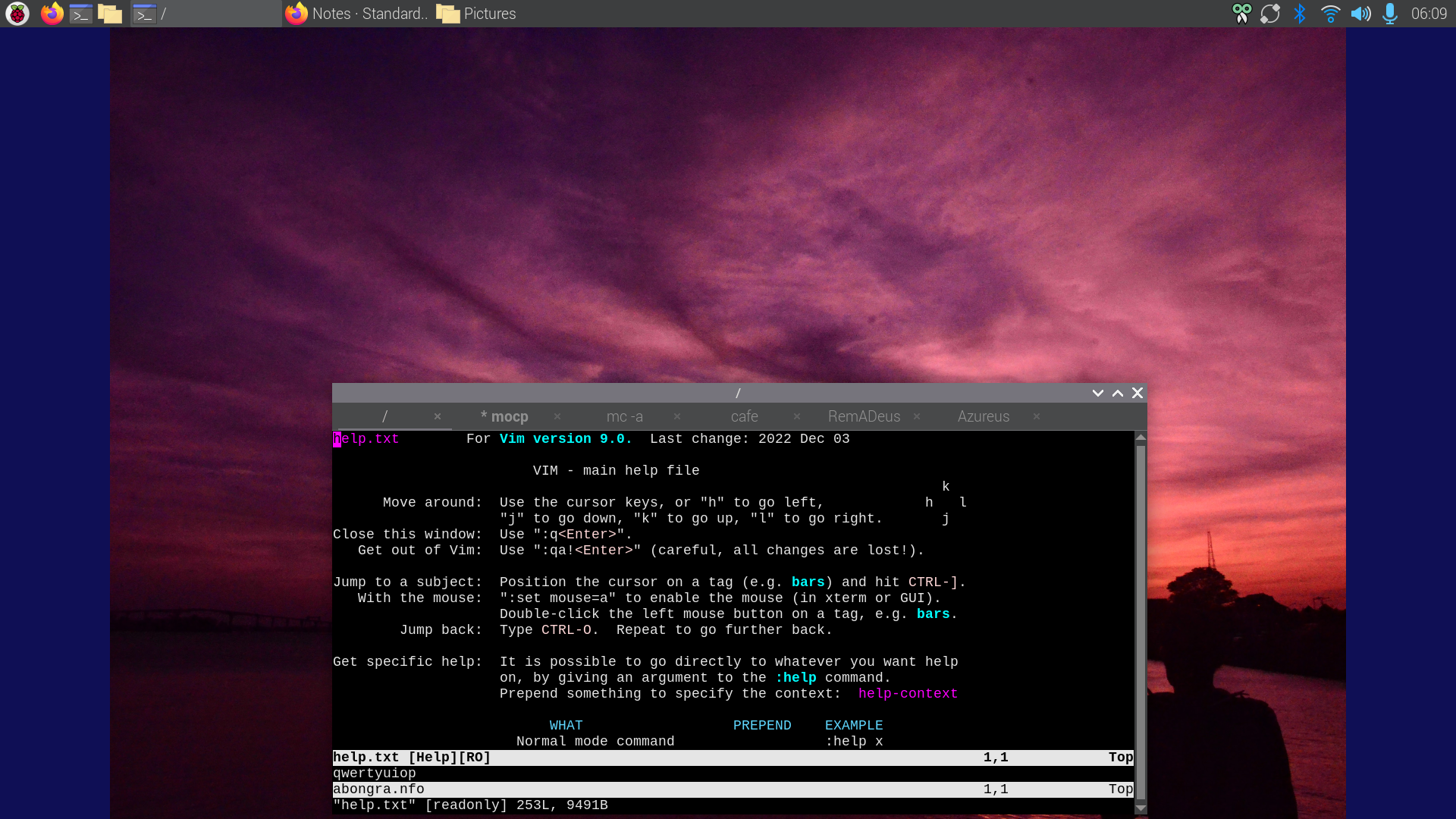
If this is your first time using VIM and you didn't bother to read the help file with `:h`
Just exit VIM type `:wq` to write & exit or type `:q!` to exit without saving the file
#Vim #VimMasterRace #tips #tricks #handy #features #Vi #EMACS #editor #text #freeBSD #ghostBSD #BSD #Linux #OpenSource #POSIX