#slackware is still without systemd. and "current" really is current.
slackware
As a long-time Slackware user, I’ve always preferred minimal and efficient setups like Fluxbox, IceWM and twm, and pekwm fits perfectly into that tradition.
What I enjoy the most is how simple, fast and predictable it is.
I use only my laptop (no external monitor), and pekwm gives me exactly what I want: a clean environment, flexible keybindings, mouse-friendly workflow and no unnecessary complexity.
I’m also using pekwm’s group/tab feature with rules like:
Property = "^Alacritty,^Alacritty,,.*" { ApplyOn = "New Start Reload"; Group = "netwin" { Size = "0" } }
Property = "^Navigator,^firefox,,.*" { ApplyOn = "New Start Reload"; Group = "netwin" { Size = "0" } }
Property = "^xterm,^XTerm" { ApplyOn = "New Start Reload"; Group = "netwin" { Size = "0" } }
It also reminds me of this classic article showing how developers desktops hardly changed over the years, always focused on minimal window managers and simple tools:
https://anders.unix.se/2015/12/10/screenshots-from-developers--2002-vs.-2015/
Pekwm has the same timeless Unix spirit.
Great work, and thanks for keeping this project alive!
#pekwm #slackware
Just one shell function: edit, list, add, done, push.
Keeps everything versioned with Git.
https://4c6e.xyz/todo.txt
#slackware #bash #shell #todo
The alt.os.linux.slackware FAQs [1] are one of the most comprehensive resources to get started with Slackware.
[1] https://www.therockgarden.ca/aolsfaq.txt
No plugins. No syntax highlighting. Just speed, predictability, and classic vi behavior, even with multi-GB files.
I wrote a short guide explaining why nvi still matters and how its architecture enables fast, low-memory editing.
📄 https://4c6e.xyz/code_notes.html (NVI Editor Guide)
📄 https://git.sr.ht/~r1w1s1/code-notes/blob/main/notes/NVI_Editor_Guide.txt (plain text)
#slackware #editor #nvi #vi #unix #minimalism
Both are lightweight X11 window managers with very different philosophies:
• evilwm: extreme minimalism, very small codebase, written in C
• pekwm: still lightweight, but feature-rich (menus, grouping/tabs, rules), written in C++
I did a very simple, informal check of memory usage (RSS via ps) in a clean startx session: no compositor, no panel, one terminal. On my setup, both ended up in roughly the same memory range (a few MB).
At that scale, shared X11 libraries dominate anyway, so small differences aren’t very meaningful.
What mattered more to me was the trade-off:
• evilwm requires much more customization to reach basic comfort
• pekwm provides significantly more usability with essentially the same resource footprint
Conclusion (for me): pekwm hits a better balance between minimalism and usability.
evilwm is interesting as a learning exercise, but not worth the extra friction for daily use.
This isn’t a benchmark, just personal experimentation and preference.
#Slackware #X11 #WindowManager #pekwm #evilwm
#FOSS #Unix #FediASK
Can say what you want about Slackware, but some ports in Slackbuilds are updated faster than you can say update.
Cases in point for me: Vivaldi, Librewolf and Softmaker Office 2024.
All contributors: much appreciated 👍 !
#slackware
One thing people often miss is continuity.
Slackware isn’t just technically stable , it’s culturally stable.
The same person, Patrick Volkerding, has guided it for 30 years with the same philosophy: don’t change things unless there’s a real reason.
For many users, that long-term trust matters more than new features.
You know what Slackware will be next year, and that’s rare today.
#Slackware #Linux #UnixPhilosophy #FOSS
Back then, the articles tested st 0.6/0.7 (Debian/Fedora) and 0.8.1 upstream, a fair snapshot of the time.
I went through the upstream st git history from 2018 → 2025 and mapped many of the issues discussed (Unicode/wide glyphs, input crashes, paste & tmux integration, redraw/latency, escape sequences) to the actual fixes that landed over the years.
No single “big patch”, just steady maintenance:
wide-glyph correctness, crash-class input fixes, bracketed paste terminfo, latency tuning, and modern escape/color handling.
I wrote a short technical note with links to the relevant commits:
https://4c6e.xyz/code_notes.html
(post: Revisiting ST after the 2018 LWN analysis)
I’ve been using st + tmux daily on Slackware and it’s been solid: minimal, fast, predictable — exactly what I want on X11.
#st #suckless #unix #tmux #x11 #slackware
Fresh pkgsrc 2025Q4 packages for Slackware 15.0 now available.
Thunderbird 145, Libreoffice 25.8, XFCE 4.20, and much more.
https://retrobsd.ddns.net/pub/packages/All/
rsync://retrobsd.ddns.net
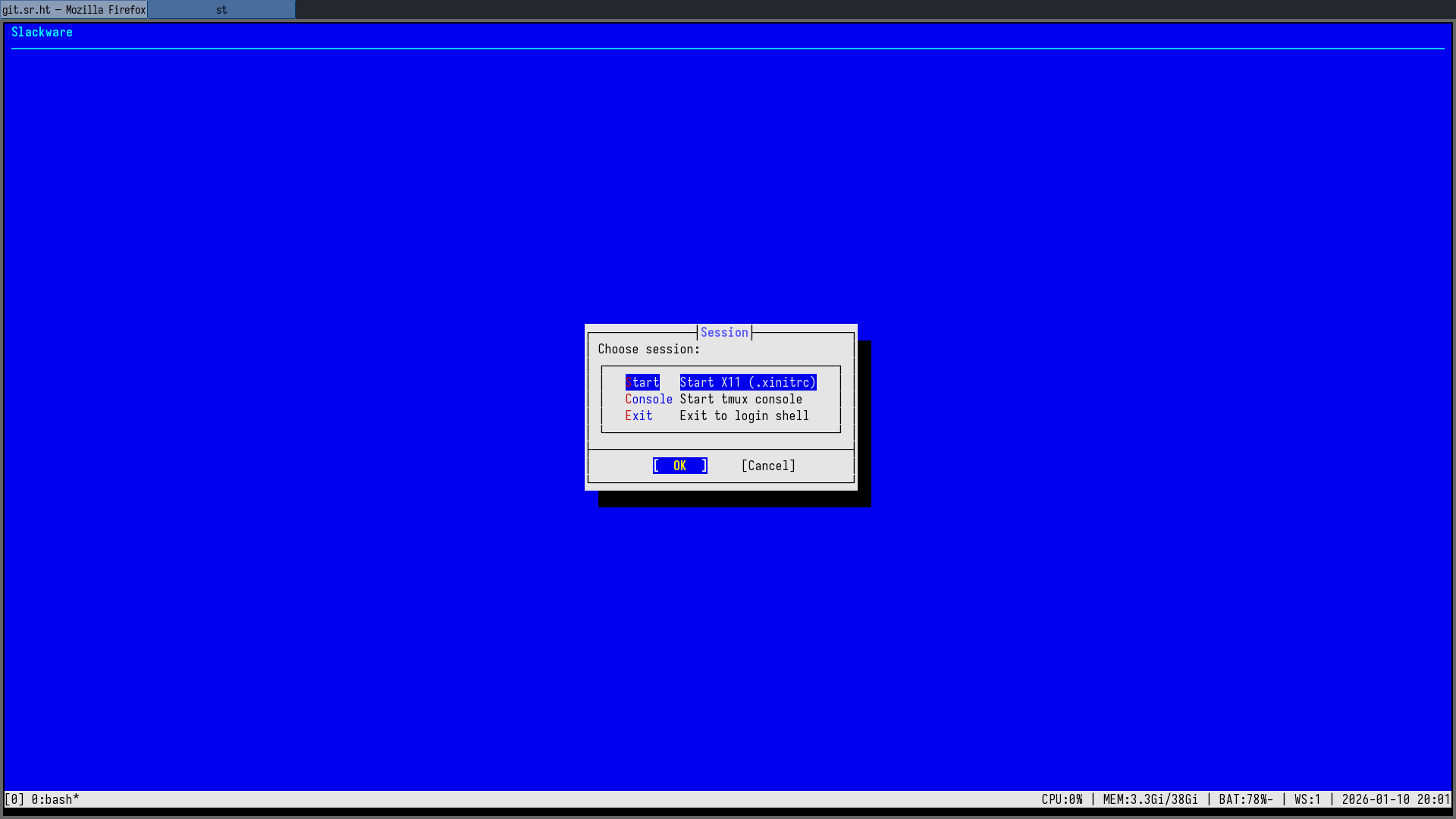
Built bsddialog from git (thanks to @alfonsosiciliano for the project) and wired it into my tty1 session menu — this is what my login screen looks like now.
Clean fonts, proper spacing, no GUI toolkit… it really feels like a real BSD-style installer, not just “dialog in a box”.
#BSD #Slackware #TUI #Unix
People are worried about laws like AB 1043 (and now similar discussions in Brazil), but they assume a centralized OS with accounts and app stores.
That’s not how Slackware works.
No forced onboarding, no app store, full user control.
Patrick said it best:
“my code is my speech… government compelled speech”
Slackware will keep being Slackware... simple, transparent, and not disappointing the people who rely on it.
#slackware
I even found and reported a small -snap bug in evilwm while testing 🙂
#Slackware #X11 #Unix #pekwm #evilwm
I spent the last days building and testing a few minimalist X11 window managers on Slackware: evilwm, shod and Notion — even patching Notion to build with GCC 15.
evilwm is still my lightweight, workspace-oriented backup WM, but for a tab-based, rule-driven stacking workflow, nothing I tried comes close to pekwm.
Firefox, terminal and mail living in one frame, out of the way — that’s still the sweet spot for me.
#pekwm #Slackware #X11 #Unix
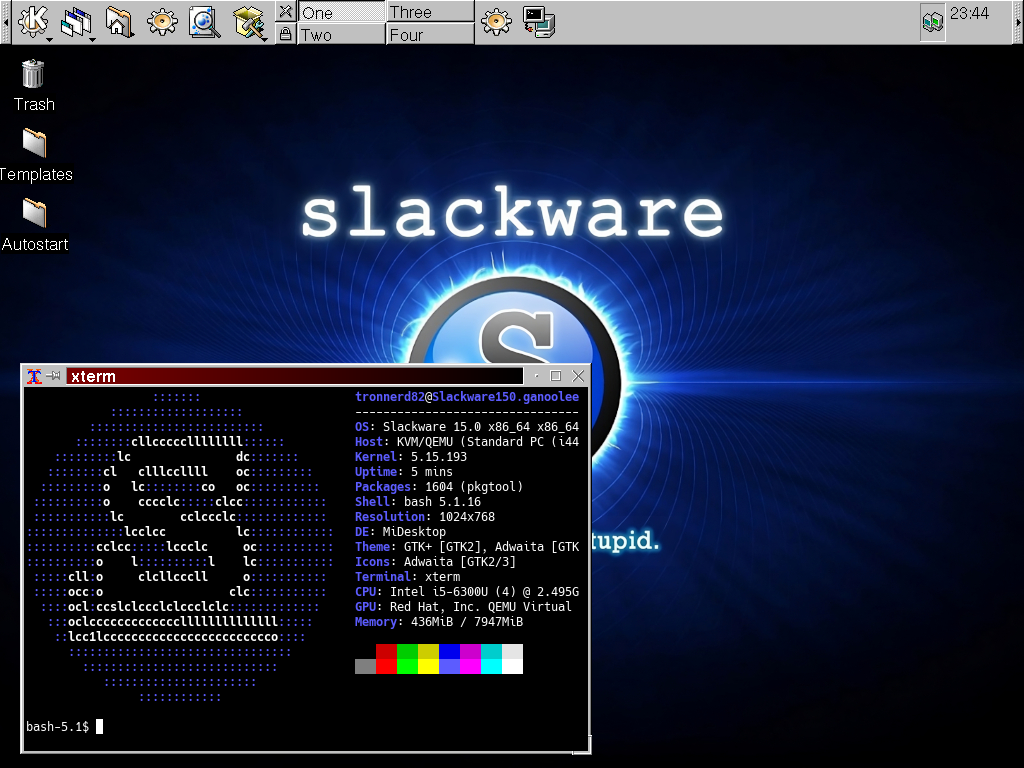
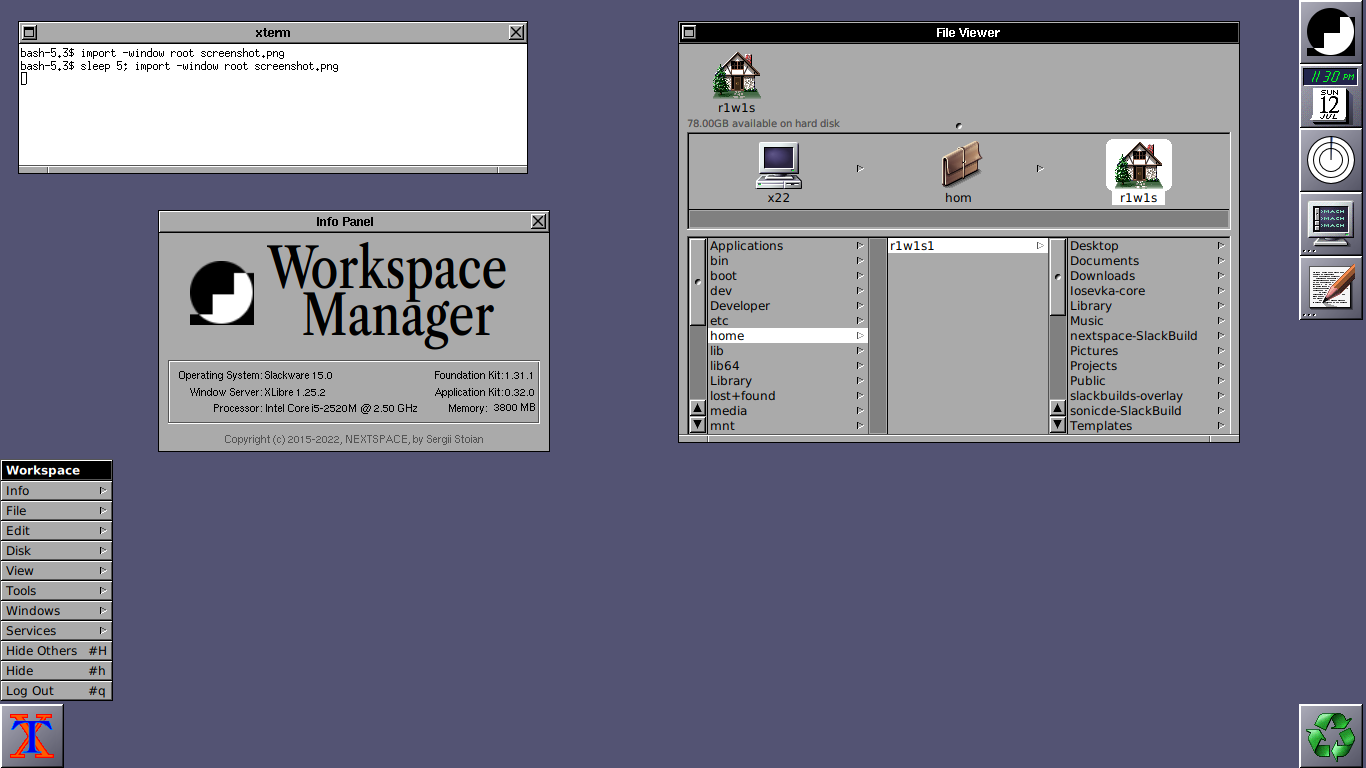
So uhhh... KDE 1 on Slackware 15, anyone?
It’s about understanding the system, from boot to shell.
This video explains well why Slackware still matters.
https://youtu.be/pRp1I3OzMEY
#slackware
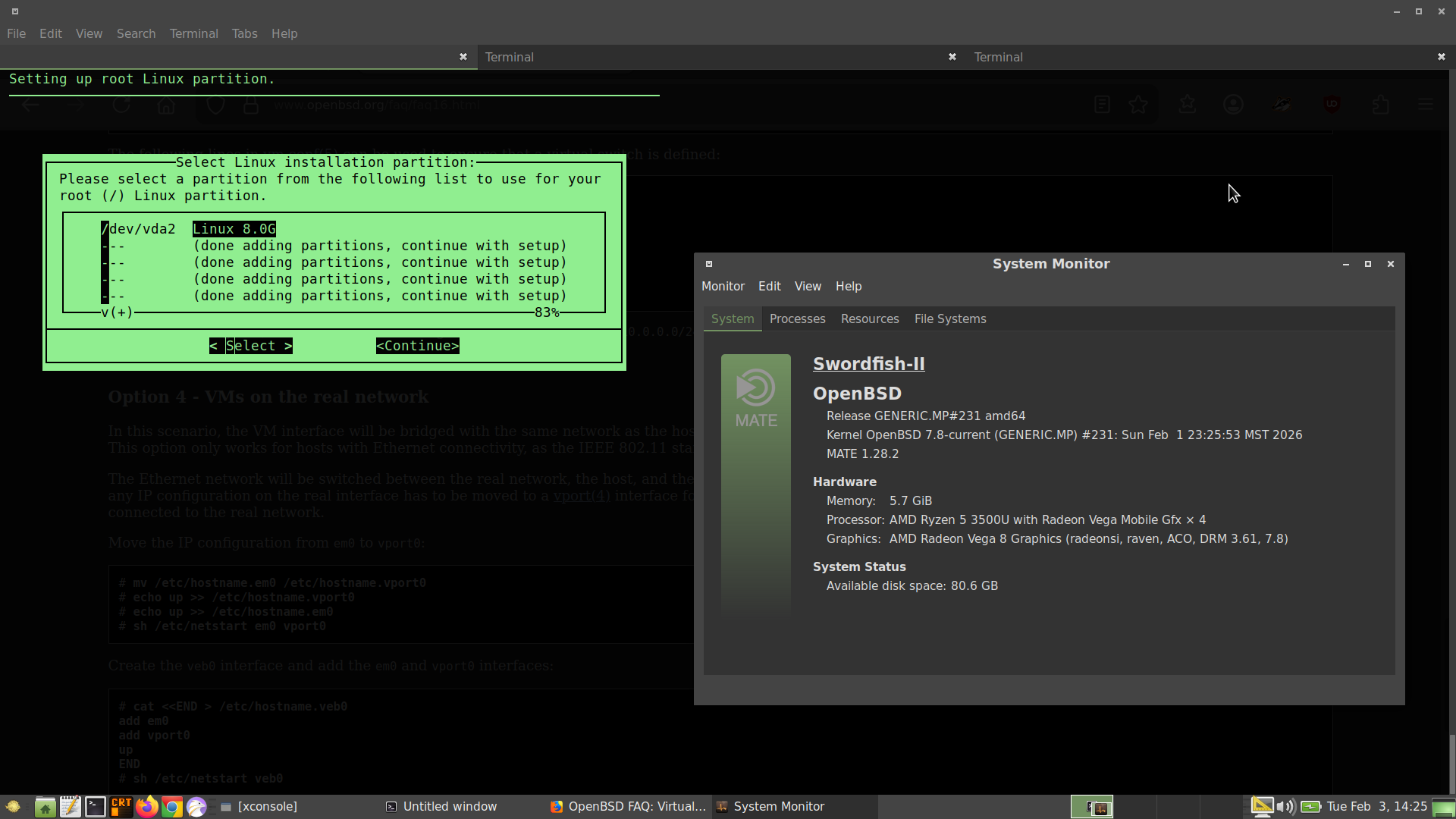
Installing #Slackware #Linux using #vmm on #OpenBSD. Got some help from this video on getting the console to display correctly in the terminal.

#RunBSD #BSD #virtualization
https://www.youtube.com/watch?v=sZnM-T6Os-s
Planning on using this as a practice Linux system for my Linux+ studies.

The codebase is surprisingly readable and well-organized... unlike larger projects where you get lost in abstraction layers, mtm's simplicity makes it an excellent study resource for learning C.
You can actually understand the entire program flow in a reasonable amount of time.
Bonus: there's already a SlackBuild available, so Slackware users can integrate it seamlessly into their system without manual compilation headaches.
If you want tmux functionality without tmux complexity, check it out.
https://slackbuilds.org/repository/15.0/system/mtm/
#suckless #terminal #slackware #C
https://git.sr.ht/~r1w1s1/code-notes/blob/main/notes/Using_NVI_in_2026.txt
#unix #editors #plaintext #nvi #vi #slackware
Before systemd. Before Wayland.
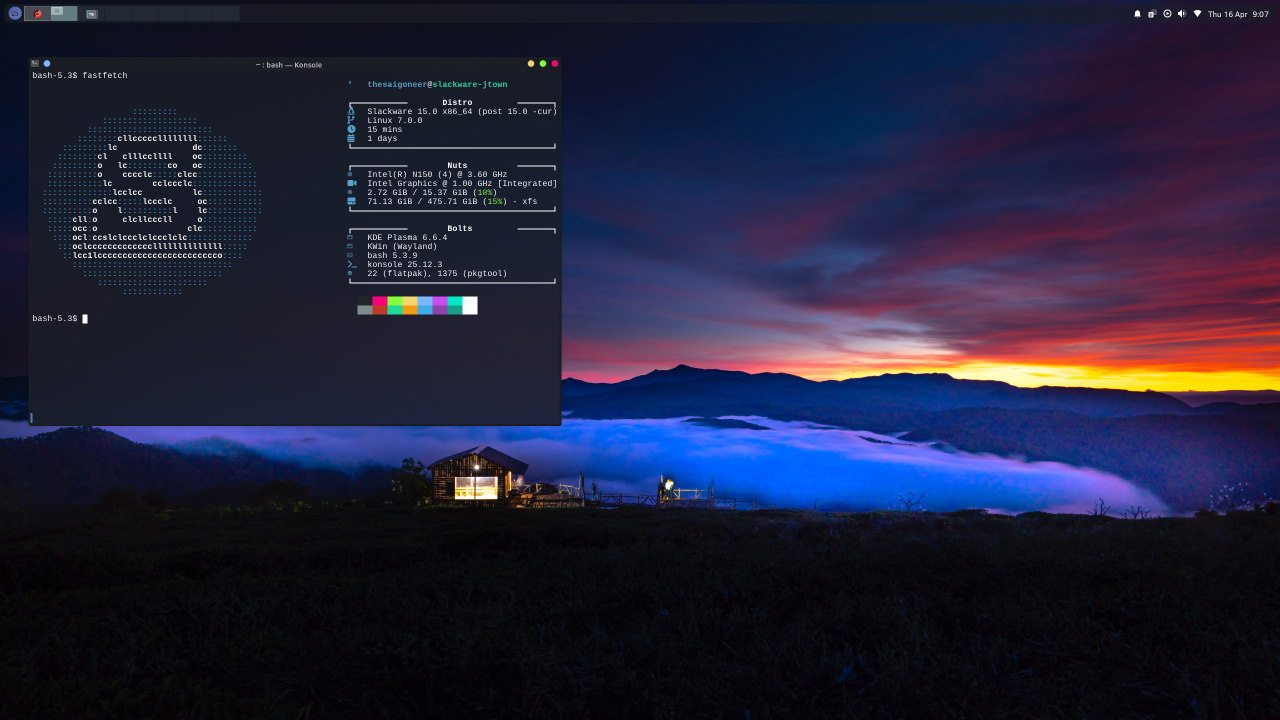
Just KDE 3, Konsole, and Slackware doing exactly what you told it to do.
20 years later and the philosophy hasn’t changed.
https://www.reddit.com/r/unixporn/s/H0QrkazxbJ
#slackware #kde #x11
🎉 Happy Birthday, Slackware! 🐧
Released on July 17, 1993, Slackware is the oldest actively maintained Linux distro. It has been going strong for 32 years now!
From floppy disks to modern setups, it's been a wild ride.
Did you ever try Slackware? Still using it? Share your experience below! 👇
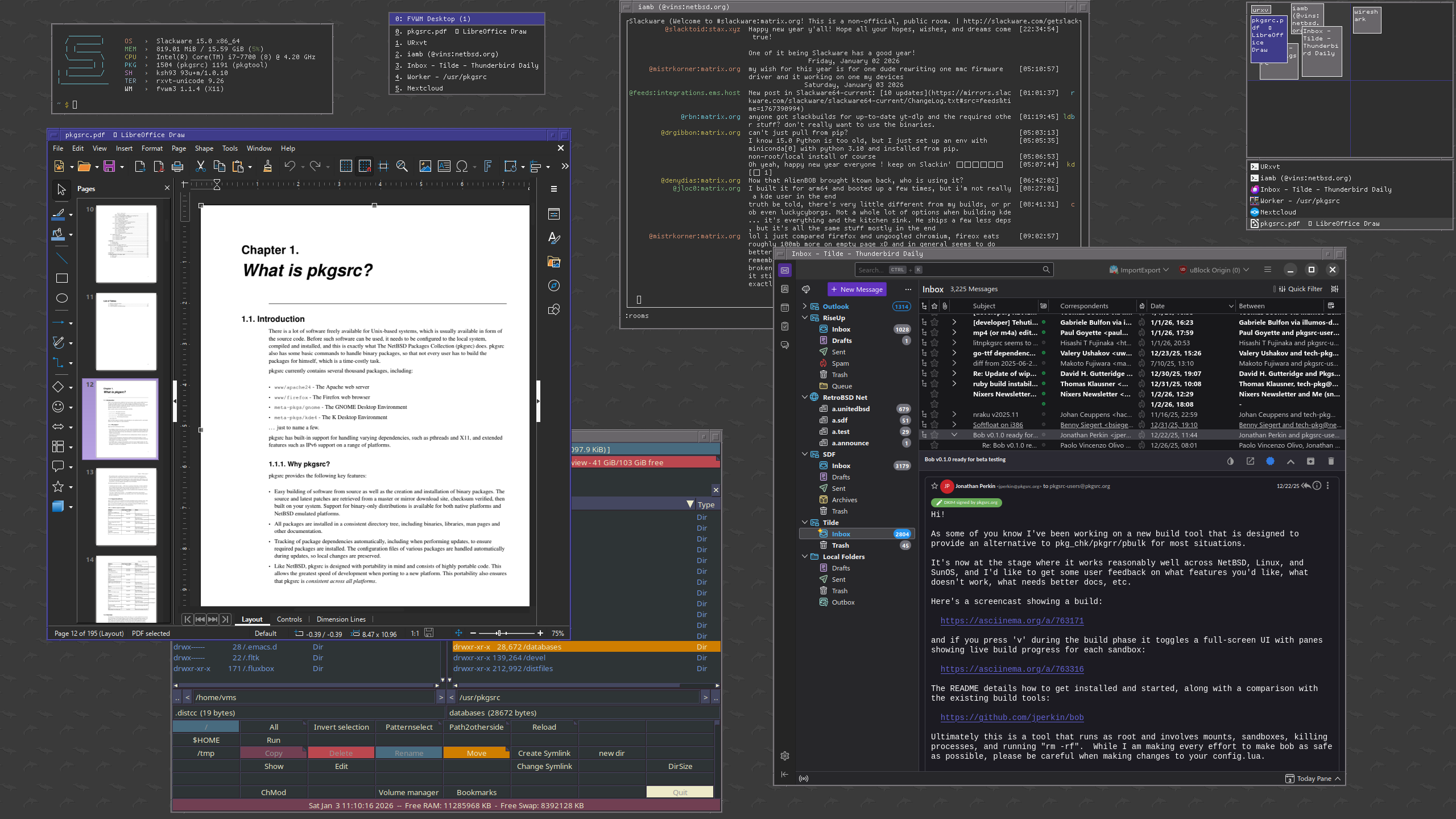
I ended up reinstalling, this time without the KDE sets and switching to using FVWM. While KDE is 'nice', I come from using OpenBSD with cwm, so I'm used to my X environment staying out of the way.
For the curious, the old laptop I'm using is my Lenovo X220, or what I consider to be the last laptop with a truly great keyboard.
Two things I noticed right off: no systemd (or related dependencies) anywhere in sight, and LILO.
I've always been irritated by the systemd-ification of the linux ecosystem, so it's always nice when I don't see it, and I've never really understood how to work with GRUB, so LILO is really appreciated!
Building Linux kernel 6.19.3 on Slackware using Patrick's official SlackBuilds, starting from my 6.18.13 config as a base.
-> 6.19 brings some nice ext4 improvements that caught my attention:
Support for block sizes larger than page size (can improve buffered write performance in some workloads)
Faster online defragmentation using folios instead of legacy buffer heads
Smarter POSIX ACL caching, avoiding redundant permission checks on files without ACLs
Nothing revolutionary, but solid incremental polishing.
Let's see how it goes! 🤞
#slackware #kernel #linux