
Who knew that #nvi had a config file? Not me until today.
nvi

Still using nvi on Slackware.
No plugins. No syntax highlighting. Just speed, predictability, and classic vi behavior, even with multi-GB files.
I wrote a short guide explaining why nvi still matters and how its architecture enables fast, low-memory editing.
📄 https://4c6e.xyz/code_notes.html (NVI Editor Guide)
📄 https://git.sr.ht/~r1w1s1/code-notes/blob/main/notes/NVI_Editor_Guide.txt (plain text)
#slackware #editor #nvi #vi #unix #minimalism
No plugins. No syntax highlighting. Just speed, predictability, and classic vi behavior, even with multi-GB files.
I wrote a short guide explaining why nvi still matters and how its architecture enables fast, low-memory editing.
📄 https://4c6e.xyz/code_notes.html (NVI Editor Guide)
📄 https://git.sr.ht/~r1w1s1/code-notes/blob/main/notes/NVI_Editor_Guide.txt (plain text)
#slackware #editor #nvi #vi #unix #minimalism
TIL again, about low ram footprint editors in OpenSource environments.
In the period where the following commands were valid
ATX3DT
ATA
Such editors were standard. I'm talking about vi. Over extremely noisy POTS lines without error correction, vi was the only editor you could use safely. I remember switching from editing mode to reading mode as frequently as possible, because the 2400 BPS modem from the SR University, had difficulty to keep the line as noise free as possible due to the archaic hardware infrastructure of the phone company.
The editor I'm learning again about is nvi
I'm going to take a deep dive into this, because one thing I love is using the least memory as possible while computing
#vi #nvi #vim #VimMasterRace #editor #SSH #AT #Hayes #OpenSource #programming #Linux #technology
https://4c6e.xyz/code_notes.html
Edited 112d ago
Today in #FreeSoftwareAdvent, I realized how much my daily setup changed over the years.
I removed my external monitor and keyboard.
Not to be minimalist, but to reduce context switching.
I kept the mouse because speed still matters.
Working sometimes from my parents house made it clear that relying on an external monitor was fragile, so I forced myself to work only with the laptop.
The same thing happened with software.
Vim slowly became nvi.
Alacritty became xterm, then st.
I didn’t look for lighter tools, but for ones I could trust and reason about. Less abstraction, fewer surprises.
Today I use two identical laptops -- one for work, one personal -- same setup, side by side, one mouse for each.
The environment disappears, and the work stays.
#suckless #st #nvi #xterm
I removed my external monitor and keyboard.
Not to be minimalist, but to reduce context switching.
I kept the mouse because speed still matters.
Working sometimes from my parents house made it clear that relying on an external monitor was fragile, so I forced myself to work only with the laptop.
The same thing happened with software.
Vim slowly became nvi.
Alacritty became xterm, then st.
I didn’t look for lighter tools, but for ones I could trust and reason about. Less abstraction, fewer surprises.
Today I use two identical laptops -- one for work, one personal -- same setup, side by side, one mouse for each.
The environment disappears, and the work stays.
#suckless #st #nvi #xterm

In #openbsd what is called #vi is actually #nvi, and when you install #nvi from ports, it is #nvi2.
To danes with our national characters æøå we need the latter because #vi prints two byte hex sequences for æ, ø, or å. #vi handles them correctly except for the printing of them.
#vi and #nvi use the same #man page.
Update:
On #netbsd #vi is also #nvi. Here you must install #nvi2 to get #nvi if you need æ, ø, and å support.
Best wishes from T. R. Dane (The Real Dane ;)
Edited 1d ago
I saw this post and it motivated me to do a quick test:
https://phanpy.social/#/hachyderm.io/s/115891592999188880
Stop opening huge files in screen editors.
Screen editors (nvi, vim, etc.) assume you want to scroll,
see context, and move a cursor interactively.
Huge files break those assumptions.
For large files (1GB+):
Benchmark (1GB text file):
They need better workflows.
For huge files, the right solution is not tuning screen editors,
but using the right tools:
nvi chooses predictability over perceived speed.
The slowdown is not a flaw — it’s the cost of preserving
classic vi semantics within a screen-editor model.
#vim #nvi #ed #unix #linux #cli #sysadmin
https://phanpy.social/#/hachyderm.io/s/115891592999188880
Stop opening huge files in screen editors.
Screen editors (nvi, vim, etc.) assume you want to scroll,
see context, and move a cursor interactively.
Huge files break those assumptions.
For large files (1GB+):
Inspect: head, tail, grep
Understand structure: awk, sed -n (stream, don’t load)
Surgical changes: ed or sed
Benchmark (1GB text file):
nvi -> 20.1s (eager line indexing ~25M lines)
vim -> 7.7s (lazy loading, deferred UI cost)
ed -> 4.0s (I/O-bound buffering, no TUI overhead)
They need better workflows.
For huge files, the right solution is not tuning screen editors,
but using the right tools:
shell tools for inspection
ed for known, surgical changes
screen editors when interactive rewriting is actually needed
nvi chooses predictability over perceived speed.
The slowdown is not a flaw — it’s the cost of preserving
classic vi semantics within a screen-editor model.
#vim #nvi #ed #unix #linux #cli #sysadmin
Edited 79d ago
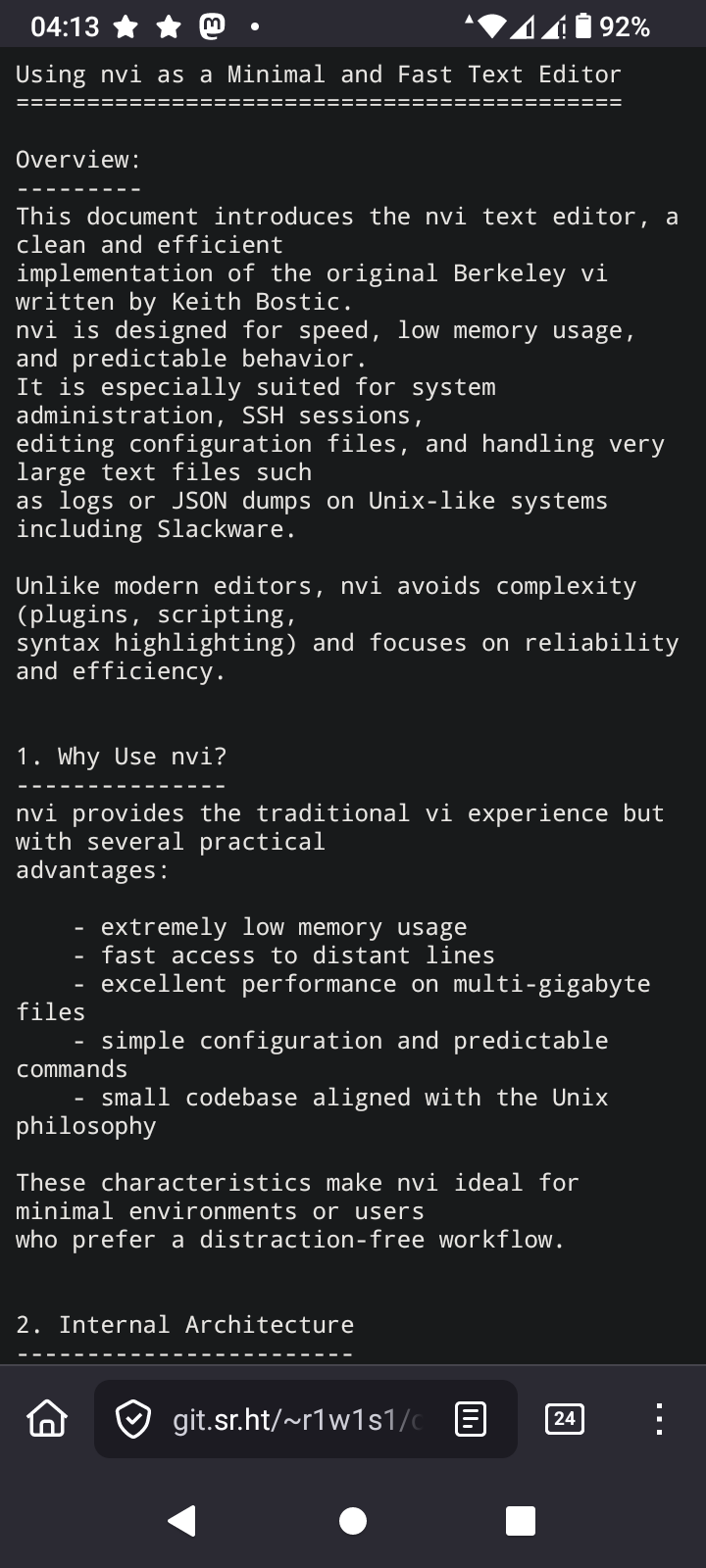
A short note on using nvi as part of a simple Unix workflow in 2026.
https://git.sr.ht/~r1w1s1/code-notes/blob/main/notes/Using_NVI_in_2026.txt
#unix #editors #plaintext #nvi #vi #slackware
https://git.sr.ht/~r1w1s1/code-notes/blob/main/notes/Using_NVI_in_2026.txt
#unix #editors #plaintext #nvi #vi #slackware

Currently I'm a #vim user with only two plugins loaded by vims own system no packer or anything. They are the gruvbox theme and colorizer to color HTML color codes.
I've been researching to see if I could work with #nvi and wondered about undo history and found that it might be possible ?
I've been researching to see if I could work with #nvi and wondered about undo history and found that it might be possible ?
u
Undo the last change made to the file. If repeated, the u command alternates between these two states. The . command, when used immediately after u, causes the change log to be rolled forward or backward, depending on the action of the u command.
Ever wonder why vi uses hjkl for movement?
It's not arbitrary—it's hardware history. The ADM-3A terminal had arrows printed directly on those keys.
ESC was also where Tab is now. Vi wasn't designed for ergonomics, it was designed for the keyboard that existed.
http://www.slackware.com/~r1w1s1/nvi.html#_curiosities
#nvi #vim #vi
It's not arbitrary—it's hardware history. The ADM-3A terminal had arrows printed directly on those keys.
ESC was also where Tab is now. Vi wasn't designed for ergonomics, it was designed for the keyboard that existed.
http://www.slackware.com/~r1w1s1/nvi.html#_curiosities
#nvi #vim #vi
Currently I'm a #vim user with only two plugins loaded by vims own system no packer or anything. They are the gruvbox theme and colorizer to color HTML color codes.
I've been researching to see if I could work with #nvi and wondered about undo history and found that it might be possible ?
I've been researching to see if I could work with #nvi and wondered about undo history and found that it might be possible ?
u
Undo the last change made to the file.
If repeated the u command alternates between these two states.
The . command when used immediately after u causes the change log to be rolled forward or backward depending on the action of the u command.
Edited 7d ago
I think in my #vi journey on #OpenBSD that I'm leaning towards #nvi as in nvi2. Only because I do use some nerd font stuff to pretty up some of my menus and my bar. But obviously that could change as I may get rid of those nerd fonts and just stick with plain text?
If you're an OpenBSD user and use vi instead of vim do you use the builtin n(vi) or nvi2 ?
https://github.com/lichray/nvi2
If you're an OpenBSD user and use vi instead of vim do you use the builtin n(vi) or nvi2 ?
https://github.com/lichray/nvi2