linux
Is the NVIDIA Quadro M1000M graphics in the ThinkPad P50 laptop useful at all with Linux?
Laptop has a pretty powerful i7 processor, but not officially supported by Windows 11 and the NVIDIA Quadro M1000M graphics has also been discontinued from support by nVidia (not sure what that means).
... so will it work okay with Linux ?
Only one way to find out, but thought I'd throw the question out here.
#thinkPad #P50 #nVidia #Linux


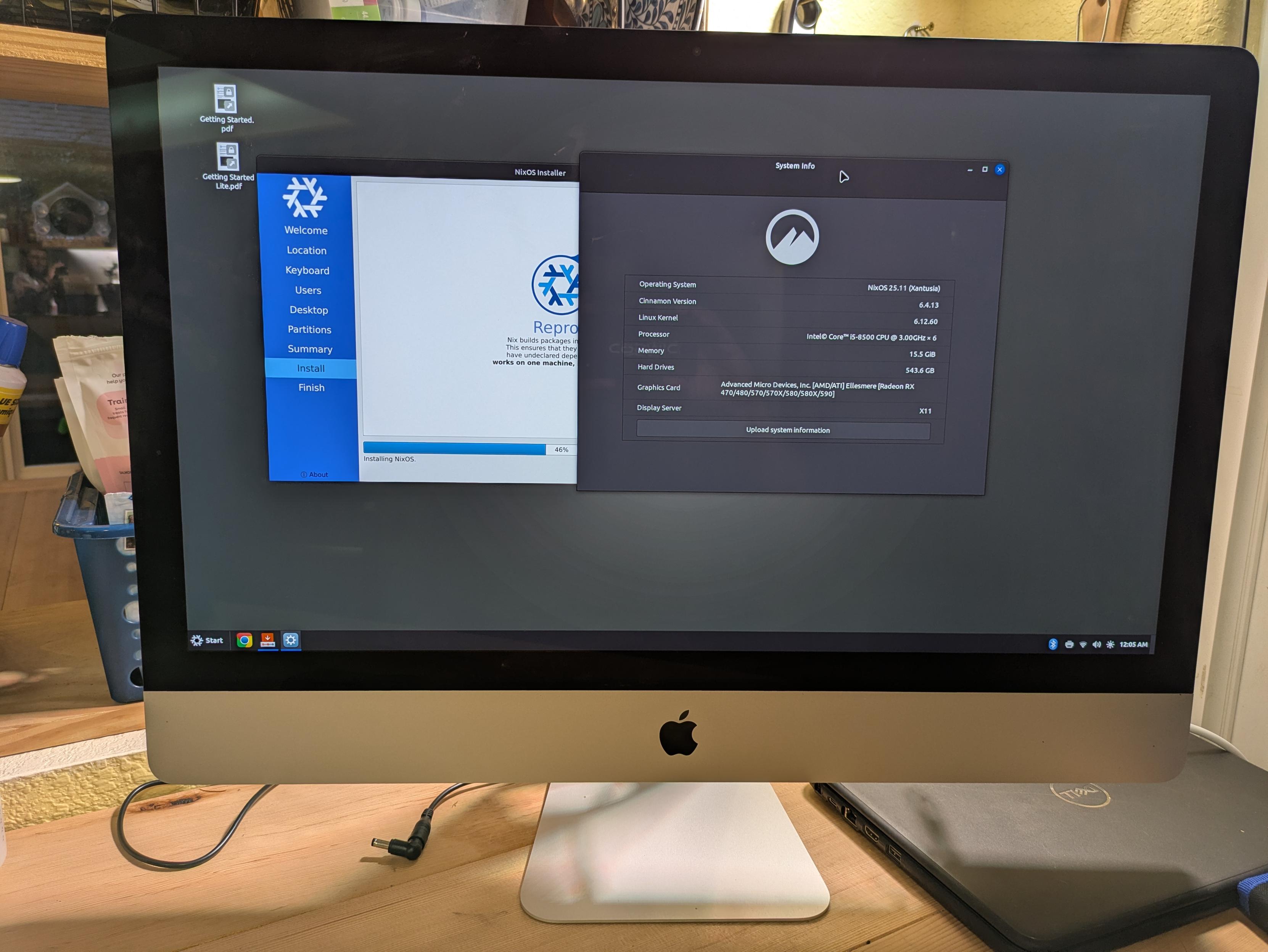
Hard to believe this gorgeous 27" iMac, with a 6 core i5-8500, 16 gigs of ram and a solid state drive was on its way to the dump.
Apparently, it's not "good enough" to run the new MacOS, so it was discarded.
Thankfully, #linux is here to save the day and make this a perfect computer for someone that will last YEARS into the future.

Android friends! A question for you:
I currently use Termux to run shell scripts, SSH, and a few other tools on my phone.
Is it worth switching to the new Terminal app in Android 16?
(Running GrapheneOS if that makes a difference to your answer.)
#Linux #Android #Termux #Android16
Options: (choose one)
FreeBSD 15.0 (almost)-RELEASE, using pkgbase, on my Ryzen 9 MiniPC (and compared to openSUSE Tumbleweed):
- Full disk encryption works beautifully via GELI, as usual.
- Installing KDE is easy and it works perfectly on Wayland.
- All my main apps work. Others will run via the Linuxulator or Wine (Linux browsers, WinBox for MikroTik, etc).
- The fan seems more relaxed.
- The system generally feels snappier.
- Native ZFS. I can autosnapshot every 5 minutes. If I try to do this with btrfs - snapshots of the home directory included and quotas enabled - the system hangs while handling them (which is why Tumbleweed doesn’t snapshot home by default).
- The media keys on my keyboard work, but volume control uses huge steps and 30 percent is already extremely loud. This can be fixed. The monitor brightness setting is also a bit off, but I don't care.
- amdgpu works perfectly.
- The wifi card works. I haven’t tested the speed because I immediately installed the realtek-re-kmod driver to use the 2.5 Gbit ethernet connection.
- Suspend doesn’t work. This is a big problem for me. It’s probably more psychological than technical, but I can’t leave the computer powered for hours when I’m not using it. I already have servers running 24/7 here. I even considered putting my Qotom FreeBSD server in a VM. It would probably work, but next summer it might be an issue because temperatures here aren’t low and spinning disks don’t love heat (and I don’t love their noise).
- It’s stable and reliable. I’ve done almost everything and it just works, as expected.
- Some small glitches remain, mostly due to missing configuration or packages (I didn’t tune anything. I just installed it and started using it).
A much smoother experience than a year ago, when I bought it.
Will I keep using FreeBSD on this minipc?
I’m not sure yet, since Tumbleweed works great and the lack of suspend really influences my choice. I'll contact Aymeric and try to offer some help to improve this.
For now, I’ll keep it on an external SSD and switch from time to time, especially when I know I’ll be using the minipc for hours.

Load-Bearing Assumptions: the rxrpc case (CVE-2026-43500) and the constraint that was never there https://lobste.rs/s/tuiapt #linux #security
https://www.linkedin.com/pulse/load-bearing-assumptions-rxrpc-case-cve-2026-43500-never-oldani-uzyae
Running sh commands on Android is easy.
You need a terminal ENV which runs unprivileged. You need package management. You need csh zsh ksh bash skills
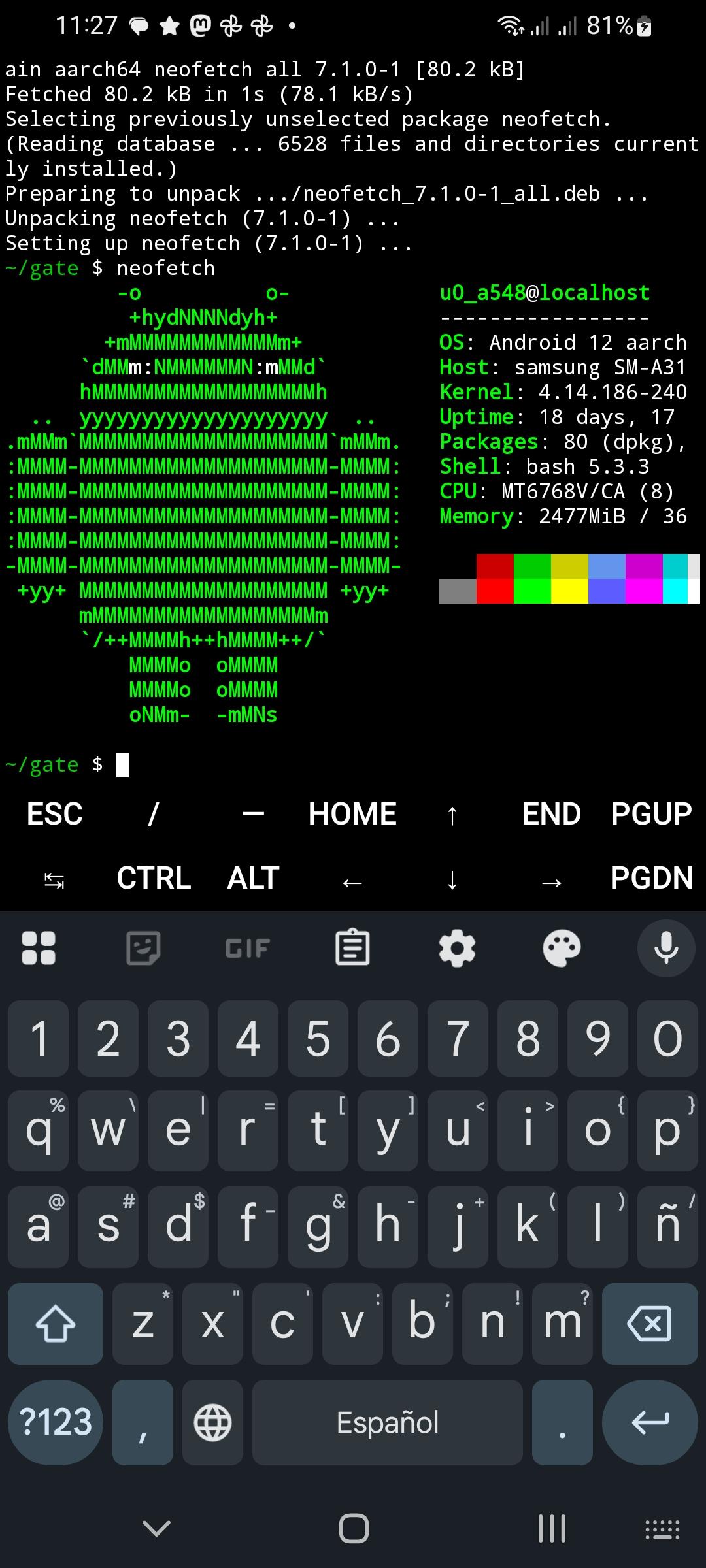
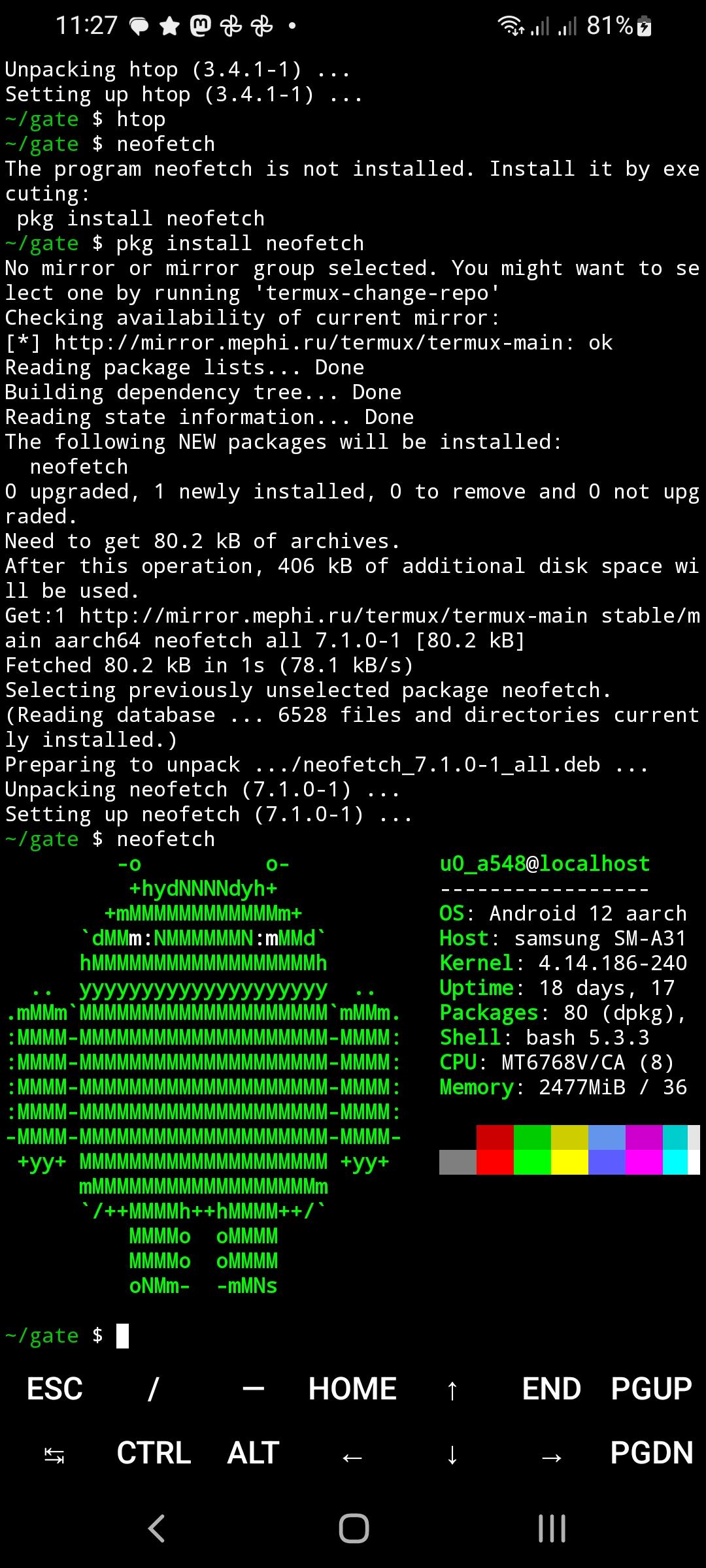
It's full blown, comes with minimal packages, so you can extend with anything from vim, Yes VIM to htop, neofetch, to c programming, with all the cherry 🍒 on top
I use termux
You may get it on fDroid, the home site, but NOT from playstore
Update:
I was just warned that the Play Store version is horrifically broken please read the post from the contributor
Thank you @traecer
#bash #csh #zsh #ksh #fish #sh #Linux #command #line #termux #programming #OpenSource #POSIX #technology

I think it’s important to say specifically GNU/Linux instead of just #Linux, which is just the kernel of the operating system, so that people give up talking to me













Il web che amo.
Quello dei piccoli blog indipendenti, magari ospitati su qualche VPS dove si offrono anche servizi open source e privacy oriented, istanze del #fediverso, e tanto altro.
Si può parlare di #indieweb?
In ogni caso, impegniamoci per alimentare un WWW più sano.
Per non creare un'accozzaglia di url, mi limiterò a taggare alcuni profili (in ordine sparso), da cui poi ricavare i link:

Ich habe schon diverse Linux-Distributionen auf dem Desktop im täglichen Einsatz gehabt: Debian, Suse, Gentoo, Arch, DamnSmallLinux. Im Moment verwende ich Mint. Jetzt kommt ein neuer Rechner und ich überlege mal wieder zu wechseln. In der engeren Auswahl sind Debian und Arch. Was benutzt ihr auf dem Desktop? Was sollte ich mir unbedingt ansehen und wieso?
Irgendwer Tipps für Backup mit #Mint?
Ich hab für Windows einerseits ein Datei-Backup gemacht, das automatisch alle halbe Stunde oder so auf Stick gesichert hat. Andererseits habe ich eine Toshiba Platte, auf der ich ein komplettes System Backup alle Jubeljahre neu gemacht habe. Beides habe ich nicht gefunden bisher für Mint, auch das in der Computerwoche beschriebene gibt es glaube ich nicht her.
1/

Eine Nachlese zum 171. virtuellen #LTN am 27.11.:
Es haben sich in der Summe 18 Gäste eingefunden. Vielen Dank dafür.
Themen waren diesmal u.a.:
- Google Sprachbox -> Was sendet die Box? Voruntersuchung,
- "störrisches" Notebook-> weitere Tests beim nächsten Theo,
- Chatkontrolle EU,
- Diskussion über KI,
- nächste #CLT
Der nächste reale Treff findet wieder am 04.12. ab 18:00 Uhr beim Theo im kleinen Raum statt.
Einfach vorbeikommen. Wir freuen uns.


Ich habe meiner Mutter vor ca. sechs Wochen #Linux auf den für W11 zu alten Rechner installiert und noch KEINE EINZIGE Beschwerde gehört. Hab ich irgendwas falsch gemacht?
Das #Ubuntu-Projekt wird stolze 20 Jahre alt - ein guter Grund zu feiern! 2004 hat es sich zur Aufgabe gemacht, ein Betriebssystem zu werden, das von allen benutzt werden kann und hat somit viel für die Verbreitung von #Linux auf dem Desktop getan. Neben der frühen Geschichte des Projekts besprechen wir auch zahlreiche Highlights vergangener Versionen, zwischenzeitlich vergessene Software und natürlich unsere persönlichen Anekdoten.


 🇧🇷
Ultimamente a empresa que mais tem promovido o uso do Linux é a Microsoft.
fht-compositor: A dynamic tiling Wayland compositor https://lobste.rs/s/rzs4bq #linux
https://github.com/nferhat/fht-compositor



 🍵


Learn how to install Google Chrome on AlmaLinux 10 with this step-by-step guide tailored for Enterprise Linux users seeking a modern web browsing experience.
https://linuxiac.com/how-to-install-google-chrome-on-almalinux-10/
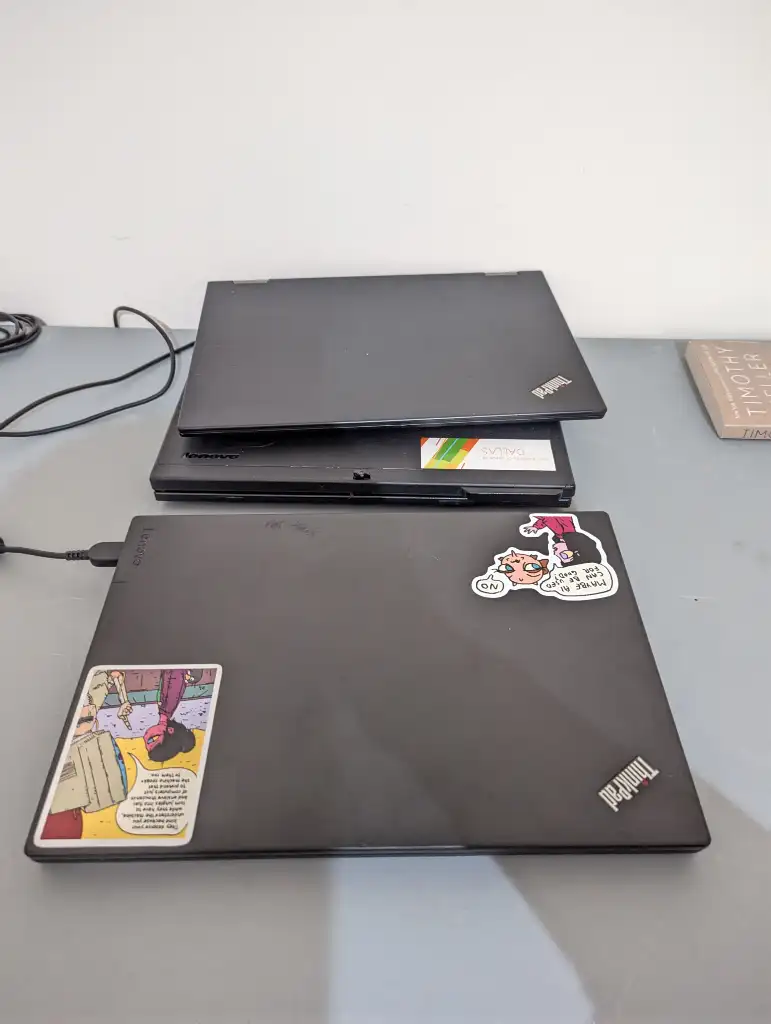
He asked for Linux, so I recommended and pre-installed Linux Mint Debian Edition.
I should have taken a screenshot of the 'fetch' output on this laptop. Nice upgrades. Intel i7 (10th gen), upgraded to 32GB memory (two 16GB modules) and a new 1TB Crucial NVME SSD.
#thinkPad #Linux #LinuxMint #Debian

Meine IT Datenschutz Liste für alle !! 🔒
auch als PDF:
https://cryptpad.digitalcourage.de/file/#/2/file/e6R++daR1qgbHuwptZnVmrB-/
#Datenschutz
#Privatsphäre
#sicherheit
#Chatkontrolle
#Linux
#Endof10
#UnplugTrump
#Windows
#AI
#Fediverse
#Mastodon
#TransparenzGesetz
#Informationssicherheit
#Informationsfreiheit


Gostei da matéria para apresentar alternativas open-source para #aquiteto #architect. #freecad e #bonsai foram citados!
https://fedoramagazine.org/fedora-for-architects-open-source-tools-for-architectural-design/
Com o fim do suporte ao Windows 10 eu migrei para o #linux e para as alternativas open-source. Não é transição sem atritos, mas minhas necessidades estão sendo atendidas. #architecture #arquitetura
Friends,
Is there a good kind of course/ guide/ how to for learning how to use the terminal (I'm currently running Fedora Linux) for dummies. No crypic abbreviations, no "run this string of code" and then no further explanation, no assuming I know anything but how to open the terminal. Something that starts with telling me what everything means that I see even when I first open the terminal. How to do the most basic things, before going into the more interesting things. One stept after the other.
Please tell me there is such a thing? I really want to learn.
#Fedora #FedoraLinux #Linux #Terminal

qemu-system-x86_64 \my host system is #Debian #Linux running on #X11. The error message after login with
-machine q35 -enable-kvm \
-m 2g -cpu host \
-vga std \
-drive "media=disk,if=virtio,file=$HOME/Downloads/9front-11952.amd64.qcow2" \
-netdev user,id=vioif0,hostfwd=tcp::5699-:22 \
-device virtio-net-pci,netdev=vioif0 \
-no-reboot \
-daemonize
glenda was not very informative though:hjfs: fs is /dev/sd00/fs#Unix #FOSS #AskFedi #SDF
init: starting /bin/rc
bind: #i: no frame buffer
rio: cannot open display: initdisplay: /dev/draw/new: file does not exist: '/dev/draw'
init: rc exit status: rc 217: rio 326: display open
init: starting /bin/rc