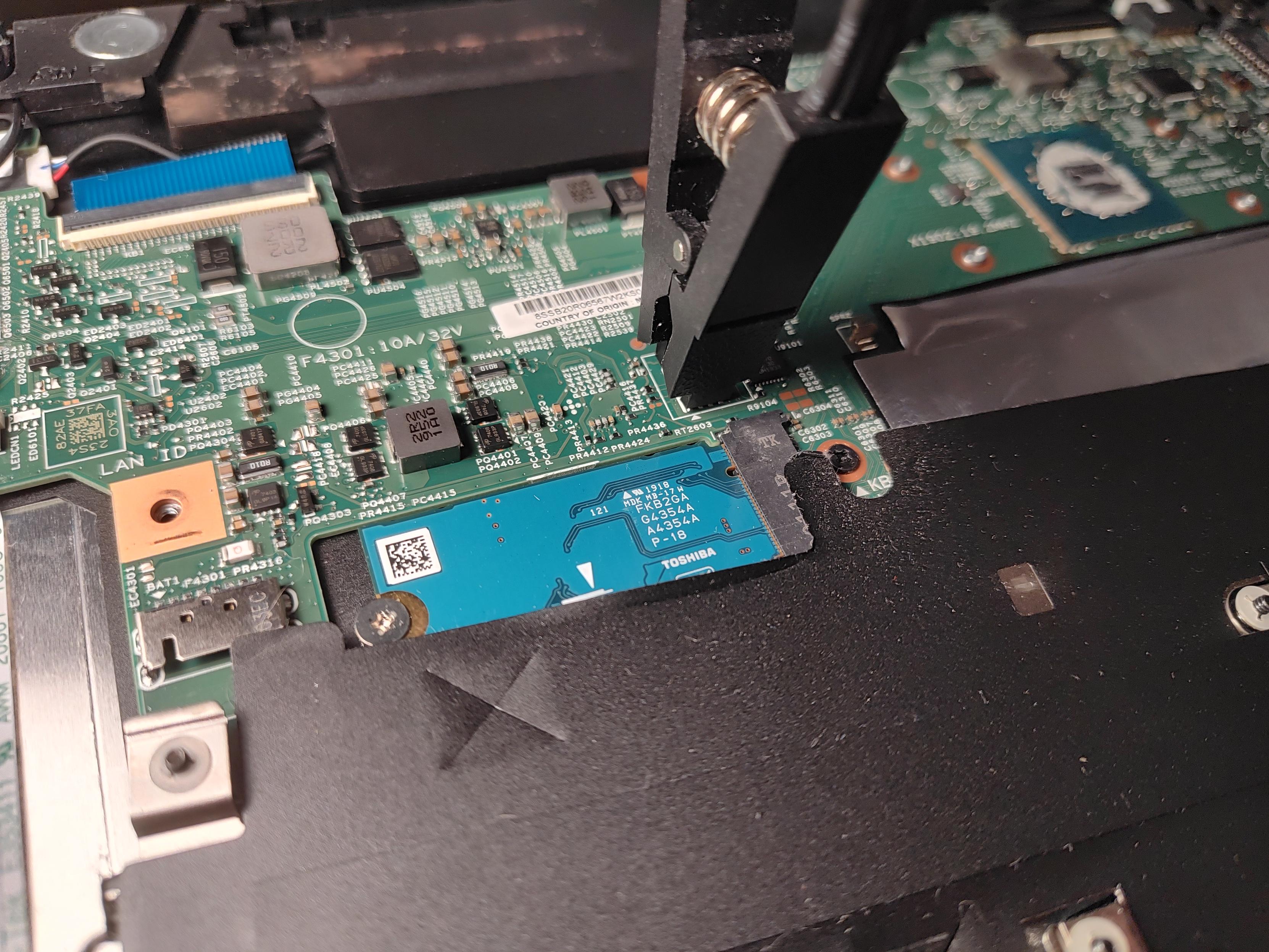
Huh. #Lenovo made a Mac Studio:
lenovo

My setup for recording game play tonight:
- 42" LG C2 OLED TV
- MSI Claw 8 AI+
- IVANKY Dock (the Claw is sitting on it) with HDMI out to external capture card, USB for mouse and controller.
- Ugreen external USB-C video capture card that can do up to 4K at 144hz. Almost zero lag loopback for video to my TV. It's hidden behind the Claw.
- Lenovo ThinkPad 14s gen 5 running Fedora Linux 44 (Silverblue) with OBS Studio to record game play.
- El cheapo TMKB M1 mouse. It might be cheap ($29), but it is pretty awesome and performs just as good as the $80+ name brand mice (looking at you Logitech, why are your mice so expensive?)
- Gamesir Cyclone 2 controller with TMR sticks.
- Old Microsoft Designer keyboard. It's old, but it's super compact and thin. It keeps my desktop nice and tidy.



Hey #lenovo , can you stop this crap?
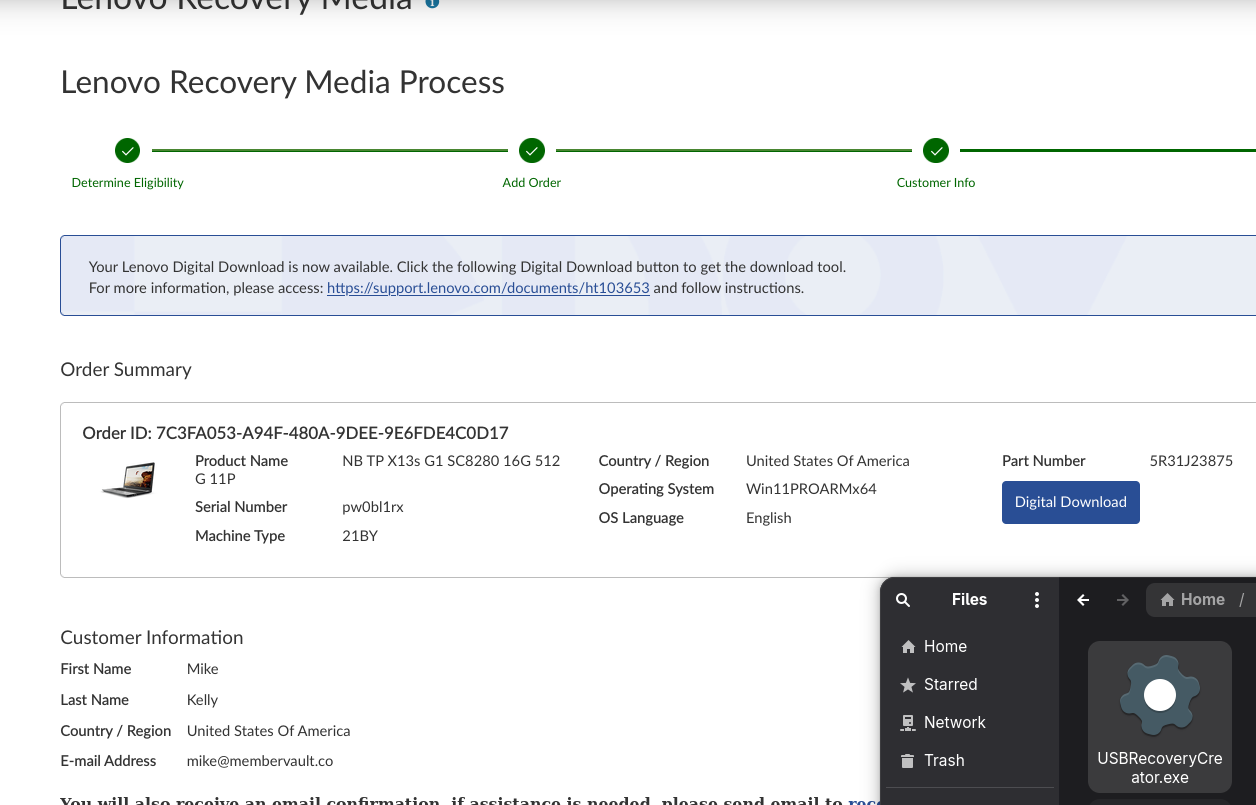
I have a #thinkpad x13s that apparently needs a SPECIAL version of #windows11 that only YOU have.
And when I go to get it, not only do i have to register, provide a serial number and deal with captca.. but then you give me an EXE to create the media??!?!
I have a machine that can't boot windows so you give me a windows executable?
Why not just a damn ISO? I wish #linux would boot on this thing

 For $REASONS, I took my (old) #Lenovo Ideapad S10 out of the box and installed
  #OpenBSD 7.9/i386 on it. Turns out... it installs and runs. But the only graphical Web browser I could use is Dillo; which can display DuckDuckGo but not Phanpy or my Bank User Portal. So I don't expect to go very far there. Also, even with
 hw.perfpolicy set to auto, the fan never stops blowing and making some annoying noise (although CPU is 40 degC).
Maybe I'll try some i386 Linux distro there to see what happens. Maybe it'll go back to its box until the Zombie Apocalypse and the need for 2W TDP CPU happen. Or until I need a 1024x600 10" tmux terminal... I could actually take it on the road where the P14 is too big and the iPhone is a bit too small...
And BTW, in case whatever, the dmesg is here https://dmesgd.nycbug.org/dmesgd?do=view&id=9039 :)
PS: While writing this post, the fan finally stopped blowing. Not sure why as temperature is still 40 degC. Anyway.


Running the live environment of the latest release of #Linux #Mint 7 #LMDE on my trusty old #Lenovo #M72E and it's just.. working. This tiny thin client with a CPU from 2013 and a whopping 8GB of RAM (I've got RAM, get me!) is just happily running a modern 64-bit environment.
Of course I'm sure that browsing the web, especially with multiple tabs open and in-memory, will quickly push it to/over its limits, but likewise, with some smart software choices and a more focused mindset, this could totally work fine for various use-cases.
My use-case is primarily that I'm running Windows XP (which it natively supports, yay for me!) on it as a light-weight setup that gets me to enjoy the last good version of Windows. Some say it's 7. I'd probably have to reluctantly agree on technical levels, but XP is where it's at for me. This, in part, because XP was also the last version of Windows I actively used, before switching fully to OS X — and Linux after that, of course.
I'm in the live environment as I wanted to dd the SSD with the current XP-and-7 installation before making some changes to it. It's easier to do that within Linux, but also because just wanted to see how Mint feels on this hardware. I left enough space on the internal SSD available, thinking I might actually want to put Linux on there too.
It's certainly lovely to see such a modern OS running on such "outdated" hardware. Maybe especially so because it's connected to a CRT monitor 😄.
#RetroComputing #Windows #RetroGaming
Of course I'm sure that browsing the web, especially with multiple tabs open and in-memory, will quickly push it to/over its limits, but likewise, with some smart software choices and a more focused mindset, this could totally work fine for various use-cases.
My use-case is primarily that I'm running Windows XP (which it natively supports, yay for me!) on it as a light-weight setup that gets me to enjoy the last good version of Windows. Some say it's 7. I'd probably have to reluctantly agree on technical levels, but XP is where it's at for me. This, in part, because XP was also the last version of Windows I actively used, before switching fully to OS X — and Linux after that, of course.
I'm in the live environment as I wanted to dd the SSD with the current XP-and-7 installation before making some changes to it. It's easier to do that within Linux, but also because just wanted to see how Mint feels on this hardware. I left enough space on the internal SSD available, thinking I might actually want to put Linux on there too.
It's certainly lovely to see such a modern OS running on such "outdated" hardware. Maybe especially so because it's connected to a CRT monitor 😄.
#RetroComputing #Windows #RetroGaming



 🍵
🍵 
Good grief, the third-party external battery I got for this #Thinkpad x260 is only lasting 59 minutes on an 80% charge now. I better do a full charge to calibrate it, but I think it's dying.
Crappy batteries are the scourge of the otherwise delighful experience of buying old #Thinkpads. :P
I really am thinking about buying a couple new batteries from #Lenovo for a current model Thinkpad T-series, and then waiting 5-7 years to buy the actual laptop, used. 😂

The hardest part of reanimating a laptop designed to corrupt its own BIOS flash when the RTC battery discharges was figuring out how the BIOS image is packed by the manufacturer.
Innoextract to get everything out of the setup.exe. But I didn't deal with BIOSes in a long time and had to understand more about the included .fl1 UEFI image to extract the raw bin (with uefitool).
Fun to see almost instant results of your work. I guess thanks #Lenovo for designing this laptop badly.