homelab


Ever wanted to know which CPU type is the maximum supported in your Proxmox cluster, when not being able to set type host? ProxCLMC evaluates all nodes within the cluster and checks for the maxmimum supported type to make sure live migrations can perform without any issues. ProxCLMC is fully opensource and entirely written in Rust.
More in my blog post:
https://gyptazy.com/proxclmc-identifying-the-maximum-safe-cpu-model-for-live-migration-in-proxmox-clusters/
#Proxmox #PVE #OpenSource #LiveMigration #Homelab #Enterprise #coding #opensource #Rust #Rustlang #CPU #KVM #CPUType #HowTo


ProxCLMC detects the best CPU mode for VMs across all nodes in a cluster to guarantee safe live migrations.
Github: http://github.com/gyptazy/ProxCLMC
#opensource #rust #PVE #homelab #virtualization #cpu #evc #Proxmox #ProxmoxVE

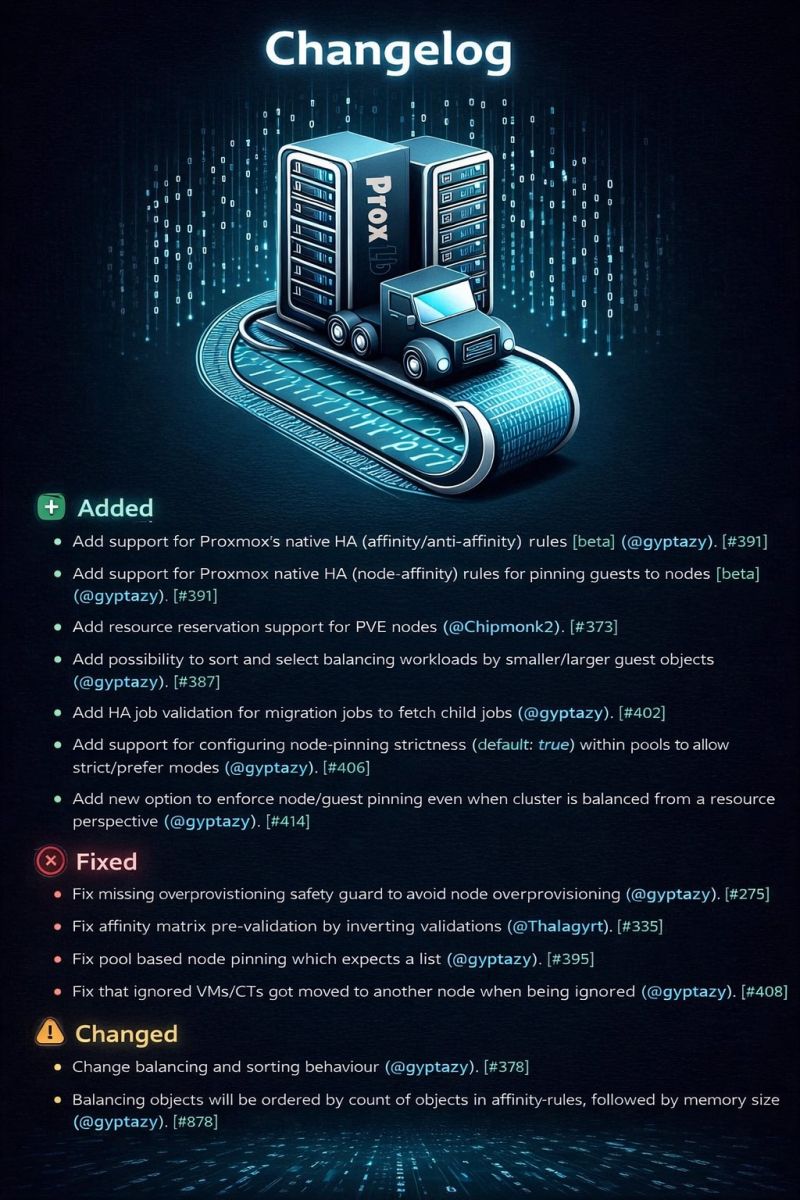
ProxLB 1.1.11 was released, focusing on deeper integration and smarter balancing for Proxmox VE clusters. This version introduces a beta integration with Proxmox’s native HA and affinity/anti-affinity rules (please report any kind of bugs!), allowing ProxLB to work seamlessly with existing placement constraints instead of duplicating them.
The balancing behavior has also been improved: operators can now prefer smaller or larger VMs during placement, and node memory reservations are respected to reduce overcommitment.
Overall, 1.1.11 makes ProxLB more predictable, safer, and better suited for production use, while paving the way for future HA-aware scheduling improvements.
Blog post: https://gyptazy.com/blog/proxlb-proxmox-ha-affinity-rules-version-1-1-11/
Release/Changelog: https://github.com/gyptazy/ProxLB/releases/tag/v1.1.11
GitHub: https://github.com/gyptazy/ProxLB
#virtualization #VM #VPS #PVE #Prox #ProxmoxVE #KVM #VMware #Enterprise #Homelab #ResourceScheduler #affinity #antiaffinity #devops #tools #python #debian

Is anybody using NFS mount over a 1GBe link? I'm thinking about separating compute and storage but my network is 1GBe. I would leave VM root disks and e.g. databases local and only mount e.g. #nextcloud data dir over the network.

Is there any technical reason why one would consider using Xen (or XCP-ng) over KVM at this point?
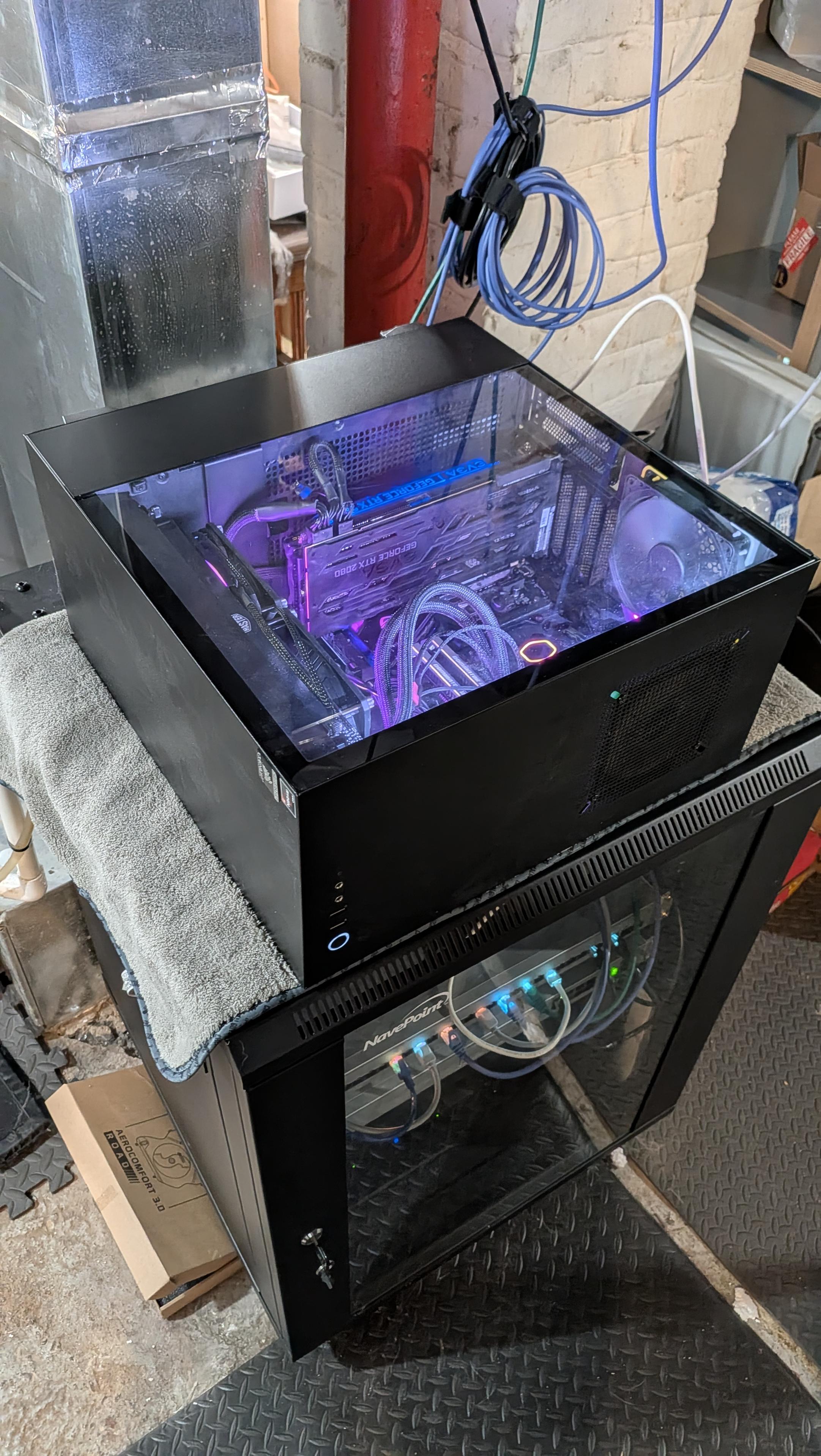
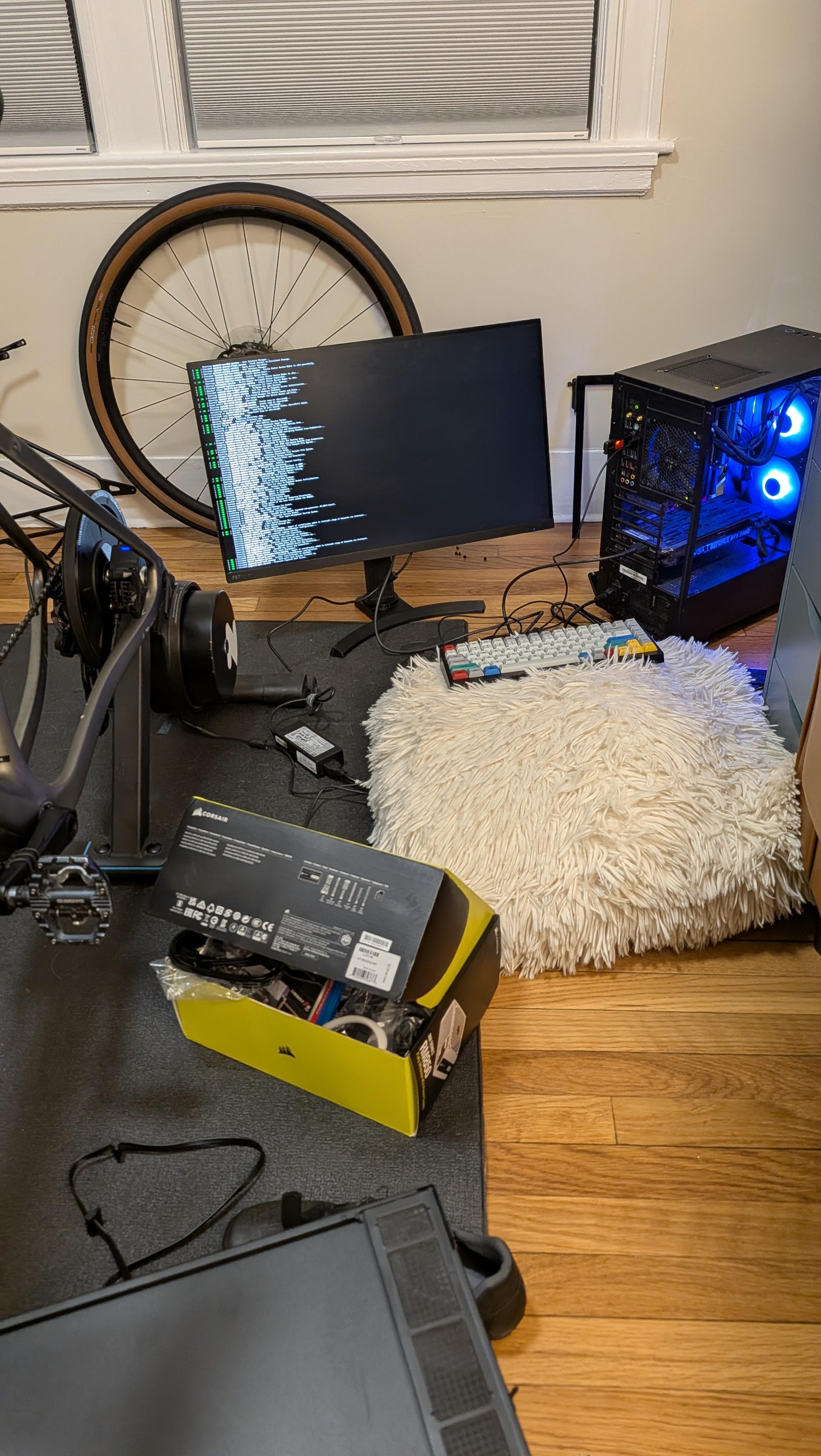
This is basically where I am reviving this old PC (not that old, but still 7 years at this point)
It hasn't been booted up for at least three years now. At first it showed white LED with 97 error code on the motherboard... Which usually means VGA error so something wrong with the GPU (RTX 2080) the monitor didn't have any signal.
(By the way, those monitors all use DC power input and they are all in different voltage... I used the wrong power adapter at first...)
I tried to clear BIOS (Asus has a button) and the error code became b2 (at first I thought it was 62...) The interweb says it's some jibberish stuff about it...
At this point I'm just going to mess around... I decided to completely disconnect the CMOS battery but damn it's under the GPU 🥹 at the same time I moved the GPU to another PCIe slot... After all these it finally booted up into safe mode. And then I turned off "fast boot" and secure boot. Upon restarting it went straight into BIOS again... I was like, what the fuck, isn't there a stupid Windows 11 on it??? But I checked SATA configurations in BIOS - all empty including m2!
I thought there must be some connection issue on the m2 slot so I opened it up and it was EMPTY! Now I recalled I moved that m2 SSD to the machine I'm using now..... Damn it
Then it occurred to me that while I was looking for a USB stick to dd the fedora server ISO into, I saw a Samsung 2.5 inch SSD in the drawer. At the time I was thinking, this is random, where does it come from lol
Now I can use it! Problem is, 2.5 SSD needs SATA power cable 🥹 so I dug out the big box I throw all computer parts in and found the bag where all PSU stuff are... And I do still have two SATA power cables! Another box has a SATA data cable! What a miracle 😂
1/2

There we go. #Snac2 up and running with the preferred installation process. Added custom styling to boot. One confusion point with styling is that it does NOT affect the root page (greeting.html) only the profile pages. So I thought I had done something wrong, but finally figured it out.

Ich werde einen kleinen Talk über Proxmox Backup Server und der Verwendung, sowie Integration von S3 Storage als Datastore im Rahmen einer Live-Demonstration halten.
Eine Anmeldung ist erforderlich, aber kostenlos!
Meetup: https://www.meetup.com/de-de/monchengladbach-oss-virtualization-gathering/events/313663143/
Luma: https://luma.com/xhe5zicy
Oder kurz eine Meldung an mich 🙂
Danke an die credativ GmbH für die Bereitstellung und Organisation!
@credativde #virtualisierung #proxmox #pve #homelab #stammtisch #social #xcpng #xen #openstack #opennebula #sunbeam #microcloud #incus #bhyve


What's your self-hosting platform of choice? Proxmox? Unraid? TrueNAS? Something else?

I had no docker containers running at all two weeks ago on the fedora server. Immich is the first docker container I set up on it. Now I have 11 of them LMAO
So the question is how can I back up the data and configurations of them? I can't even remember what ports they use! 😂
Some maintenance done for my growing number of docker containers...
Moved all of them from named volumes to bind mount under their own directories so I can easily back up
Also realized Immich already dumps database nightly onto NAS directly so I don't have to back up that giant database to NAS again
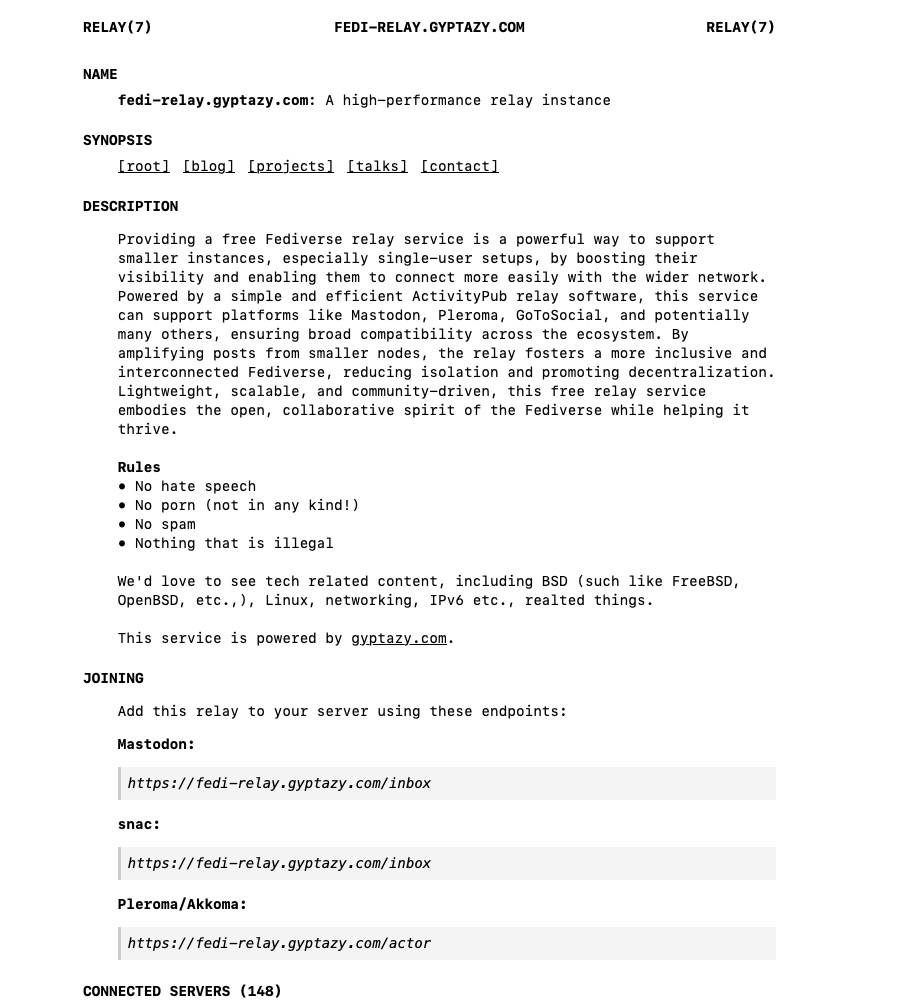
https://fedi-relay.gyptazy.com is a tech related relay instance that connects over 100 instances, focussing on things like #FreeBSD, #BGP, #IPv6, #Proxmox, #Homelab, #Linux and many other things! You can easily add a really when using #snac / #snac2, #mastodon, #pleroma and many other ones!
#community #activitypub #socialmedia #fedi #fediwall #relay #opensource #tech #federated #social

Was lese ich denn da #Proxmox?
pve-ha-manager (5.2.0)
* add dynamic load scheduler
* implement automatic rebalancing for HA resources
Sehr nice.
I'm loving this channel
Tried dockhand and it's really great! I can finally see everything in one place and very convenient!
He didn't mention how to adopt remote stacks - I mounted that via NFS to the host and then bind mount that to dockhand so it can see everything!
Anyone else use NGINX Proxy Manager in their homelab? I’ve had some real issues with caching enabled on some self hosted fedi apps.

Hello I'm Snow. I'm just your average neighborhood furry. I like tinkering on my #homelab with stuff that I can either salvage or find. I'm the owner of furrysex.party the site isn't meant to be fully NSFW I reused the name since I didn't want to buy another domain just to have a small social media site. The entire site is hosted in my homelab Except for the CDN that is provided by bunny.net

Question to the home lab and self hosted communities: what's the go-to cloud backup service these days? I've been using Backblaze, but there have been some controversies about their future. Are those irrelevant?
Additional context: I need to run backups both from Linux (doesn't matter the tool) and Synology (their native backup tool).
TIA (thanks in advance)


Hi. I'm kbob. Intro time.
I used to get paid to write software. Now that I'm retired, I do it for free. I also play with 3D printers and electronics and stuff.
I love learning, and I like to make things the hard way. I often create a #BuildThread about a project and update it for months.
Interests
#3DPrinting
#CAD
#electronics
#FPGA
#synth
#BassGuitar
#solar
#geothermal
#homelab
#homeassistant
#pinball
#ev
#ebike
#biking
... and more

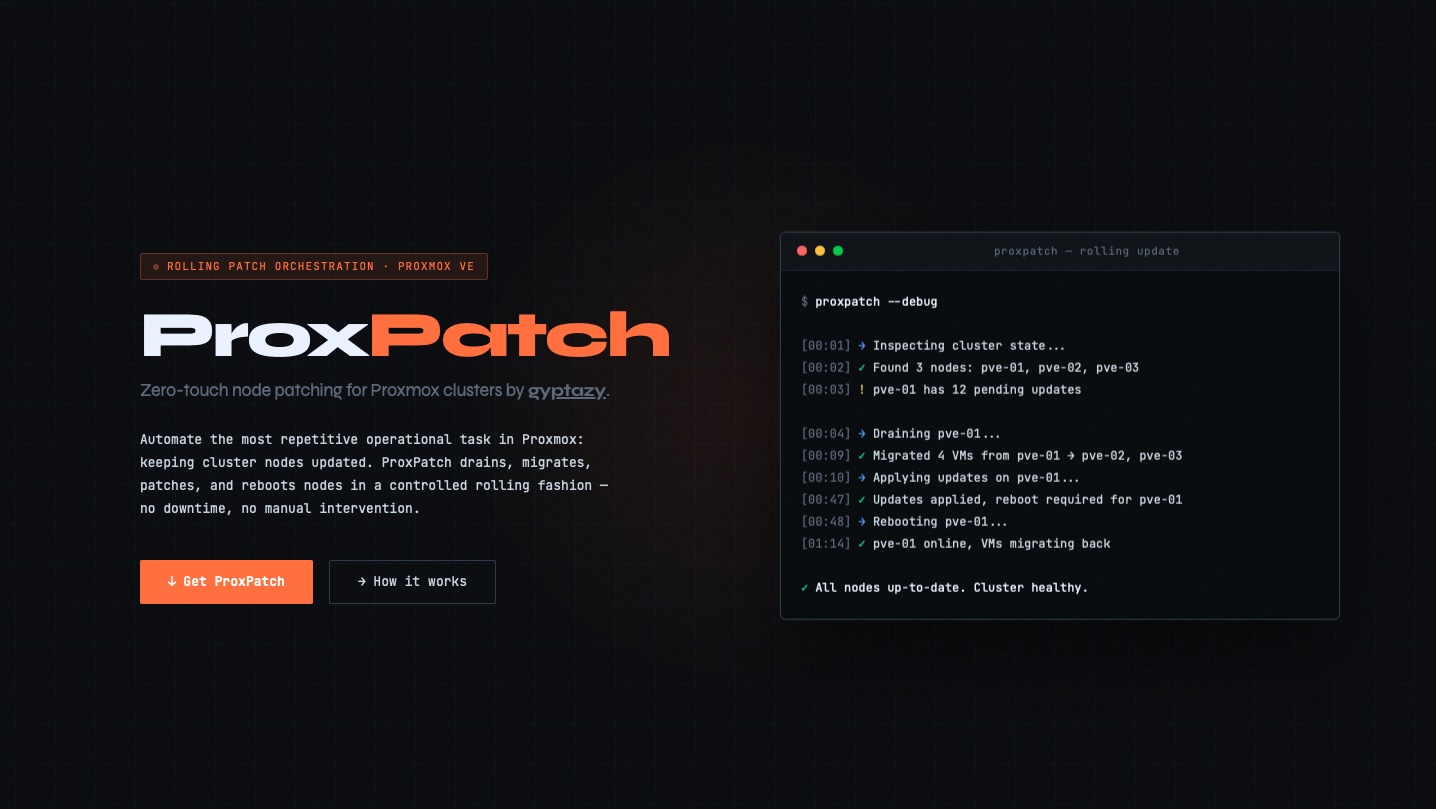
Automate the most repetitive operational task in Proxmox: keeping cluster nodes updated! ProxPatch drains, migrates, patches, and reboots nodes in a controlled rolling fashion — no downtime, no manual intervention.
ProxPatch is written in Rust and fully #opensource.
Website: https://proxpatch.de
GitHub: https://github.com/gyptazy/ProxPatch
#PVE #homelab #enterprise #Debian #PatchManagement #ProxmoxVE #Security #ProxLB #SecurityUpdateManagement #Automation #Rustlang


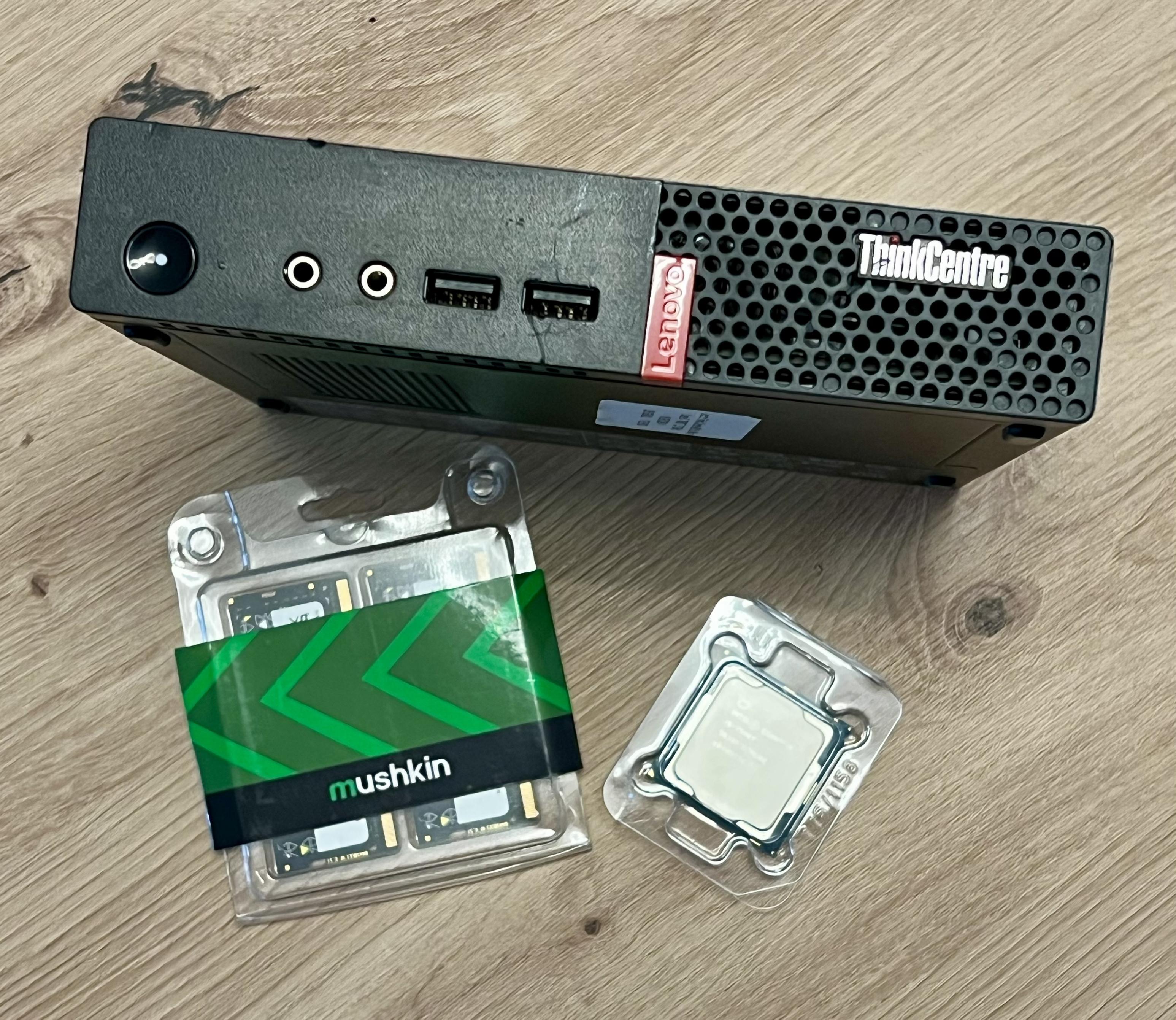
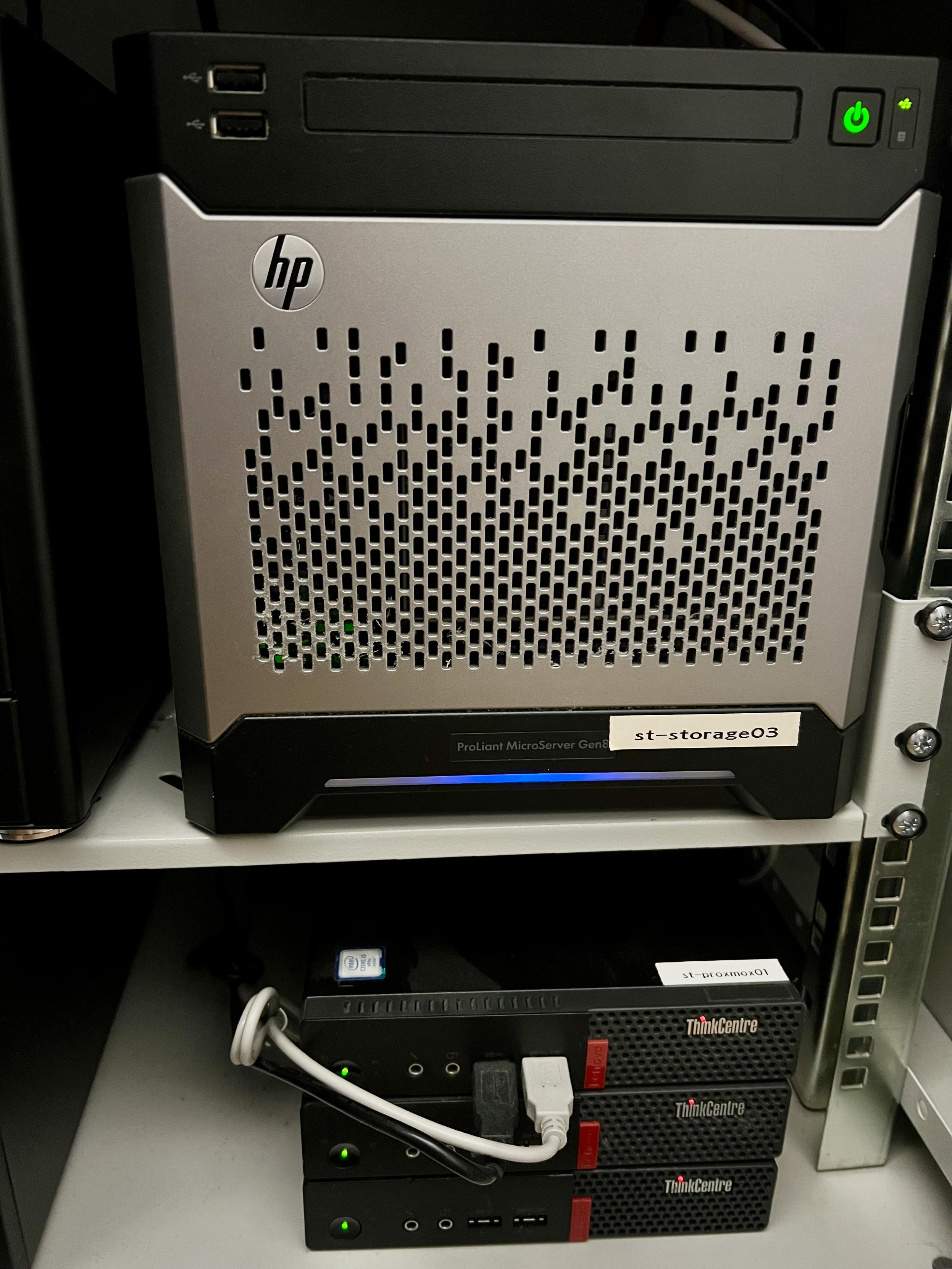
et bien j'aurais aimer que quelqu'un me parle btrfs-convert avant que je m'ennuie à lvresize/resize2fs et déplacement des octets...
#backup #selfhosting #homelab
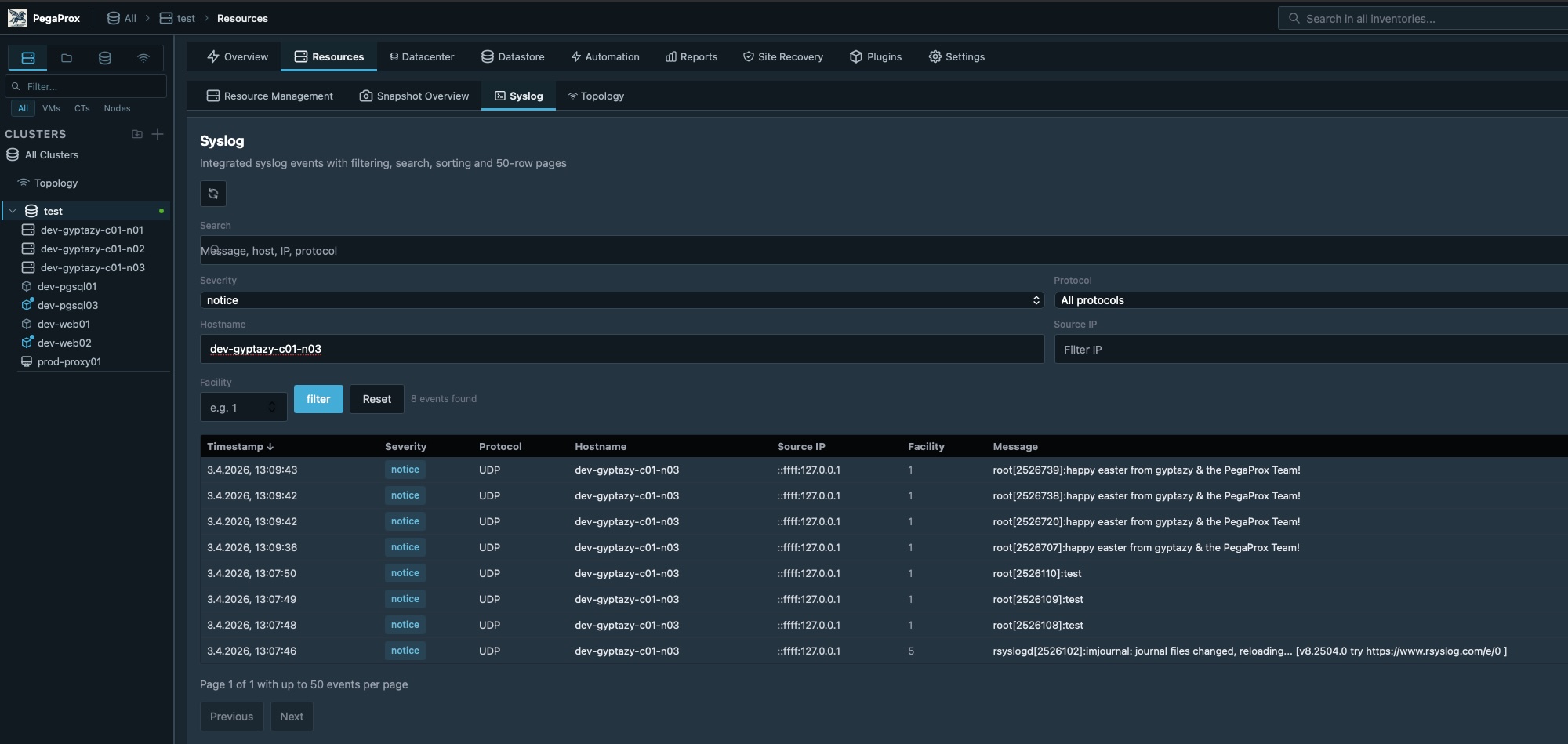
For real, many people asked me for their smaller and mid-sized environments, how to handle remote syslog of their nodes. I had some ideas (some of you may have already found my Rust interpretation of this) but I think having this included in #PegaProx as a centralized management interface makes more sense.
So, PegaProx comes with an own syslog server (ipv4/ipv6, udp/tcp, encrypted/unencrypted support) and is wired to the interface within the resources tab. Providing a quick overview of all your logs and filter options. The next thing is wiring it to the notification system of PegaProx, allowing automated alerting. Might be nice to quickly identify when the quorum got lost - all built-in into PegaProx!
#easter #development #coding #python #opensource #foss #pve #proxmox #proxmoxve #virtualization #vmware #alternatives #free #logging #security #gyptazy #proxmoxdatacenter #homelab #enterprise