Updated my DRAFT of “Five Ways to Use the Windows 10 Context Menu in Windows 11”
https://www.ii.com/use-win10-context-menu-in-win11/
#CLI #Productivity #GTD #Windows #Registry #RegistryEditor #regedit #SysAdmin #Annoyance #Annoyances #Hacking #PowerShell #Windows10 #Win10 #Windows11 #Win11
#Byℵ #ByNM #InfiniteInk
sysadmin
https://phanpy.social/#/hachyderm.io/s/115891592999188880
Stop opening huge files in screen editors.
Screen editors (nvi, vim, etc.) assume you want to scroll,
see context, and move a cursor interactively.
Huge files break those assumptions.
For large files (1GB+):
Inspect: head, tail, grep
Understand structure: awk, sed -n (stream, don’t load)
Surgical changes: ed or sed
Benchmark (1GB text file):
nvi -> 20.1s (eager line indexing ~25M lines)
vim -> 7.7s (lazy loading, deferred UI cost)
ed -> 4.0s (I/O-bound buffering, no TUI overhead)
They need better workflows.
For huge files, the right solution is not tuning screen editors,
but using the right tools:
shell tools for inspection
ed for known, surgical changes
screen editors when interactive rewriting is actually needed
nvi chooses predictability over perceived speed.
The slowdown is not a flaw — it’s the cost of preserving
classic vi semantics within a screen-editor model.
#vim #nvi #ed #unix #linux #cli #sysadmin
Interessante o Anubis mas acho que implementar ele na Bolhinha, numa análise superficial e preliminar, traria mais problemas do que soluções.
Por exemplo, ele não se dá muito bem com WebSockets e o Mastodon usa isso o tempo todo.
@fediadminbr
What command do you prefer for switching to root?
Edit: I realize now that I forgot a looot of options. So many ways to switch to a root shell. If only I could add more options to a mastodon poll in an edit...
Options: (choose one)
They say AI isn’t profitable. That’s not true.
Twice just this past week, I’ve been contacted and paid to fix problems caused by developers who relied on AI to configure servers.
New blog post!
This is the longest one in quite a while.
Last year, I held a presentation about the basics of Active Directory pentesting, focusing on "quick wins", easy to exploit vulnerabilities with huge impact.
I turned that presentation into a blog post.
The result is a surface-level overview of some of the most severe Active Directory vulnerabilities.
I hope it can be useful for aspiring pentesters and Active Directory admins alike.
https://ti-kallisti.com/general/ms/ad-basics.html
#redteam #pentesting #infosec #ActiveDirectory #sysadmin #Microsoft #Windows
RE: https://mstdn.feddit.social/@admin/115995995293010716
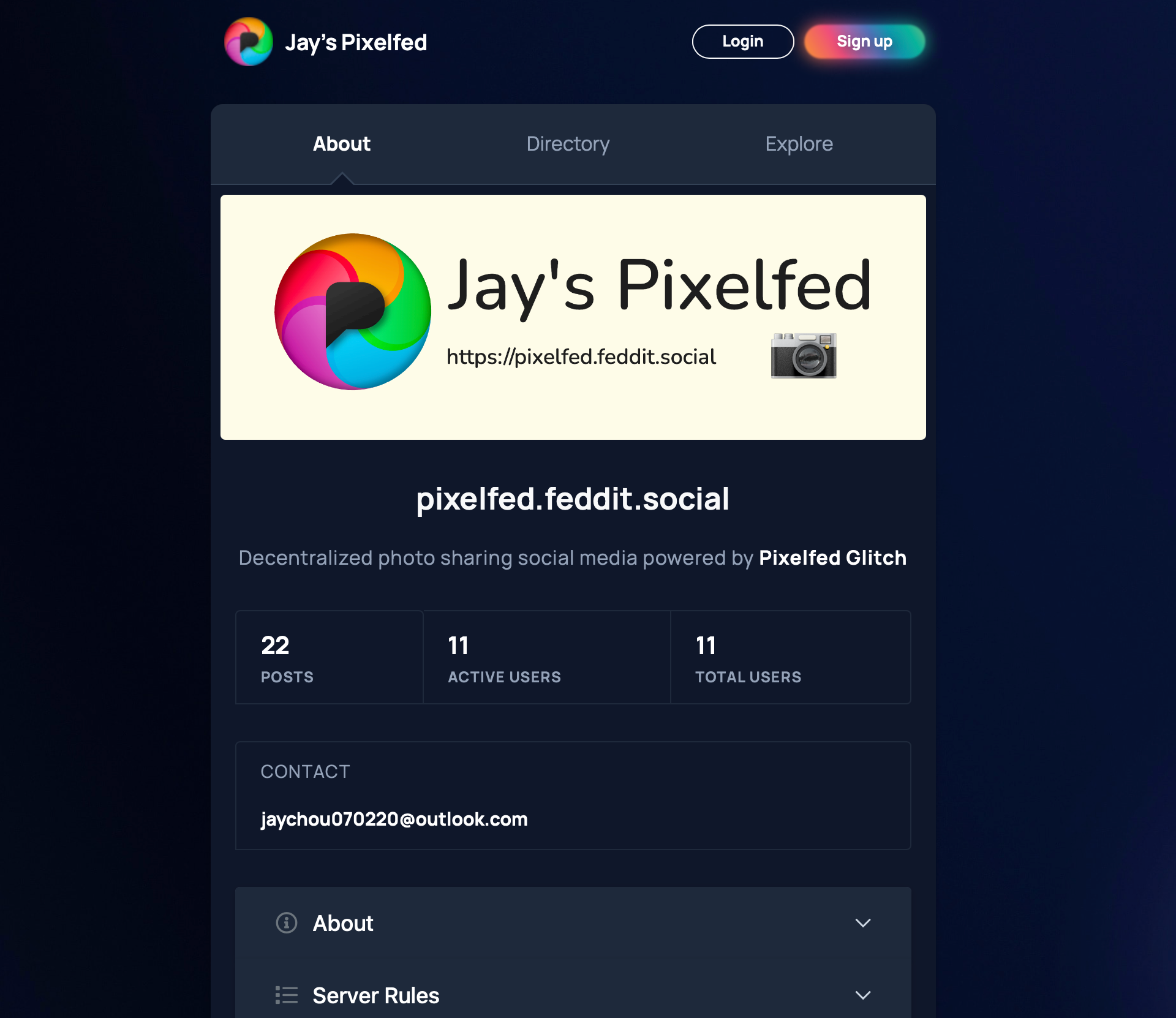
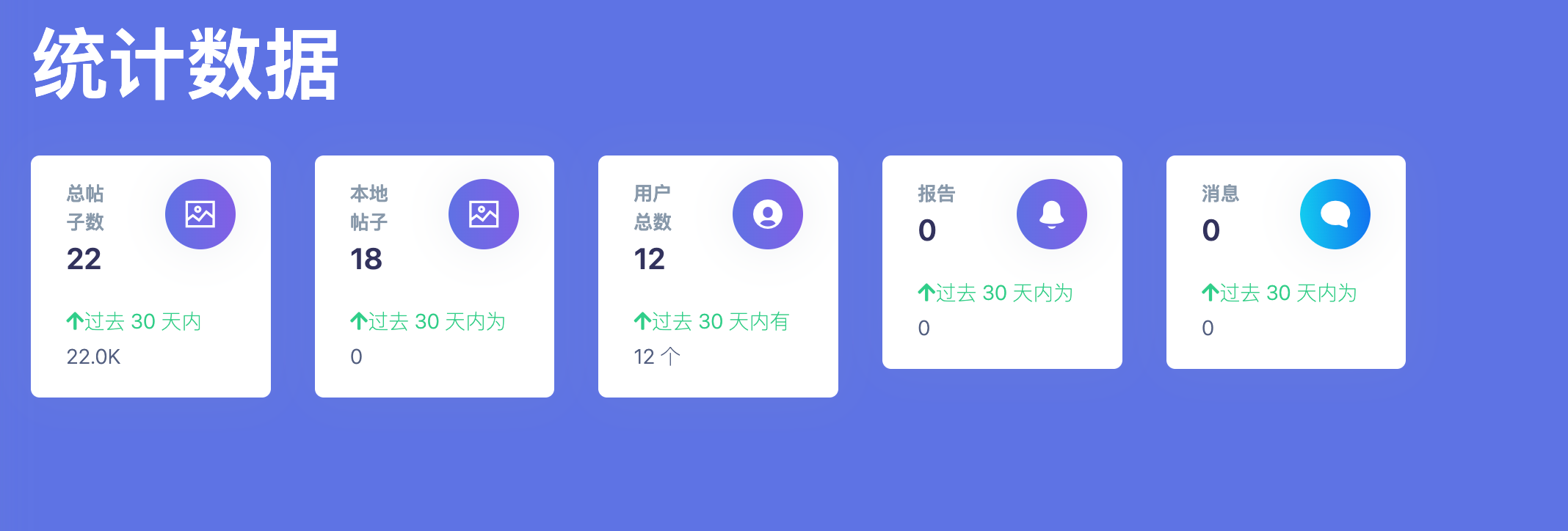
@board 感谢香油们的捧场,本站用户已经增加到了13人,为了扫除香油们注册时的障碍,暂时完全开放注册: https://pixelfed.feddit.social/register
下面是Jay's Pixelfed的使用指南,本帖非AI生成,完全由人工完成,请放心食用:
关于Pixelfed:
本站主页:https://pixelfed.feddit.social
Pixelfed的目的是专注于图像和视频,致力于“探索和分享精美照片和视频”;
Pixelfed拥有全联邦宇宙第二大实例,由@dansup开发,他也是fedidb.com和Loops的开发者;
Pixelfed拥有14万月活跃用户,是全联邦宇宙No.2,仅次于No.1的Mastodon的104万。
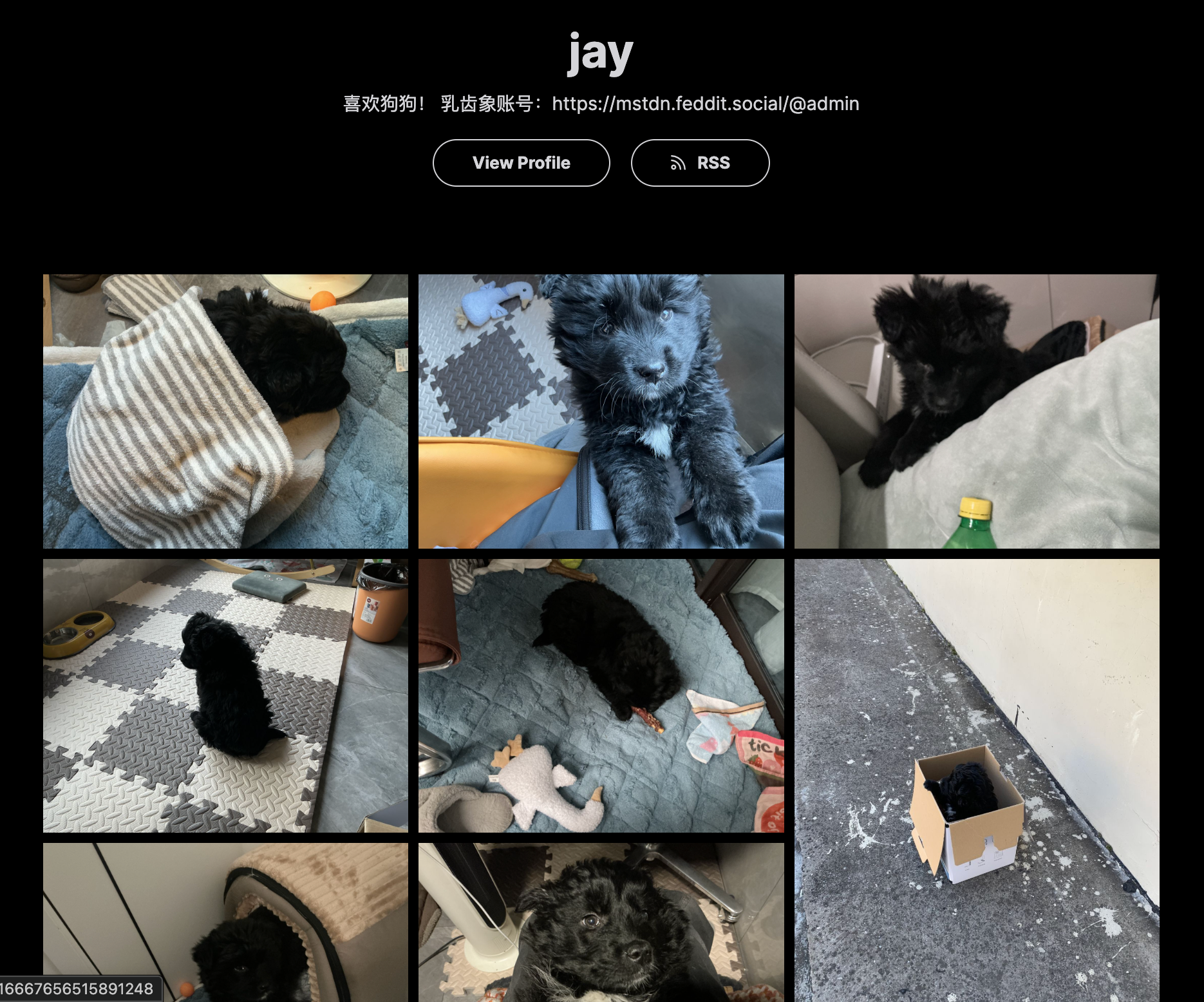
关于作品集:My Portfolio
1. LayOut:Grid栅格,Masonry瀑布流,Album每页一张
2. Configuration:选择Curated Post,开启精选帖子/选择Most Recent Post,展示最近的帖子
3. Curate:选择展示的图片,从最近的100条帖子中选择最多100张照片,仅支持公开照片帖子,不支持视频。
4. 支持RSS
5. 测试展示:https://pixelfed.feddit.social/i/portfolio/jay
Collections:
1. 用于管理庞大的帖子,比如创建:“生活”、“狗狗”、“猫猫”
2. 测试展示:https://pixelfed.feddit.social/c/915978747152515086
Archives:
1. 黑历史帖子,不想删掉,选择Archive封存他们
2. 其他用户只能看到你的Posts、Collections,不能看到Archives、Bookmarks、Likes
两种换头像的办法:
1. Profile——Edit Profile——更改个人资料照片——上传图片(头像需要单独点击上传,jpeg/png 格式最大10 MB)
2. 点击头像旁的齿轮⚙️,上传图片(jpg/png最大2MB)
关于Profile:
1. Website可以填你的Mastodon账户链接
2. Bio可以用来简单介绍你自己
3. Pronouns可以多选
4. 填写完需要Submit保存修改
关于Spam:
1. 如果你被提示“You recent post has been unlisted.”,可能是由于你的帖子含有链接或者有类似“💓”的暗示性emoji;
2. 目前已暂时关闭Spam detection。
信息源:
Tag:
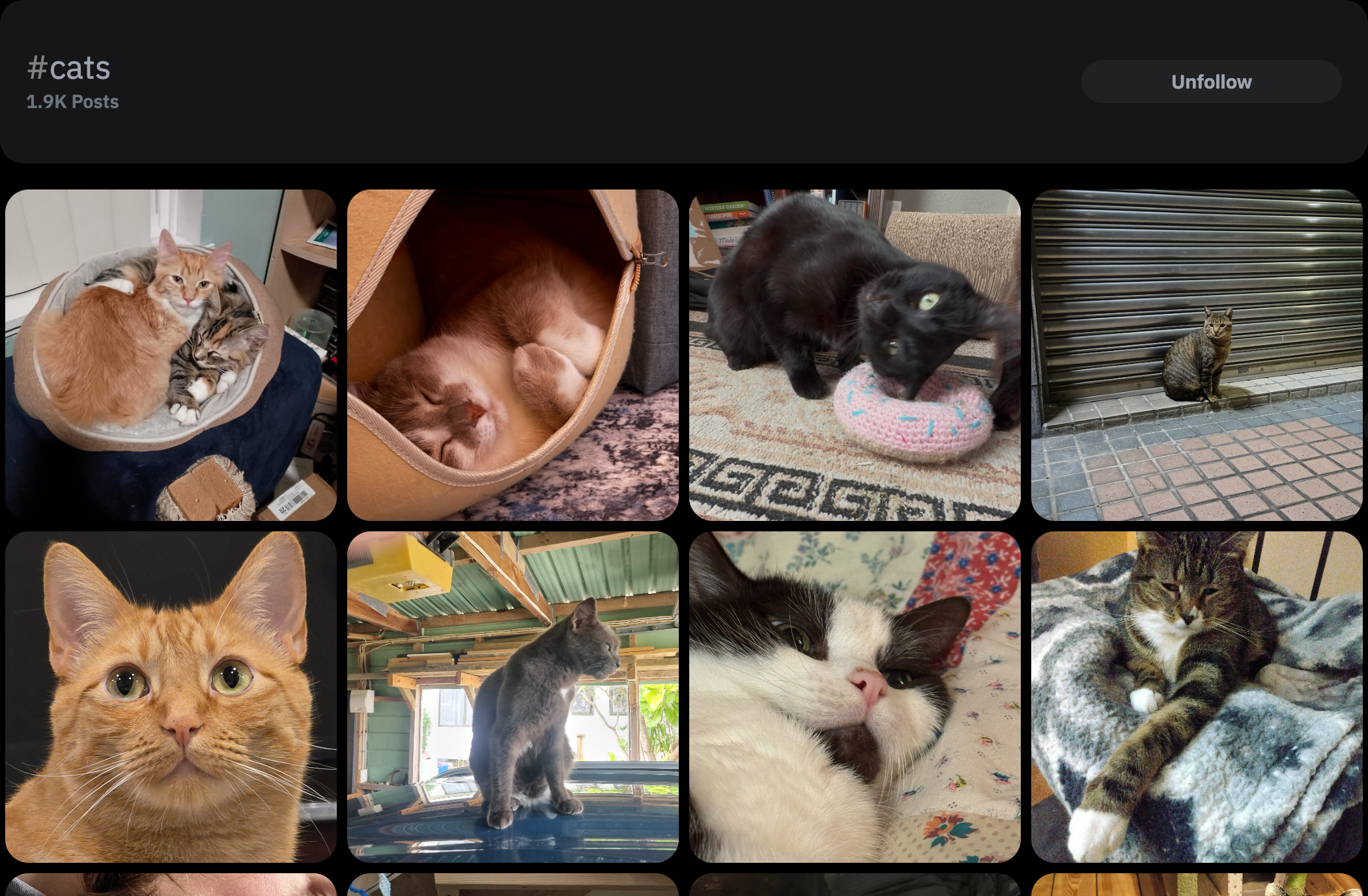
1. 如果你希望你的帖子被同好看到,请给你的帖子打上合理的Tag
2. 如果你想看到同好的帖子,请搜索并关注Tag,比如Dogs、Cats
3. 管理关注的Tag: https://pixelfed.feddit.social/settings/relationships/home?mode=hashtags&page=1
4. 关注转发机器人也是一个快速丰富时间线的好选择:
摄影:@photography
宠物:@pets
宇宙:@space
小技巧:
1. 点击头像——Appearance——Dark Mode更护眼
Creat New Post:
2. 发帖时可以通过Tag People标记某人,他们会收到通知
3. 可以在编辑帖子时修改Audience,选择Public、Unlisted、FollowersOnly,
4. 可以Add Location添加地址(支持中国但是不推荐)
5. 可以在Advance dSettings开启Turn off commenting关闭评论区
6. 修改本地语言:https://pixelfed.feddit.social/i/web/language (遗憾的是Pixelfed-Glitch不支持中文界面)
隐私:
来到:https://pixelfed.feddit.social/settings/security
1. Include public posts in search results:允许你的公开帖子被搜索到
2. Show on Directory:展示你的Profile在本站Directory
3. Manually Review Follow Requests:手动审核关注
安全:
来到 https://pixelfed.feddit.social/settings/security
1. Two-factor authentication:开启双重验证
2. Temporarily Disable Account:暂时禁用账户直到下次登录
3. Delete this Account:删除账户,无法恢复
时间线:
来到:https://pixelfed.feddit.social/settings/timeline
1. Show reblogs:展示转发,建议开启
2. Photo reblogs only:主页只显示转发
兼容性:
1. 如果你的帖子显示No—Preview,请等待并刷新,如果还是无法显示,请复制你的帖子内容重新发布(罕见,但是万一出现,十分抱歉);
2. 视频MOV请在Apple设备的相册上传。
管理与发帖:
1. 日常发帖推荐使用Phanpy:https://dev.phanpy.social
2. 管理账户推荐直接登录实例: https://pixelfed.feddit.social
Server Rules:
1. 未经他人明确同意,请勿发布或分享他人的个人信息
2. 任何仇恨言论、威胁或任何形式的欺凌都不被容忍
3. 禁止直接发生露骨内容,请使用内容警告功能
4. 禁止任何二/三次元的儿童色情内容
5. 禁止任何血腥暴力内容
管理信息:
1. 添加了服务器横幅
2. 完善了更多的服务器配置
3. 暂时开放注册
4. 如有问题,请直接在评论区留言,记得删除[@]board[@]ovo.st~
#pixelfed #mastodon #photography #sysadmin #Portfolio #Fedivese #长毛象安利大会
I published “How to Quit Using the Annoying Windows 11 Context Menu🍔”
https://www.ii.com/use-win10-context-menu/
#CLI #Productivity #GTD #Windows #Registry #RegistryEditor #SysAdmin #Annoyance #Annoyances #PowerShell #regedit #Windows10 #Win10 #Windows11 #Win11 #InfiniteInk #Byℵ #ByNM
bon ils servent a rien,mais je me demande coment ils ont récuperés toutes ses urls...
à vrai dire ça m'inquiète un peu...
#sysadmin
It's probably a good idea to do another #introduction since people change over time, ideally.
I'm haui. I help people & build things that help people. Big #foss enthusiast, #sysadmin by day and #hacktivist at night.
I think all people (and animals) are born equal and should stay that way.
I oppose #capitalism and embrace alternative systems. I dont care about #corporatedemocracy and manipulated "free speech".
I want thirst, hunger and homelessness gone, for everyone, by any means necessary.
I published “6+ Ways to Quit Using the Annoying Windows 11 Context Menu🍔”
https://www.ii.com/6plus-ways-to-use-win10-context-menu-in-win11/
#Productivity #Windows #Debloat #Tweak #Registry #SysAdmin #CLI #Annoyance #Annoyances #PowerShell #Windows11 #Win11 #Win11Sucks #InfiniteInk #Byℵ #ByNM
Hey #sysadmin folks! Is "short stroking" a hard drive still a thing?
For the youngsters: this was when you used only the fastest part of a hard drive, leaving the slow parts of the disk empty. Short stroking improved spinning rust performance.
I haven't heard of this in years, and it seems that with LBA abstracting the drive innards would eliminate the benefits. (You'd still get extra spare blocks for when the drive starts failing, sure.)
A #SysAdmin / #MastoAdmin Question for folks
Has anyone used mikrotik hardware in anger / in production?
I've had enough now of my Unifi gear causing problems, this is the second gateway I've purchased which exhibits these random lock-ups / crashes and I'm very much over it so am looking at alternatives and mikrotik continues to be one that looks sensible.
Just curious if anyone has much experience using it hands on?
Heyho, I'm seeking an #Internship as #Sysadmin from Sep 2025 to March 2026, ideally in or around #Düsseldorf, but I'm open to remote. I'm passionate about Linux and I'd like to explore the #DevOps route too. See my website https://larmart.de for contact infos and a first impression. - The costs of the Internship are covered completely, it’s a free opportunity to work in a passionate and young Linux fellow. Thank you guys, boost is appreciated 🙏🏻❤️🐧
#FediHire #GetFediHired #jobs #jobsearch
Today is #sysadmin day 🤓
I uh hate for asking.. but this sysadmin could use a little help in running the services but not in a technical way
https://mstdn.social/@stux/114903063176514497
Maybe you can also helpout your server admin? 
Behind every seamless deployment and stable server is a #SysAdmin who made it happen 😎 Today, we’re shining a spotlight on the IT pros who quietly — but brilliantly keep everything running smoothly & honor the critical work done by sysadmins around the globe.
To celebrate, we’re giving you something actually useful: the @adminmagazine “10 Terrific Tools for the Busy Admin – 2025 Edition”
Download it now for free & give your toolkit a serious upgrade!
🔗 https://htznr.li/sysadminday
#AusDerWerkstatt 2025-28
Passend zum #SysAdminApprecationDay veröffentlichte ich heute meinen Blog-Beitrag zur Rund-Erneuerung meiner #InformationsTechnologie: neues Smartphone, Umstellen von Kupfer- auf Glas-Faser-Netz, neues Betriebs-System WIN11. Und ein paar grundlegende Gedanken zum Thema IT für Freiberufler:innen.
Bleib neugierig: https://madiko.com/gelebte-praxis/aus-der-werkstatt/2025/rund-erneuerung-informations-technologie-smartphone-glasfaser-win11/