手握未来钥匙的它,为什么没有开启时代之门?【施乐变革史|商界传奇】 - YouTube
https://www.youtube.com/watch?v=_ZCffeFBfxk
pc
Tales of the Shire's system requirements have me considering grafting a graphics card to a Hobbit's bum - https://www.rockpapershotgun.com/tales-of-the-shires-system-requirements-have-me-considering-grafting-a-graphics-card-to-a-hobbits-bum #Birdview/Isometric #PrivateDivision #TalesoftheShire #NintendoSwitch #XboxSeriesX/S #SinglePlayer #Thirdperson #Simulation #Indie #RPG #PS5 #PC
Sunday fun
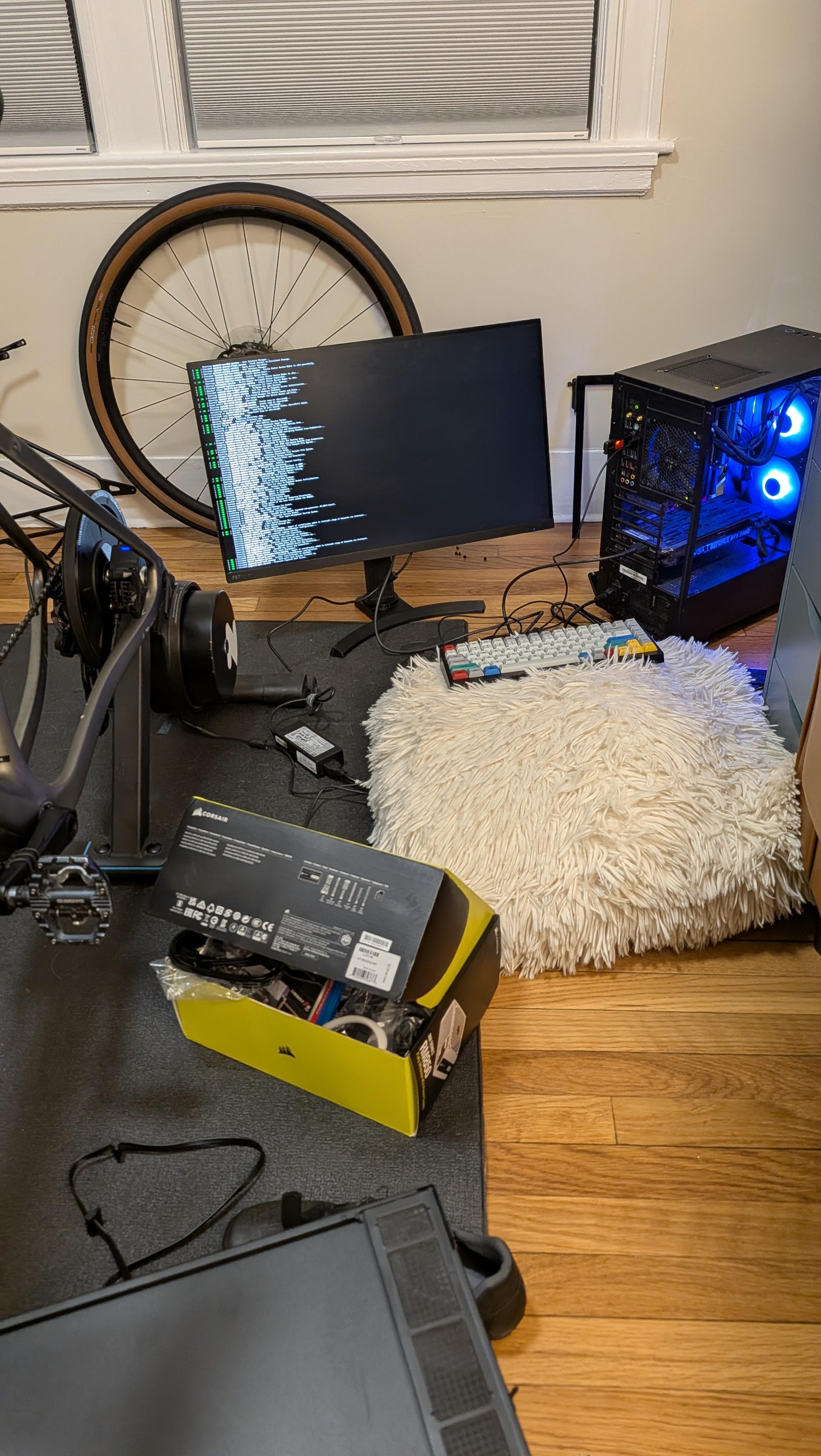
Got a new m2 SSD
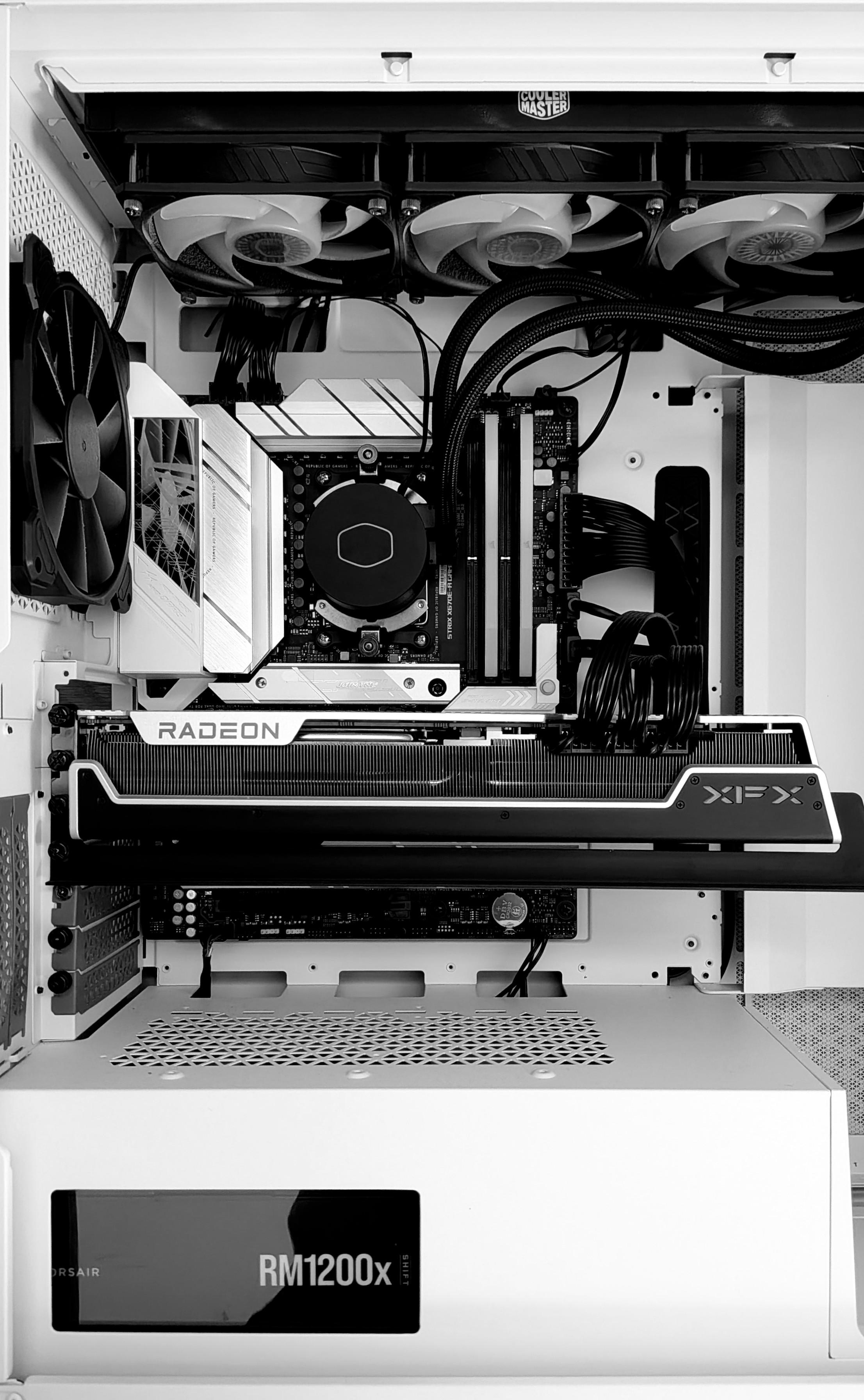
This monstrous GPU is in the way of everything so I had to take out the 4 (!!) screws and unplug it before I could put in the new m2 SSD
Advise is ... Maybe just buy a 4TB SSD first time...
This is basically where I am reviving this old PC (not that old, but still 7 years at this point)
It hasn't been booted up for at least three years now. At first it showed white LED with 97 error code on the motherboard... Which usually means VGA error so something wrong with the GPU (RTX 2080) the monitor didn't have any signal.
(By the way, those monitors all use DC power input and they are all in different voltage... I used the wrong power adapter at first...)
I tried to clear BIOS (Asus has a button) and the error code became b2 (at first I thought it was 62...) The interweb says it's some jibberish stuff about it...
At this point I'm just going to mess around... I decided to completely disconnect the CMOS battery but damn it's under the GPU 🥹 at the same time I moved the GPU to another PCIe slot... After all these it finally booted up into safe mode. And then I turned off "fast boot" and secure boot. Upon restarting it went straight into BIOS again... I was like, what the fuck, isn't there a stupid Windows 11 on it??? But I checked SATA configurations in BIOS - all empty including m2!
I thought there must be some connection issue on the m2 slot so I opened it up and it was EMPTY! Now I recalled I moved that m2 SSD to the machine I'm using now..... Damn it
Then it occurred to me that while I was looking for a USB stick to dd the fedora server ISO into, I saw a Samsung 2.5 inch SSD in the drawer. At the time I was thinking, this is random, where does it come from lol
Now I can use it! Problem is, 2.5 SSD needs SATA power cable 🥹 so I dug out the big box I throw all computer parts in and found the bag where all PSU stuff are... And I do still have two SATA power cables! Another box has a SATA data cable! What a miracle 😂
1/2
I have a huge favour to ask! If anybody owns #Asus #laptop, I need screenshots from #ArmouryCrate! Specifically, min and default values of sliders for CPU, GPU and Mid on battery and plugged in. Please share it with friends to increase the reach and help us gather as much data as possible! #PC
1/2
电脑小白成因小调查——
现在有些青年学生,甚至包含一部分大学里的年轻学子。守着计算机这个好工具,却成了 “电脑小白”。买了游戏本性能本不会用,对着软件操作界面不知所措。这不是小问题,客观上是早些年没受过系统的计算机基础教育,也包含后来学习上的懈怠。对新时代工具的漠视的社会氛围,这种情况值得好好探讨。
计算机是什么?不仅是新时代的笔杆子,也是干事创业的好帮手,更是学习知识、探索世界的工具。当下社会,填表格、做图形、跑AI,样样离不开电脑。能把电脑用成“Steam游戏机”“视频播放器”虽说丢了它的算力用处,可好歹没有暴殄天物,至少锻炼了电脑基础知识技能。
可偏偏有些青年同志把这好东西用成 “摆设”。连点开网页切换标签,安装软件改路径,解压缩文件都不会了。问他文件该怎么分类存放答不上来;问他Office的功能怎么用摇脑袋;问他电脑显示网络未连接小该怎么排查更是手足无措。能喊人帮忙找人排查都算好的,还有跑到网络上发小文章垃圾内容宣泄情绪的。
这些人为何成了 “电脑小白”?说到底,一是祂们自身思想上的 “够用论” 在作祟,觉得只要能满足自己那点浅尝辄止的需求,便不用再深入、不用再钻研,抱着 “得过且过” 的心态。二是完全不想学的 “摆烂思想”,不去主动探索,不去动手实践,遇到问题不去自己解决只想依赖他人,把 “不会” 当成借口,把 “不学” 当成常态。三是客观环境教育少了实打实的引导,中国的计算机教学,只教些皮毛软件操作,不教基础的电脑组装、故障排查、软件安装卸载方法,只讲些形式,不讲实用,让青年们学不到真正的电脑本领,久而久之,便养出了大批“门外汉”“电脑小白”。所以我劝新时代的青年同志们,要学点计算机技术,哪怕只是玩玩Steam游戏,也是大有裨益滴。
#pc #computer #电脑 #電腦 #手机电脑 #学习 #小白
Options:
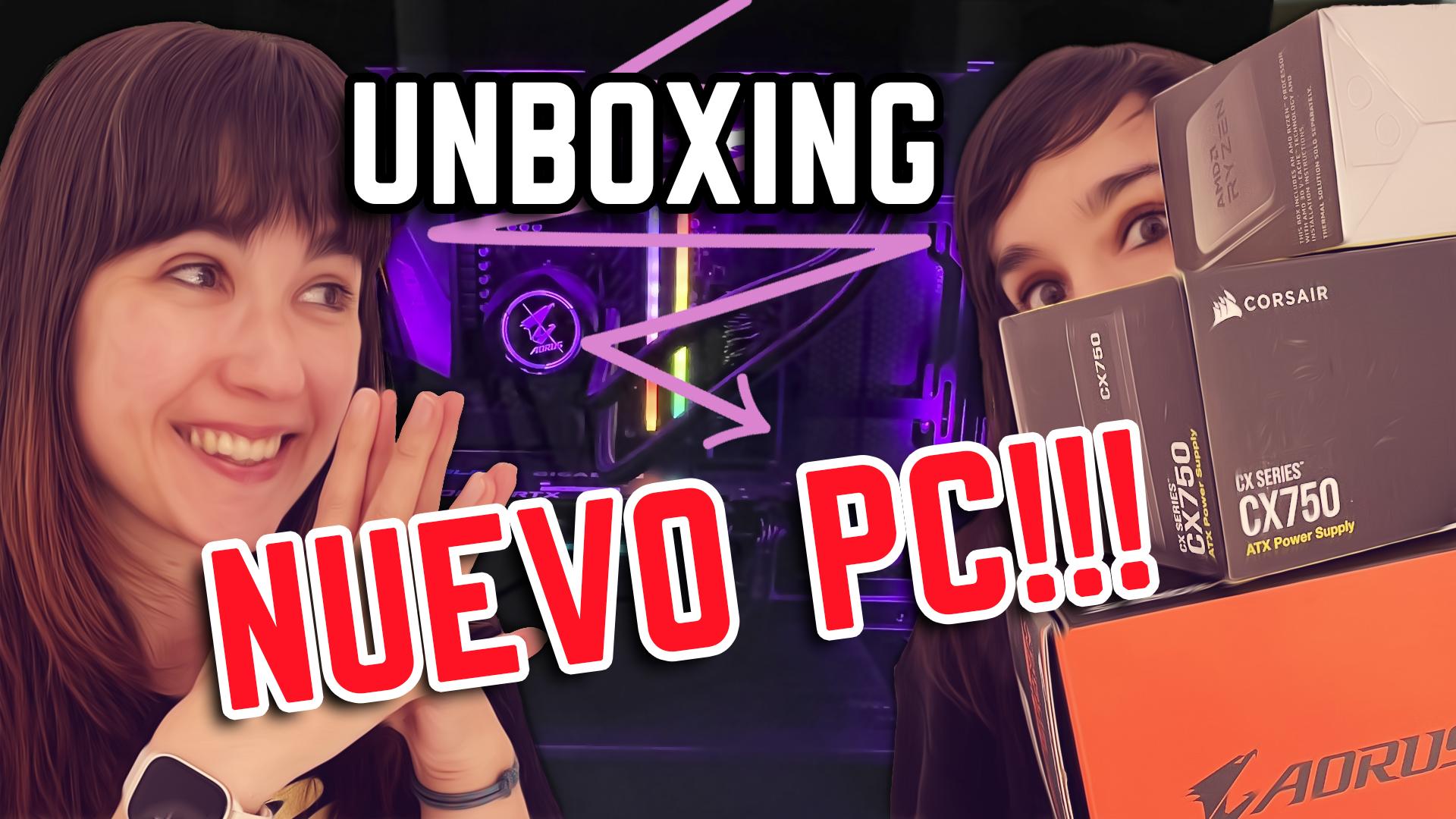
NUEVO VÍDEO!
Esta semana lo hemos sacado un pelín más tarde porque tuvimos problemas técnicos de edición.
Pero al final nos ha quedado tremendo unboxing con TODO EL NUEVO PC
Dadle mucho ♥️
https://youtu.be/f0e7DwTojpk