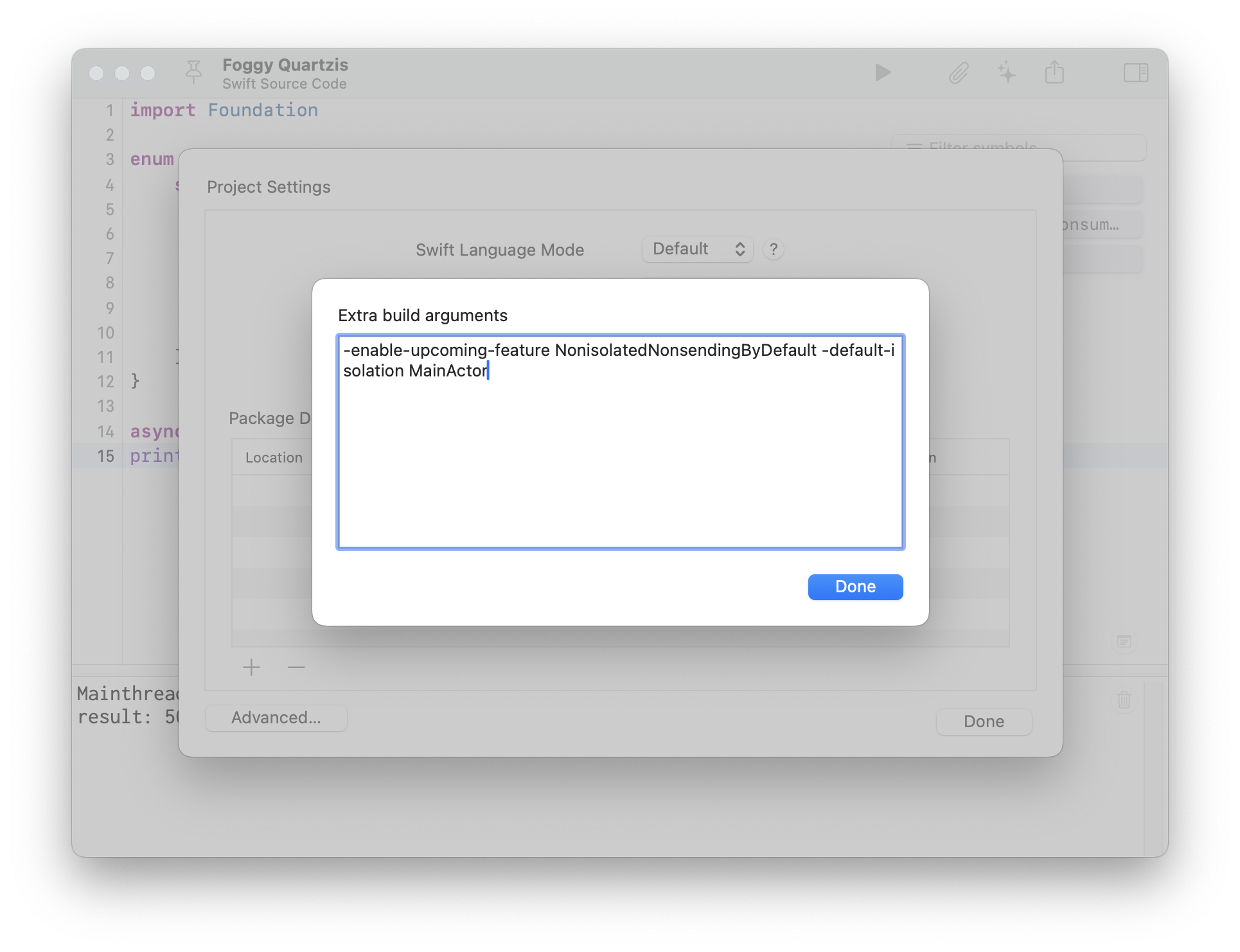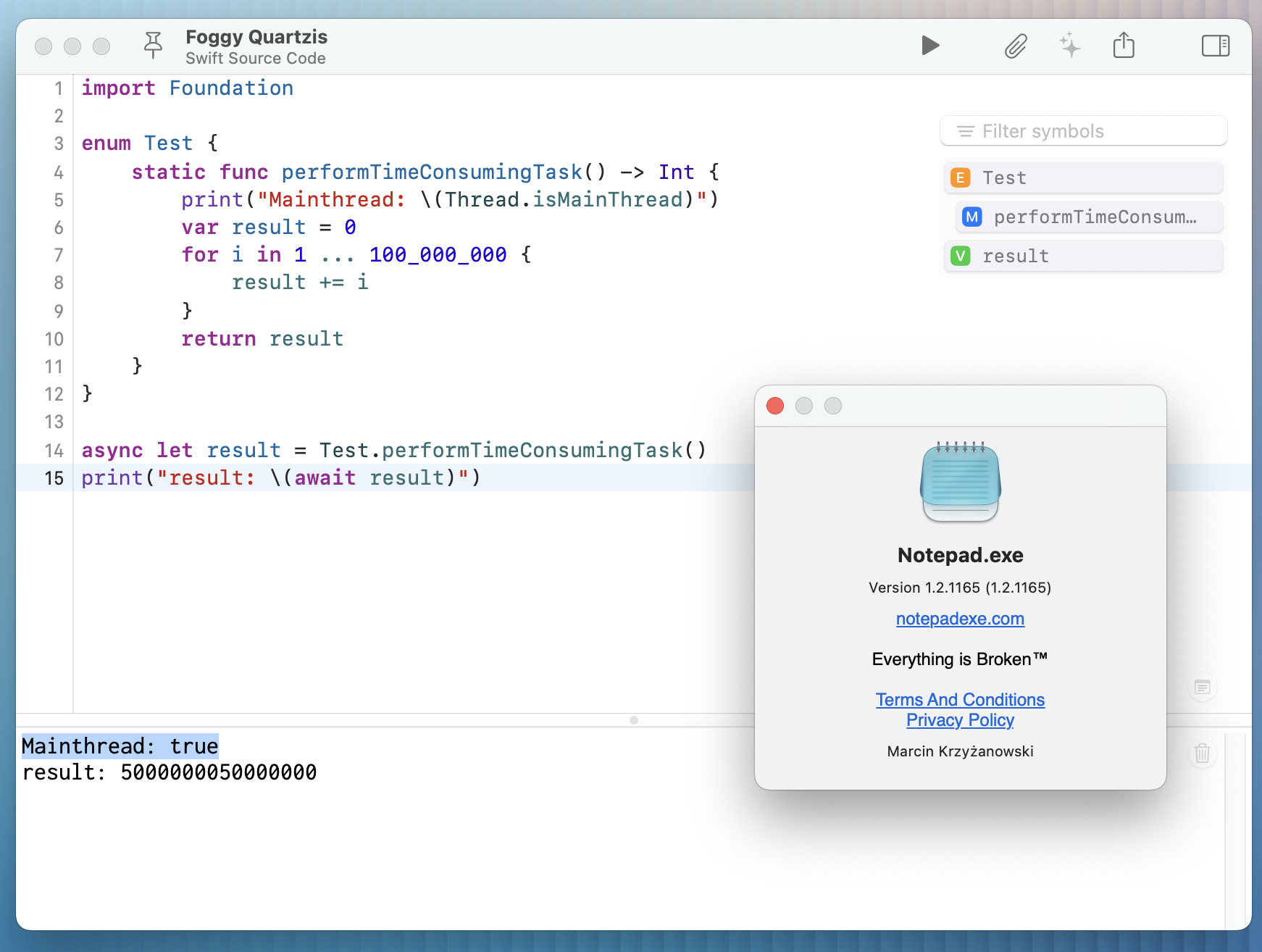
I released not one, but two updates over two days. The first update addressed bugs in the editor that had been bothering me, and the second update introduced a custom flags setting that allows testing upcoming features and tweaking build options. #notepadexe
enjoy: https://notepadexe.com
macdev
Have you tried Instruments but gave up because you couldn’t interpret the profiling data?
If so, my book Profiling Swift Apps may help you make sense of the profiling data and figure out what’s wrong in your app. Learn more about the book at the following link:
Atlas: Write and Collect version 1.2.1 is out!
LaTeX embed support, rebuilt editors for links and images, improved statistics tracking (including current selection), improved web previews, offline caching, a whole slew of system and UI related improvements, and a bunch of user suggested things, too! I may have gone a little overboard but it feels good.
Release Notes: https://contagious.dev/blog/atlas-1-2-1-latex-improved-link-image-editing-and-better-statistics/
App Store: https://apps.apple.com/us/app/atlas-write-and-collect/id6755169090
Do you have performance problems in your app, such as the app running slow or using tons of memory? Do you struggle to find the cause of those problems?
If you answered Yes to both questions, my Profiling Swift Apps book can help. The book shows you how to use Instruments to find performance problems in your app and find the cause of any problems.
You can learn more about the book at the following link:
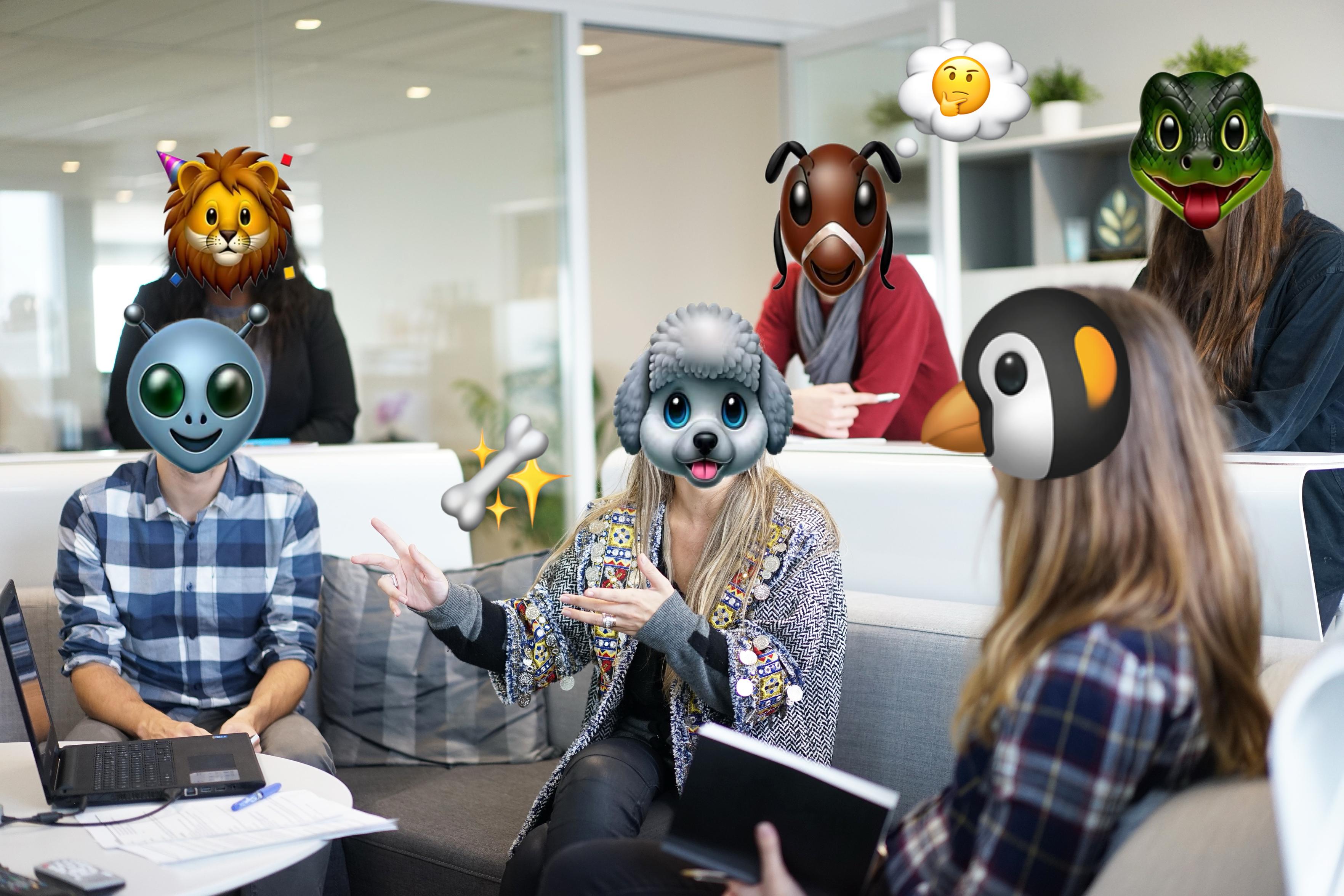
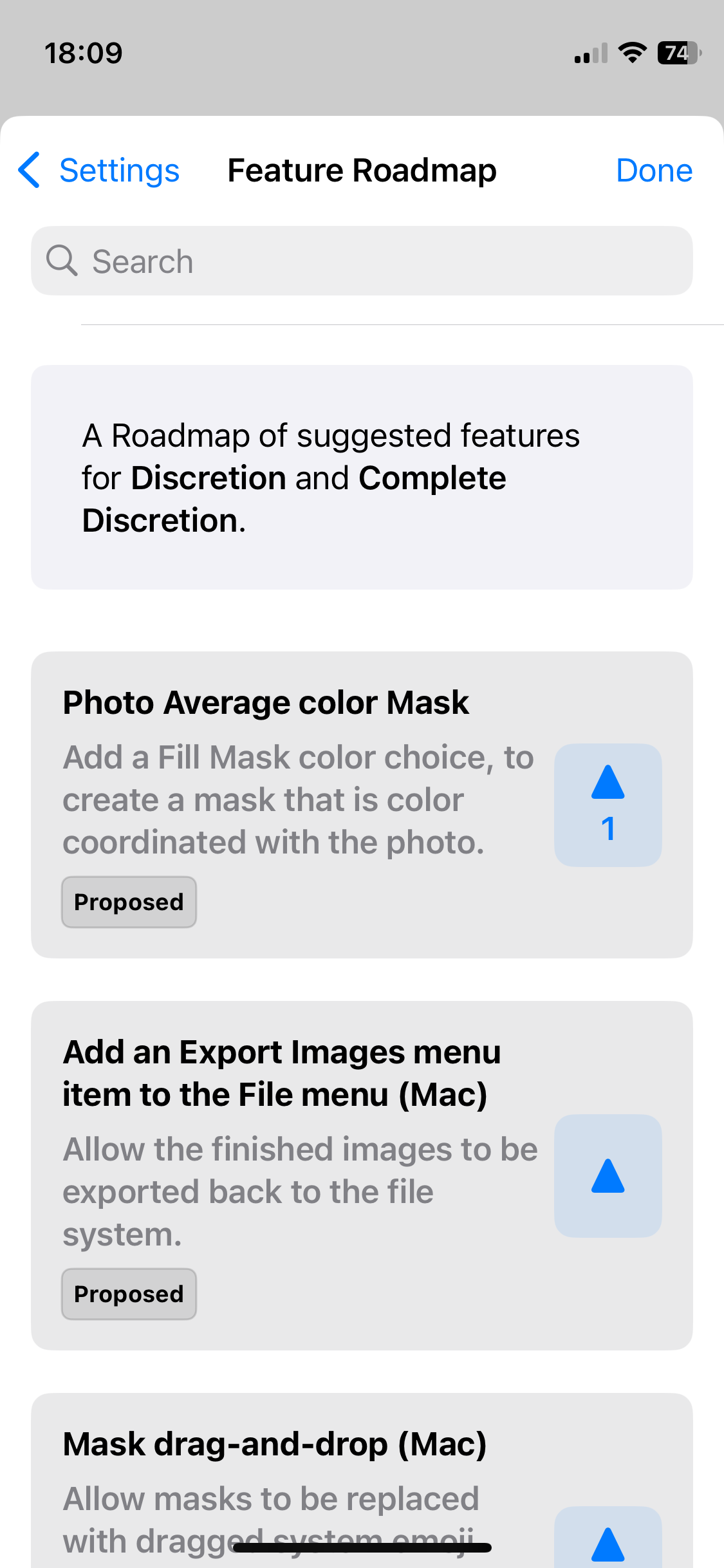
1: New TestFlight release for “Discretion” with Genmoji support for masking faces and feature voting. More info…[thread start]
YNAB is hiring a senior iOS developer! Must have at least 3 years of professional development experience writing native iOS apps, and though we're fully remote you must be located somewhere between PT and CET time zones. If you're motivated by doing mission-driven work alongside a team of wonderfully supportive, ego-free people... you'll love it here! https://iosdevjobs.com/jobs/m-718eb1ea-e3dc-43d9-81ae-38a5c7e14ea7 #Swift #SwiftLang #iOSDev #MacDev #iOSDevJobs
When clicking a hashtag in #Oliphaunt, which behaviour would you prefer?
• System contextual menu: supports keyboard navigation, blocks scrolling
• Custom popover view: doesn’t support keyboard navigation, allows scrolling
Your feedback is much appreciated!
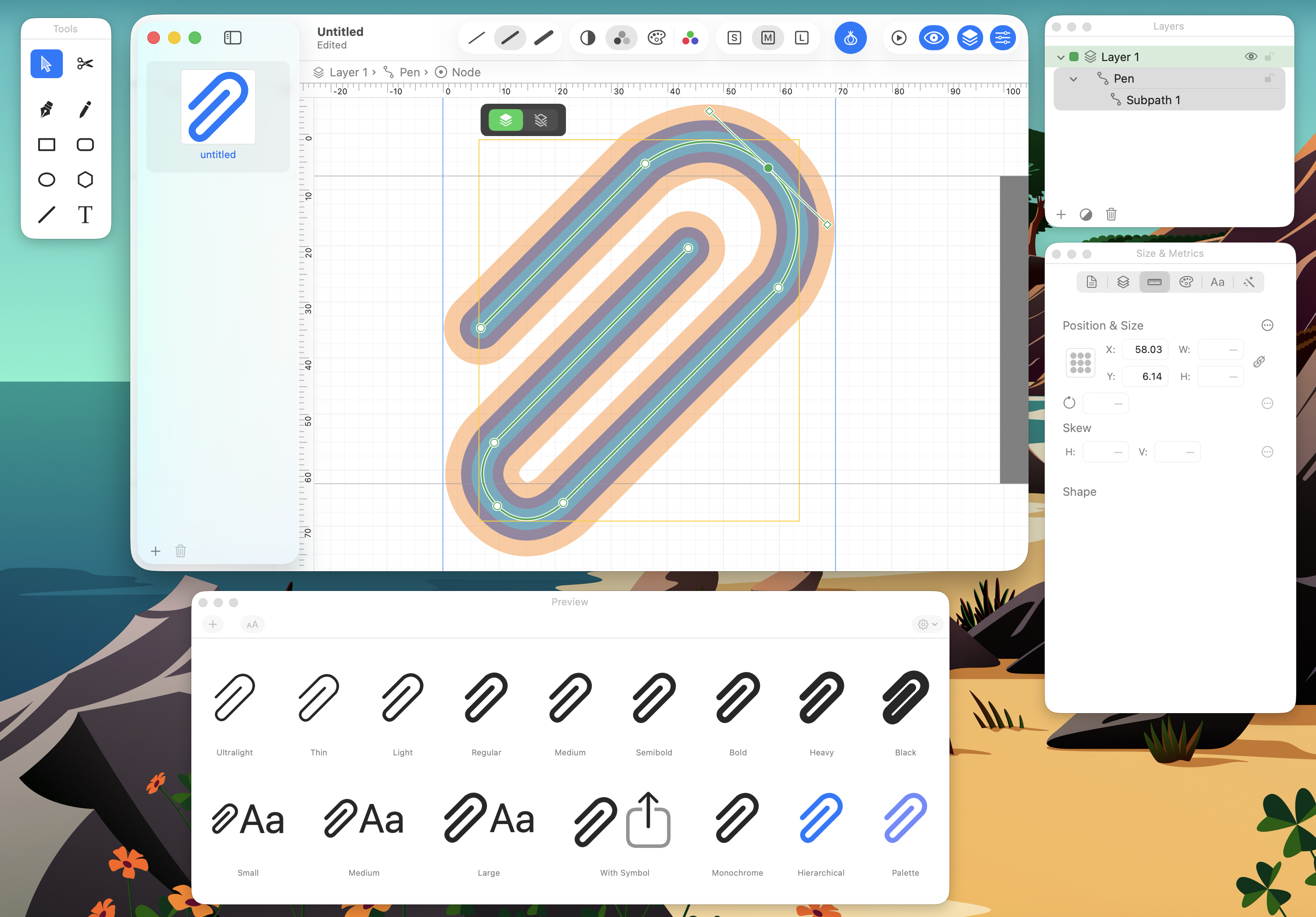
I'm working on McKinley, a Mac app for making SF Symbols, launching soon around the end of August!
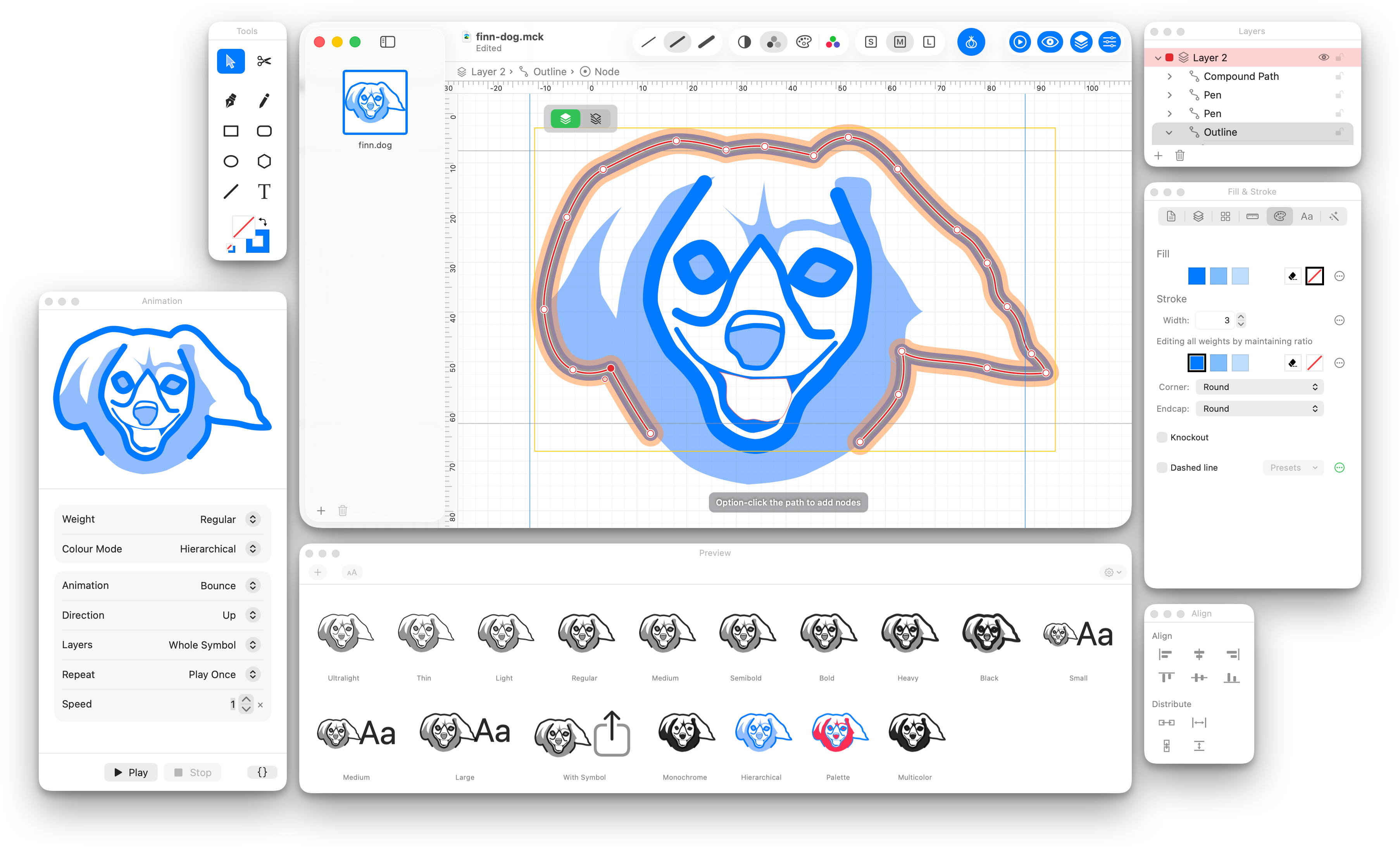
Do your vector editing within McKinley, or import SVGs from any source. Make variable symbol weights by setting line widths or adjusting geometries. Preview in-app, including animation, and export straight to an asset catalog.
To be informed on release, join our mailing list: https://double-thrice.eo.page/h9jv5
Video demo: https://youtu.be/enZ5A_bTdfg
Introducing the icon for McKinley, made by the wonderful @Iconfactory via their “indie special" deal!
https://iconfactory.com/indie-icon-deal/
McKinley is releasing on 7th September: https://mckinleysymbols.com
MCKINLEY IS OUT NOW!
McKinley is a Mac app for making SF Symbols, combining a vector editor, tools that understand symbol weights, smart preview, an export that skips the tedium of converting strokes to paths, and automatic Xcode asset catalog sync.
Normally $60 (one-off purchase), but there's a 15% launch week discount (to $51) until Sept 14th!
And for those asking, it's named for McKinley Square in San Francisco.