Hey #WebDev I need to recommend some web developers to a bunch of small business clients. I'd want the web developer to specialize in #Accessibility across a wide array of industries. Can you put your resume links in the replies? #Shopify knowledge is a bonus, especially if you designed your own, accessibility ready, Shopify theme. A *LOT* of these folk use Shopify. #A11y #GetFediHired #Job #Jobs
accessibility
That's why, dear #OpenSource militants, people are reluctant to use alternatives. At least, some people.
One more post here said: "You should use LibreSpeed now, because SpeedTest is bought by some company, dealing with billionaires, something like that".
Okay, let's give it a try.
No main region — fine, at least there is heading level 1.
"Start" which should be a button, is… a piece of text. Nice? Nice.
then there is the server combo box, then ping, download speed, upload speed — all at zero, because we haven't started yet. Why is it showing at all? Question.
Okay, we are advanced peeps, we press space on Start and pray. Yes, it launches.
The results are not a region, no ARIA-driven announcements, no separate headings…
I mean, it's a dead simple service.
You might think I want to just bash LibreSpeed. No, I don't, at least, it's not my goal.
It's just an example. SpeedTest did it better — not perfect though, there are unlabeled elements, I want more headings, etc., but Start Test is a button, there are live ARIA announcements throughout. Hence I'll use SpeedTest. Because it's accessible. Because it's convenient. Because it's better UX.
And this is true for everything: operating systems, office suites, clouds (see my previous angry post about Nextcloud and inaccessible Copy Link dialog which Microsoft and Google managed to do accessibly).
We are roughly 15% of population. And also we have family, friends and people that listen to us.
Make this world accessible, and only then preach about bad billionaires, trackers and whatever else. You can repeat your mantras, but they won't get to my ears nor to my heart — I'm blind, and I need to work and to live in the digital world. And for that I need —
#Accessibility!
RE: https://infosec.exchange/@prism/116597464382403391
This is a great take. I CAN write a bunch of tools to make games, websites, tools and applications more accessible. Doesn't mean that I SHOULD BE FORCED to do so. This is people who have given up on their fellow man actually caring enough to include them when planning, designing and developing things, not a first-line solution. This is people who fall back to their last resort before getting fired because #accessibility apparently wasn't sexy enough for the devs making the tool they use at work. I'll give a free summary before #GAAD even kicks off: We all need to do better, preferably yesterday, because quite honestly, the state of #accessibility all across the board is abysmal right now.
That's it, people. With lots of emotion I announce the first release of my first ever open-source desktop app. Who happen to know I'm blind will laugh (and I share that laugh, so feel free and don't hold yourselves): it's an image converter. I was in need of an accessible solution for well… converting images from one format to another and didn't find anything, especially that supported ICO needed, for example, for making favicons for websites.
Anyway, it's a dead simple and of course accessible #Windows app that can work with most popular image formats, can convert in batches, can do favicons, application icons, resize with keeping proportions or cropping as you wish (very useful if, for example, you need a photo of yourself but 128x128 pixels and not a pixel wider). You can paste images straight to the main window, and you can even paste direct links. It also supports detecting and downloading files that are stored in clouds (I tested with OneDrive).
Anyway, it's called SIC! (for the Latin word "Sic" and for "Simple Image Converter"). Oh, and it's multilingual, supports English, French, German, Ukrainian and Russian for now. And yes, you can use it as installed software or in portable mode, and it doesn't go to the Internet (only to check for updates), unless you add an image by link or prefer to update automatically. I reiterate: your images are converted on your device and don't go anywhere.
Official page: https://oire.org/software/sic
GitHub: https://github.com/Oire/sic
Issues are welcome. Discussion of the 1.0.0.23 release: https://github.com/Oire/sic/discussions/29
#Accessibility #OpenSource #Software #SelfPromoting
Anyone into broadcast radio might enjoy this story about supporting a blind producer as much as I did. And sfba folks: This story largely focuses on people at our own KALW.
https://transom.org/2026/why-and-how-to-hire-a-blind-producer/
h/t @WeirdWriter
There is not a single reason to build a checkbox using something else than <input type="checkbox">.
Change my mind.
Welcome to a11yhood—a place to learn about and share open source accessibility technology.
https://a11yhood.org/
#a11y #accessibility #webdev #opensource
I've been communicating with a person on the #Mastodon team about some #Accessibility stuff related to #AltText and I am loving their communication style. Confirms everything, so nothing is misunderstood, but not in a defensive way. I wish I could say more, but I am excited for the 5.0 release! I believe the team is shifting to a more community based approach which I really like. I've been here for many, many, many, years, and I am really loving this more intersectional development approach the team appears to be striving for.
funding check-in <3
the account i use for project costs (altbot, wellness-ping, fuzzies.wtf, colo, vps, email) is running low again.
i keep that money separate from my personal money on purpose, so running these free services doesn't quietly come out of my own pocket like it used to. it's at the point where i'd rather say something than just absorb it.
all of it is free, open source, no ads, no data selling. if it's been useful and you can spare anything, one-time or recurring, it really helps. and if not, a boost does too <33
https://github.com/sponsors/micr0-dev
https://ko-fi.com/micr0byte
(github is the preferred way, since it avoid's paypal and stripe fee's, but I also get if you do not like microslop!)
🎉 Happy Web Designer Day!
Today we celebrate designers, developers and all content authors who build a web that works for everyone based on @w3c's principles of #accessibility, #internationalization, #privacy and #security.
#WebDesignerDay #W3C #WebStandards #AboutW3C
#tech #dev #web #software #accessibility
Re: flat web design.
Buttons that don’t look like buttons.
I blew someone’s mind today. She’s about my age, competent at her job, but not much into technology.
She complained that she always needs to scroll past the weeks in her web-based calendar.
I pressed the current date shown in the top-left corner above her appointments, which pulled up a big date overview by month.
She was so excited, asked me how I did that.
Mind you, the date was shown as simple black letters on a white background, with only a black, downwards-pointing chevron a bit to the right. It hardly suggested interactivity, especially to those not knowledgeable about web design.
I often think that flat design was a mistake, and today’s situation was a good example of bad user experience (UX) stemming from non-intuitive controls.
“Our survey results indicate that across almost all categories, satisfaction with Apple’s accessibility offerings for blind, DeafBlind, and low vision users decreased when compared to 2024…Many categories saw their lowest individual ratings since we began this survey for the 2022 year…”
https://www.applevis.com/blog/apple-vision-accessibility-2025-applevis-report-card
The original blogger is dead, but still, fantastic resource for everything disability https://howtogeton.wordpress.com/ #Disability #Accessibility #SocialSecurity #Housing
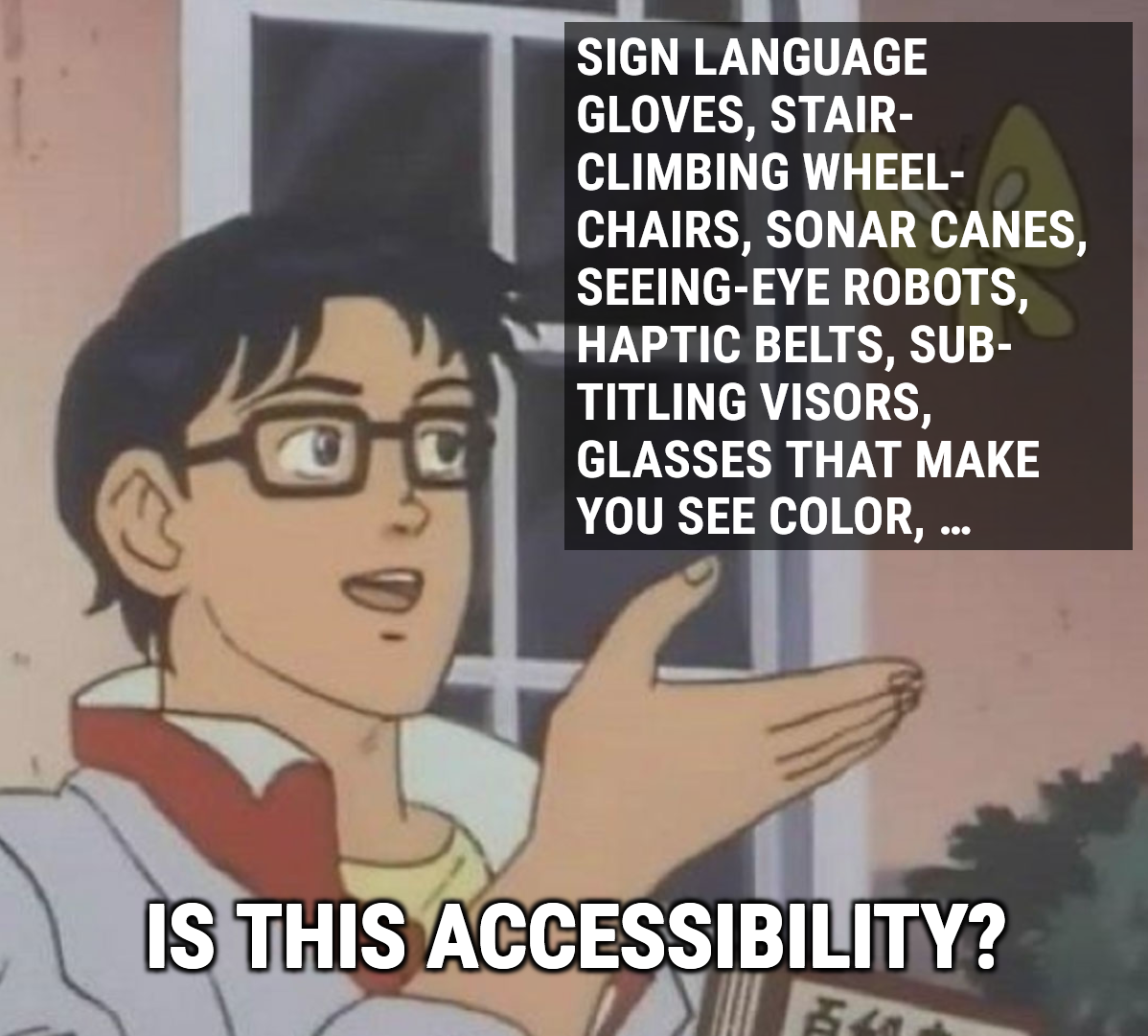
“The ‘Disability Dongle’: Why Silicon Valley Hates Me and you.” by @WeirdWriter:
https://sightlessscribbles.com/disability-dongle/
I’ve attached my disability dongle meme because yes.
Let's talk CLI/TUI and Developer Workflows!
I’m looking to refresh my local toolkit and I’m curious: what are the absolute "must-have" CLI or TUI programs in your current rotation?
Whether it's a specialized utility for a specific language, a terminal-based interface for a common service, or a workflow-changing alias, I want to hear about it. I’m especially interested in tools that prioritize keyboard-driven navigation and accessibility.
My Current Favorites:
To get the ball rolling, here are a few tools I’ve been leaning on lately:
uv — Fast, reliable Python package and project management.
fzf & ripgrep — The classic duo for fuzzy finding and searching.
tmux — For session management and persistent terminal workspaces.
jq / yq — Essential for wrangling JSON and YAML without leaving the prompt.
What about you?
What is one tool you've discovered recently that you can't live without?
Are there any TUI-based clients for web services (like Mastodon, GitHub, or RSS) that you recommend?
Do you have a favorite "hidden gem" script or small utility?
Mentions & Groups
@programming
@linux @terminal_u_i@lemmy.ml @selfhosted
Hashtags
#CLI #TUI #Terminal #OpenSource #FOSS #Programming #DevTools #Linux #SysAdmin #Workflow #Python #Backend #ArchLinux #KeyboardDriven #Accessibility #SoftwareDevelopment #TechTalk
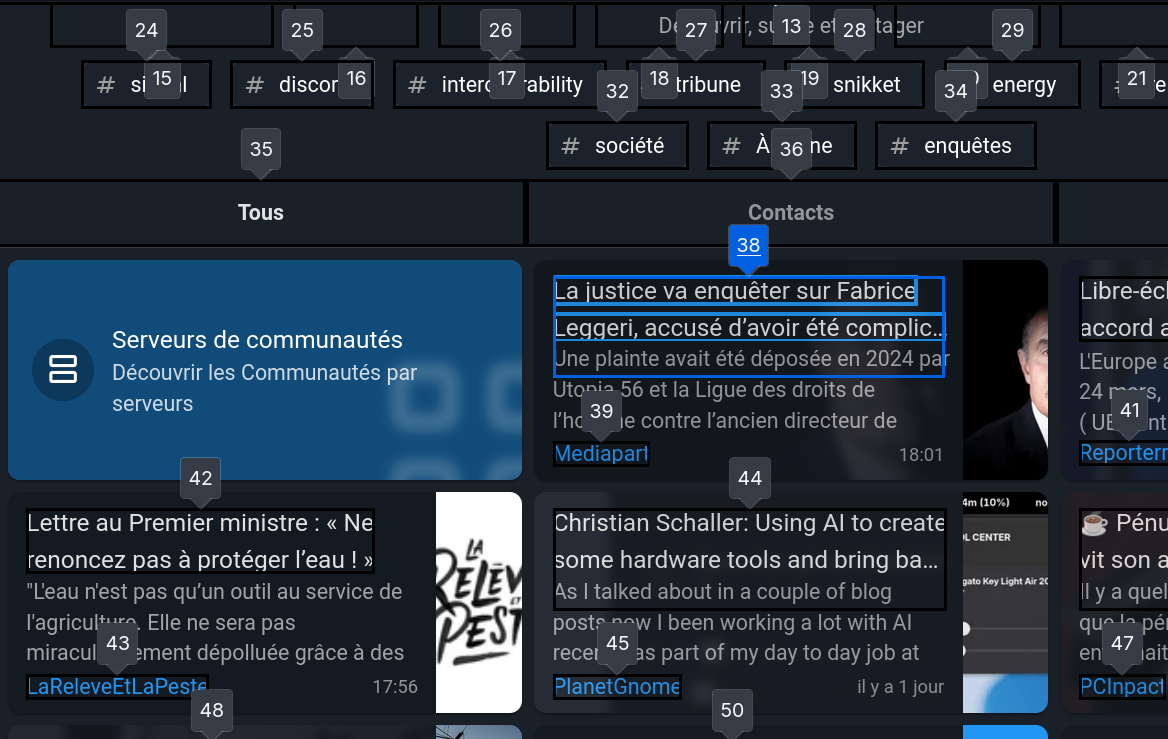
Because free software is also about accessibility, I'm doing some important work in Movim to ensure that the user interface can be navigated using the keyboard only. ♥️
This work also involves proper labeling and description of the page elements for people with visual impairments. 💬
This side project is supported by @nlnet. Thanks to them for making Movim an even better communication platform for everyone. ✨
has anyone who relies on assistive technology (screen readers or otherwise) tried Zed or one of its forks? https://zed.dev/blog/zed-1-0
whenever a new thing boasts about having reached "1.0", i get real curious about its accessibility. if it wasn't built with accessibility in mind, it becomes more difficult to make it accessible afterwards.
We just released GATO: Godot Accessibility Toolkit!
https://www.youtube.com/watch?v=wcZvJXkqy4o
It's a collection of demos and free tools to implement accessiblity features in your games. Links in replies!
I've recently jumped on the Tailscale bandwagon and am loving it. What's astounding to me is that in several days of using it as a screen reader user, I've encountered only a single minor accessibility issue across web, Windows and iOS. It is an absolute dream to use from an #accessibility standpoint, even its "visual" access controls editor. In a world where most tech products (*especially* those from high value tech companies and startups) are riddled with painful accessibility papercuts at best, complete barriers at worst, this is actually incredible. And unlike some tech companies that publicly wax lyrical about how they have such a great accessibility model and how everyone should learn from their work, then ship utter crap that is utterly exhausting to use for people with disabilities, Tailscale has just done the work without any public grandstanding. I don't give such praise lightly, but it's nice to be able to call out great accessibility work for a change. Thanks @tailscale. Please keep up the good work and don't let it slip as you grow.
Sigh, my timeline at a11y.social has not been updating since may, so I think it is finally time to move my #accessibility-related posting to a new server.
It seems like the instance with the most #a11y-related content coming from it is front-end.social, but registration is not open. Does anyone there have an invite link that I could use?
I'm also open to other domain suggestions!
App idea... 🤔
But I'm a n00b, so it's just something that I would LOVE 🩷 to use, should it be possible/available.
Since I've joined the Fedi, I learned more about the importance of alt texts.
I wish my android phone/tablet would have an app, where it would be possible to save alt texts with the pictures.
So, I have pictures on my phone. Through the app, I am able to attach alt texts to these pictures.
Now, every time I want to share one of these pictures, the alt text is right there with them!
Instead of needing to retype/remake alt texts every time I want to share a certain picture, I can just copy it from the app, and add it to my share...
I am currently doing this through Flickr, in a way. I save my pictures there, add the alt texts to the descriptions. And when I want to share the pictures somewhere else, I'll try to find the ones on Flickr, and I'll copy the description there.
This has some pros, but also cons...
So, I was wondering... With the eye on accessibility, and on saving spoons by being able to quickly add/save alt texts to the pictures in our gallery... Maybe someone much cleverer 😉 than I am could make this happen...
Maybe someone could make a gallery app that will allow you to save alt texts to the pictures, for easy accessibility/sharing...
Casting a large net here but does anywhere in my circles do #accessibility consulting for the web?
Edit: thank you everyone for helping me out! I have some solid leads I’ll track down on Monday.
Enhancing airflow in classrooms is vital for #Accessibility. Our new blog reveals how the Airwareness App visualizes #COVID transmission risk in real time and helps pinpoint the best strategies for better indoor air. Because everyone deserves to breathe easy. Check it out:
Friends of the fediverse, my ability to use devices has reduced a lot recently due to a worsening arm and neck pain.
I unfortunately rely on computers for everything (to make a living, for fun, for organizing, for communications and a good part of my social life)
I'm (regrettably for the first time) about to dive into accessibility features of my devices to figure out ways to limit using my arm while still being able to navigate day to day activities
so, advice from those with experience is highly appreciated!
Pixy's Journey