
Edited 88d ago
lxqt
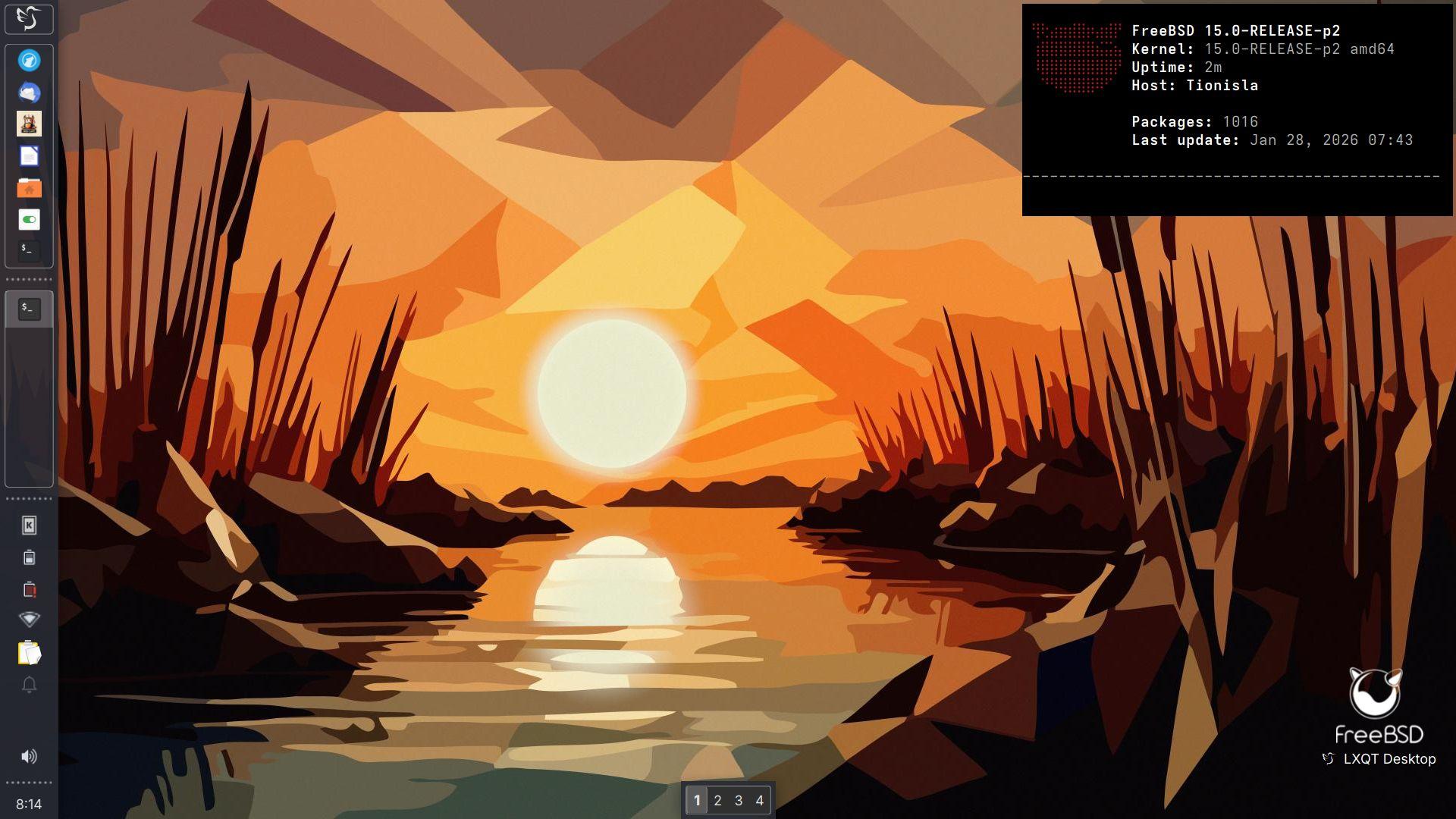
Main: "Tionisla - Dell Latitude e6540
Kernel: 15.0-RELEASE-p2 amd64
Operating System: FreeBSD 15.0-RELEASE-p2
Desktop: LXQT 2.3.0
Windowmanager: XFWM4
Qt Version: 6.10.1
Graphics Platform: X11
Edited 65d ago
Right in the process of changing my Desktop Environment from KDE/Plasma to LXQT on my main laptop .
Main: "Tionisla - Dell Latitude e6540
Kernel: 15.0-RELEASE amd64
Operating System: FreeBSD 15.0-RELEASE-p1
Desktop: LXQT 2.3.0
Windowmanager: XFWM4
Qt Version: 6.10.1
Graphics Platform: X11
Styling:
gtk2/3/QT/XFWM: Greybird
LXQT: Sombre-et-Rond
Icons: Qogir
Wallpaper: "Sonnenuntergang_im_Schilf" (Sunset in the reeds) by @orbite lamba
https://bsd-hardware.info/?probe=7e1c664559
#lxqt #xfwm4 #freebsd #runBSD #screenshot #desktop #unix #foss

Edited 83d ago

I've been messing around with #LXQT in a vm lately. I really kind of like it.
Is anyone using LXQT in a multi-head / multi-monitor configuration?
Any issues with where it defaults to placing new apps, resuming from screensaver or hibernation, adding/removing displays while running? Anything else I'm not thinking about?
Edited 58d ago
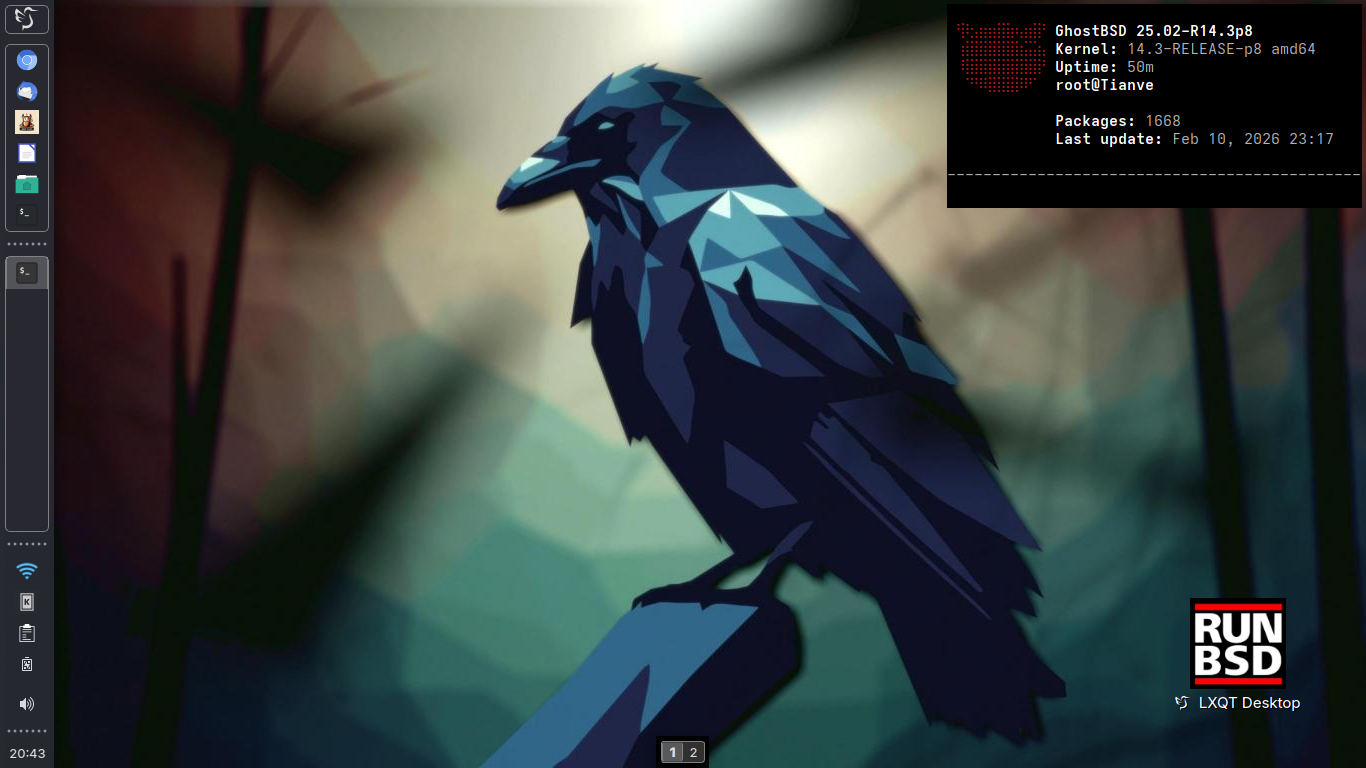
Secondary: "Tianve" - HP-250 G3
Kernel: 14.3-RELEASE-p8 amd64
Operating System: GhostBSD 25.02-R14.3p8
Desktop: LXQT 2.3.0
Windowmanager: XFWM4
Qt Version: 6.10.1
Graphics Platform: X11
https://bsd-hardware.info/?probe=77494a1526
#runbsd #freebsd #ghostbsd #unix #foss #lxqt #desktop #screenshot
Edited 51d ago
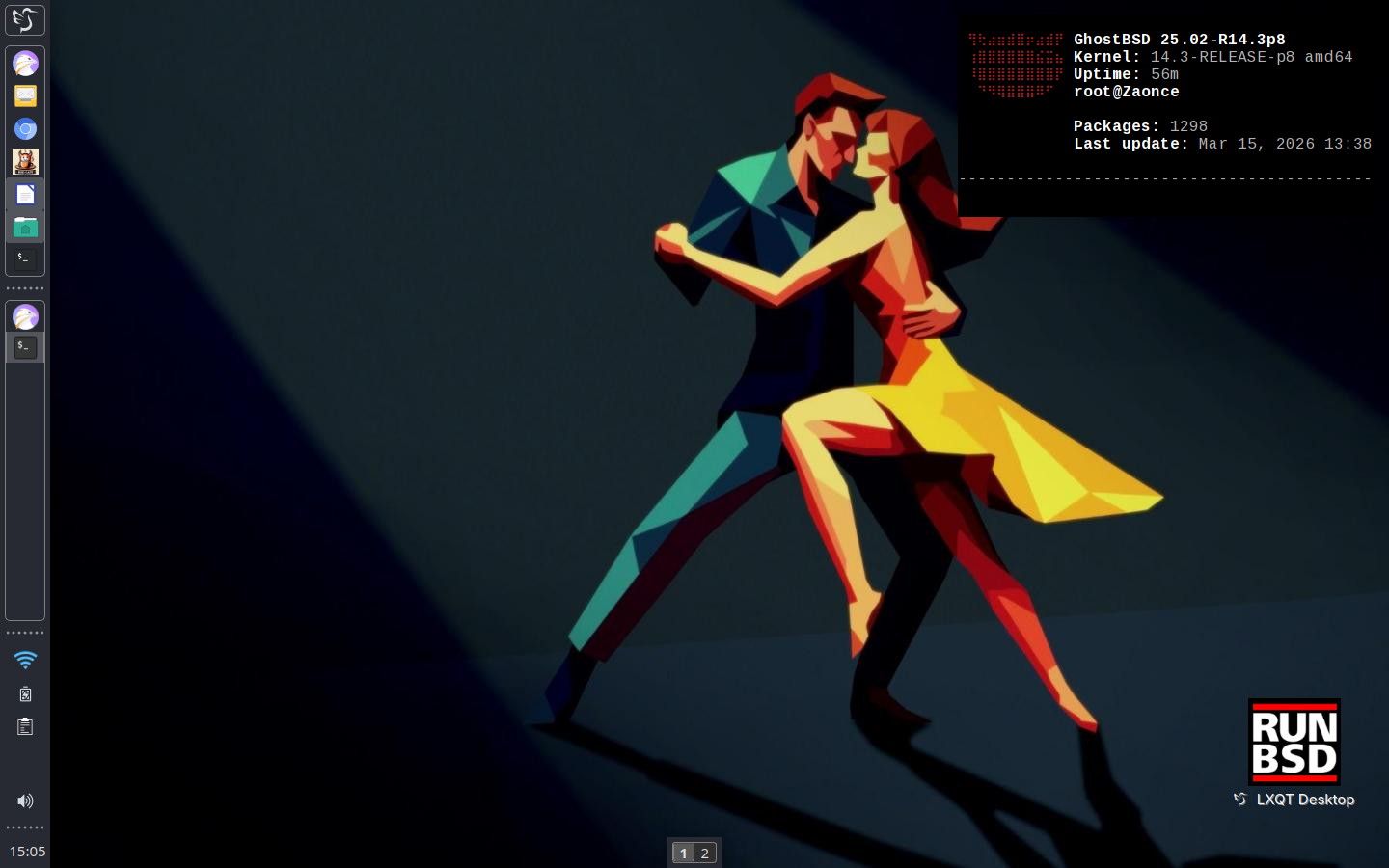
Old: "Zaonce" - Dell Inspiron 1525
Kernel: 14.3-RELEASE-p10 amd64
Operating System: GhostBSD 25.02-R14.3p8
Desktop: LXQT 2.3.0
Windowmanager: XFWM4
Qt Version: 6.10.1
Graphics Platform: X11
https://bsd-hardware.info/?probe=2904d8ae09
#runbsd #freebsd #ghostbsd #unix #foss #lxqt #desktop #screenshot
Edited 3d ago